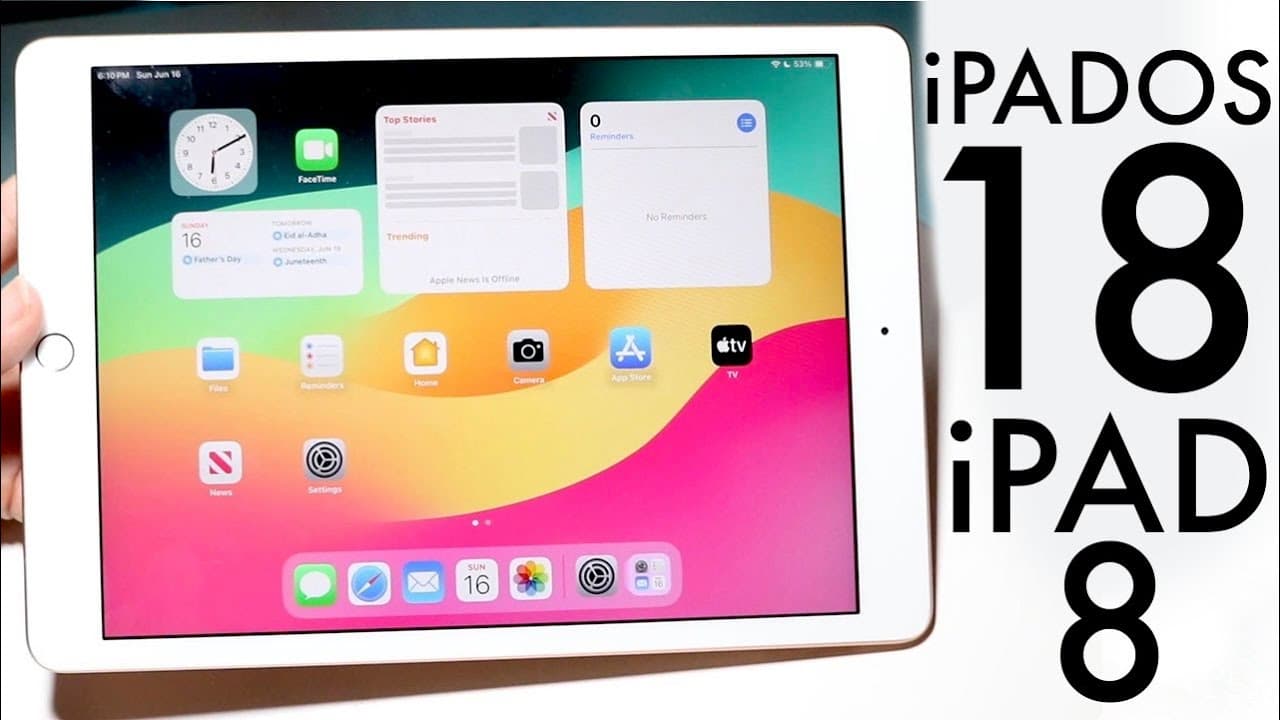
iPadOS 18 On iPad 8th Generation! (Review)
TL;DR
iPad OS 18 brings various enhancements, but users should wait for the official release.
Transcript
hello everyone it's time for us to go and take a look at iPad OS 18 on one of the oldest supported iPads on iPad OS 18 which is the iPad a generation and there's a lot of cool stuff and a lot of cool improvements inside of this particular iPad in this particular software update so if you go and take a look you can see that this update size was abou... Read More
Key Insights
- 😀 iPad OS 18 brings substantial improvements to user interface customization, allowing better app organization on the home screen.
- 🎮 The updated control center offers a more dynamic experience with customizable widgets, making it easier to access important functions.
- 🔒 Applications can now be locked for added security, providing an additional layer of privacy for sensitive apps.
- 👤 Messaging features have been redefined with RCS support and scheduling options, ensuring users can communicate more effectively.
- 👾 Game mode has been introduced for a smoother gaming experience, catering to a growing user base of mobile gaming.
- 🈸 Upgrades in Apple Maps and the Photos app enhance navigation and photo management, showcasing Apple's commitment to improving usability across applications.
- 🥶 The overall performance of iPad OS 18 on older devices shows that Apple maintains a focus on stability, although users are advised to wait for the official release.
Install to Summarize YouTube Videos and Get Transcripts
Explore YouTube Video Summarizer or Get YouTube Transcript Extractor
Questions & Answers
Q: What is the size of the iPad OS 18 update for the 8th generation iPad?
The update size for iPad OS 18 on the 8th generation iPad is approximately 6.17 GB, which is fairly substantial. This size indicates that the update includes a variety of new features and improvements designed to enhance the overall functionality and performance of the device.
Q: What notable feature allows users to rearrange icons on the iPad's screen?
iPad OS 18 introduces the ability to move applications anywhere on the display. Users can hold down on an app and drag it to their desired location, allowing for greater customization of the home screen. This feature contributes to a more personalized and user-friendly experience on the device.
Q: How does the control center improve with iPad OS 18?
The control center has received significant updates, including the ability to add and move widgets and application icons. Users can customize the layout by clicking the plus icon and rearranging elements according to their preference, enhancing accessibility and convenience for quick settings and features.
Q: What new functionality does messaging receive in the latest update?
Messaging in iPad OS 18 includes support for RCS messaging, new text icons, scheduled messages, and various enhancements to tapback features. These updates aim to improve communication flexibility and interactivity, making messaging on the iPad more feature-rich and user-friendly.
Summary & Key Takeaways
-
iPad OS 18 is a significant update even for the older 8th generation iPad, providing a 6.17 GB upgrade that enhances user experience with performance improvements and new features.
-
Key features include movable applications on the home screen, an upgraded control center with customizable widgets and app icons, and added security for locking apps with Touch ID or Face ID.
-
The update also enhances messaging capabilities with RCS support, introduces new scheduling options, and brings updates to apps like Apple Maps and Photos, though users are advised to wait before installing.
Read in Other Languages (beta)
Share This Summary 📚
Summarize YouTube Videos and Get Video Transcripts with 1-Click
Try YouTube Summary with ChatGPT & Claude or YouTube Transcript Generator
Explore More Summaries from Simple Alpaca 📚






Summarize YouTube Videos and Get Video Transcripts with 1-Click
Try YouTube Summary with ChatGPT & Claude or YouTube Transcript Generator