List.Accumulate in Power Query with Practical Examples
TL;DR
List.Accumulate is a powerful function in Power Query that allows for iteration and accumulation of results, making it useful for various data manipulation tasks.
Transcript
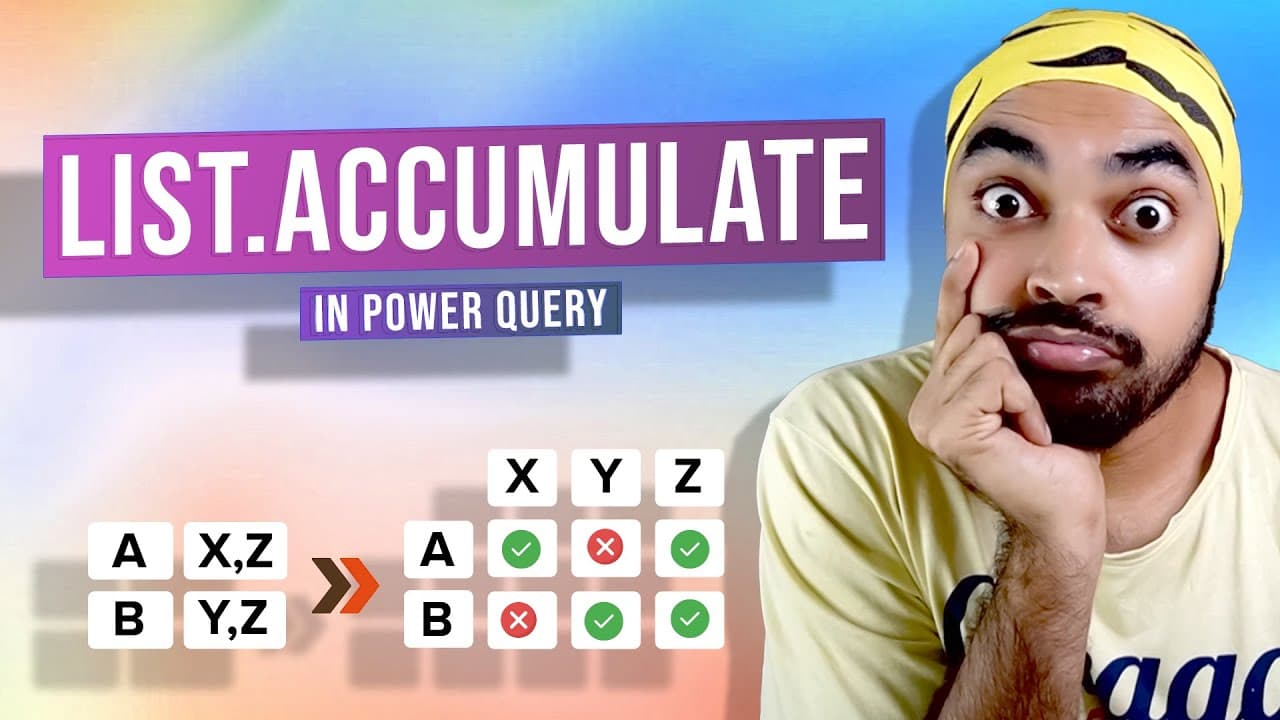
in today's video i have the perfect opportunity to talk about the function called list dot accumulate i'm sure you must have heard of this function list or cumulative power query really really powerful and i would like to demonstrate how this function works to you and use the problem that i gave you in power query to talk about its capabilities and... Read More
Key Insights
- 👂 List.Accumulate is a powerful function in Power Query that enables iteration and accumulation of results.
- 👂 Understanding the syntax and behavior of List.Accumulate is crucial for utilizing its capabilities effectively.
- 😥 The seed parameter determines the starting point for accumulation, allowing flexibility in the function.
- 👣 The state and current variables help keep track of the output and current item in each iteration.
- 👂 List.Accumulate can be used for various tasks, such as concatenation, arithmetic operations, and creating dynamic columns.
- 👂 While List.Accumulate may not be the only solution for every problem, it offers a flexible and efficient approach for many data manipulation tasks.
- 👂 Exploring different examples and solutions shared by others can further enhance the understanding and usage of List.Accumulate.
Install to Summarize YouTube Videos and Get Transcripts
Explore YouTube Video Summarizer or Get YouTube Transcript Extractor
Questions & Answers
Q: What is the syntax of the List.Accumulate function in Power Query?
The syntax of List.Accumulate includes the list to iterate through, the seed or starting point, and two variables (state and current) to store the output and current item.
Q: What is the purpose of the seed in List.Accumulate?
The seed is the starting point for accumulation and can be any value. It determines the starting state for the function.
Q: How does the List.Accumulate function handle iteration and accumulation?
The function iterates through each item in the list, applying a function to the current item and the previous accumulated result. The output of each iteration becomes the state for the next iteration.
Q: What can be the output of the List.Accumulate function?
The output of List.Accumulate can be a table, a list, or a single number, depending on the function applied and the desired result.
Key Insights:
- List.Accumulate is a powerful function in Power Query that enables iteration and accumulation of results.
- Understanding the syntax and behavior of List.Accumulate is crucial for utilizing its capabilities effectively.
- The seed parameter determines the starting point for accumulation, allowing flexibility in the function.
- The state and current variables help keep track of the output and current item in each iteration.
- List.Accumulate can be used for various tasks, such as concatenation, arithmetic operations, and creating dynamic columns.
- While List.Accumulate may not be the only solution for every problem, it offers a flexible and efficient approach for many data manipulation tasks.
- Exploring different examples and solutions shared by others can further enhance the understanding and usage of List.Accumulate.
- Taking courses or tutorials on Power Query, including specific modules on List.Accumulate, can provide in-depth knowledge and application of the function.
Summary & Key Takeaways
-
List.Accumulate is an iterator function in Power Query that can loop through each item in a list and accumulate the result over each iteration.
-
The function requires a list to iterate through and a starting point (seed) for accumulation.
-
The function uses two variables, the state and current, to keep track of the output and current item in each iteration.
Read in Other Languages (beta)
Share This Summary 📚
Summarize YouTube Videos and Get Video Transcripts with 1-Click
Try YouTube Summary with ChatGPT & Claude or YouTube Transcript Generator
Explore More Summaries from Goodly 📚



Summarize YouTube Videos and Get Video Transcripts with 1-Click
Try YouTube Summary with ChatGPT & Claude or YouTube Transcript Generator