How to Securely Erase Drives in a Synology NAS?
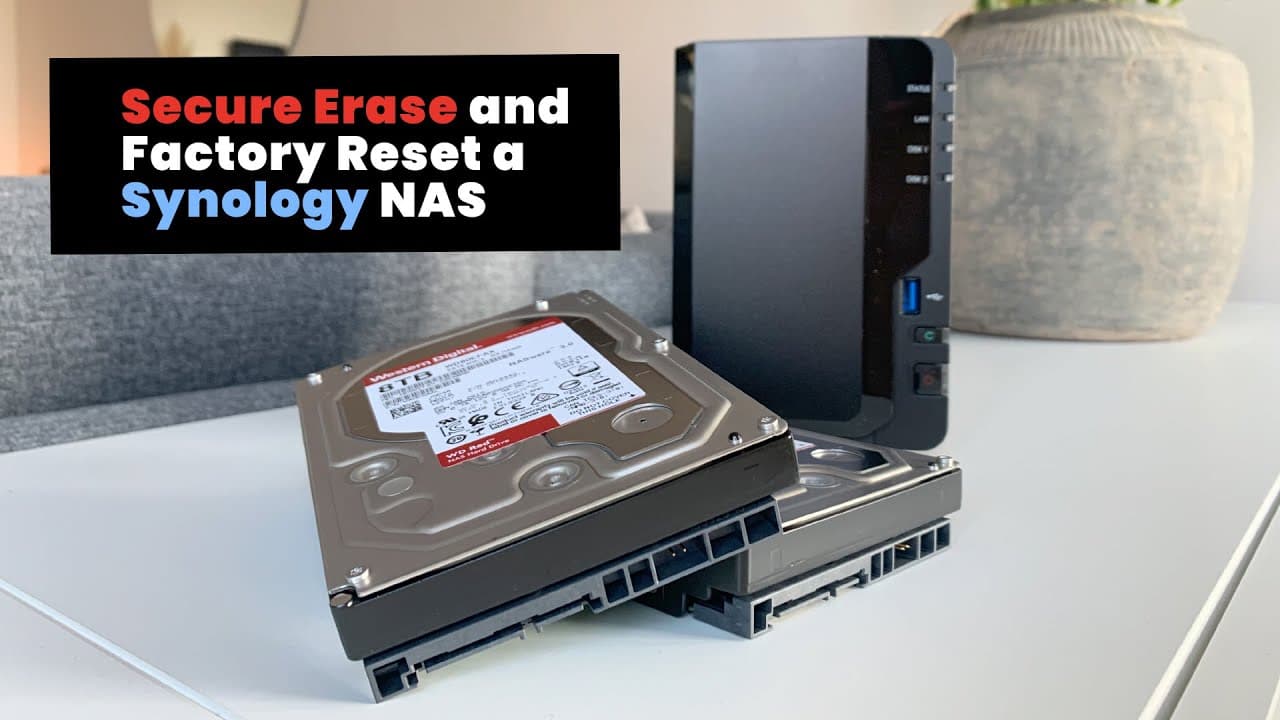
TL;DR
To securely erase hard drives in a Synology NAS, you need at least two drives. Begin by deleting existing volumes, then securely erase the first drive. Next, create a new volume, delete it, and finally securely erase the second drive. If issues arise, a factory reset can restore settings to facilitate the erase process.
Transcript
hi if you're selling or getting rid of your Synology NOS a good thing to prevent others from accessing their data on the hard drives is to perform a so-called secure erase I'm not going to go into debating whether or not secure a race is perfect or not I have however never been able to recover any files from a secure erased hard drive moving on the... Read More
Key Insights
- 🪛 Securely erasing hard drives is essential for protecting personal data before selling hardware.
- 🪛 The requirement of having at least two drives complicates the process of securely erasing hard drives due to DSM installation needs.
- 👶 The process involves multiple steps, including deleting storage pools and creating new volumes to facilitate the erase process.
- ⚾ Timing can vary significantly based on drive size, demonstrating the need for careful planning around secure erasure activities.
- 🧑🏭 Factory reset is a last-resort option when unable to erase the second drive through normal means.
- 👤 Users should document drive serial numbers to avoid confusion during the erasure process.
- ❓ Backup all necessary data before starting the secure erase, as recovery will not be possible afterward.
Install to Summarize YouTube Videos and Get Transcripts
Explore YouTube Video Summarizer or Get YouTube Transcript Extractor
Questions & Answers
Q: Why is a secure erase useful when selling a Synology NAS?
A secure erase is crucial for protecting personal data when selling or disposing of a Synology NAS. This process ensures that previous data is irrecoverable, thus preventing unauthorized access. By securely erasing the drives, the seller can confidently transfer ownership without the risk of sensitive data being compromised.
Q: What are the steps to securely erase a hard drive in Synology NAS?
To securely erase a hard drive in Synology NAS, first, delete all storage pools and volumes. Next, perform a secure erase on the first drive, then create a new volume from the existing drives. After that, delete this volume and secure erase the second drive. Following these steps ensures complete data removal.
Q: What problems might arise when attempting to secure erase both drives?
The primary issue is that only one drive can be secured erased at a time due to the DSM requiring installation on at least one drive. If the NAS fails to initiate a secure erase on the second drive, users may need to delete the storage pool and create it anew, or even perform a factory reset as a last resort.
Q: How long does a secure erase take for an 8 TB drive?
The secure erase for an 8 TB drive can be time-consuming, potentially taking over 12 hours to complete. This lengthy process is necessary to ensure that the data on the drive is permanently destroyed and cannot be recovered, emphasizing the importance of patience and planning when opting to securely erase drives.
Summary & Key Takeaways
-
Secure erasing a hard drive in a Synology NAS requires at least two drives since the operating system must be installed on one.
-
The process involves deleting existing volumes, secure erasing one drive, creating a new volume, and then secure erasing the second drive.
-
If issues arise preventing the second drive from being erased, a factory reset can be performed to restore the NAS to initial settings.
Read in Other Languages (beta)
Share This Summary 📚
Summarize YouTube Videos and Get Video Transcripts with 1-Click
Try YouTube Summary with ChatGPT & Claude or YouTube Transcript Generator
Explore More Summaries from Get There Faster 📚



Summarize YouTube Videos and Get Video Transcripts with 1-Click
Try YouTube Summary with ChatGPT & Claude or YouTube Transcript Generator