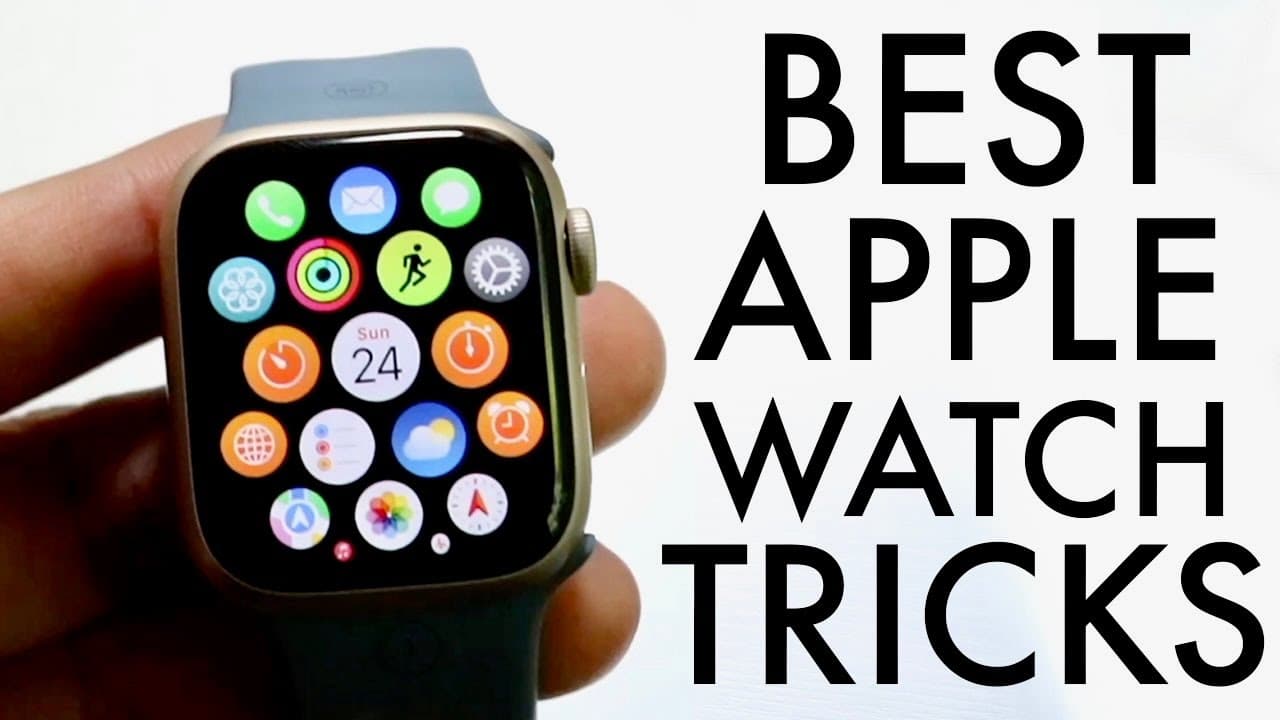
Apple Watch Series 9: BEST Tricks & Tips!
TL;DR
Updating your Apple Watch Series 9 is essential for optimal performance and new features.
Transcript
everyone the Apple Watch series 9 has just officially came out so I want to break down some of my favorite tricks and or tips that you should definitely consider when you're buying something like the Apple Watch series 9 now the very first thing I would recommend every single person to do is to literally go through and update your Apple watch as so... Read More
Key Insights
- 👶 Updating the Apple Watch as soon as it is purchased is highly recommended to access new features and fixes.
- 👀 The accessibility features, such as quick actions, improve interaction and usability of the watch.
- 👻 Users can modify their watch interfaces easily, allowing personalized experiences tailored to individual needs.
- 👤 The transition to accessing the control center through the side button enhances functionality for users in watchOS 10.
- 😴 The ability to ping your iPhone from the watch streamlines the process of locating devices when misplaced.
- 🎹 Swipe keyboard functionality adds versatility to composing messages but may require practice to master effectively.
- 💁 Taking screenshots on the Apple Watch is straightforward, expanding the ability to share visual information with others.
Install to Summarize YouTube Videos and Get Transcripts
Explore YouTube Video Summarizer or Get YouTube Transcript Extractor
Questions & Answers
Q: Why is it important to update the Apple Watch Series 9 immediately after purchase?
Updating the Apple Watch Series 9 immediately is crucial because it ensures you have the latest software enhancements, bug fixes, and security updates. Many users may not realize that their watch could have issues addressed in updates waiting for them. By keeping the device updated, users maximize performance and functionality right from the start.
Q: How do I enable and use the double tap feature on my Apple Watch?
To enable the new double tap feature, ensure your watch is updated to the latest software. It may involve navigating to the settings under accessibility and enabling quick actions. Once set, you can simply perform a double pinch with your fingers to trigger a designated action, enhancing the overall usability of the device.
Q: How can I change watch faces on my Apple Watch Series 9?
To change your watch face, simply press and hold the current watch face, then swipe left or right to browse available options. You can add new watch faces by tapping the plus icon. Once you select a preferred face, you can further customize it by changing colors and widgets before saving your choice.
Q: What are the benefits of using the Apple Watch app on an iPhone?
The Apple Watch app on the iPhone provides greater customization options, enabling users to change watch faces, manage applications, and keep the watch software updated without directly interacting with the watch. It's also an efficient way to explore new features and make adjustments conveniently from your phone.
Summary & Key Takeaways
-
The first step after purchasing an Apple Watch Series 9 should be to update the software to benefit from bug fixes and improvements.
-
The new double tap feature and accessibility enhancements, including quick actions, enhance the usability of the watch, making tasks easier to perform.
-
Users can customize watch faces and access the control center differently in watchOS 10, providing a more streamlined user experience.
Read in Other Languages (beta)
Share This Summary 📚
Summarize YouTube Videos and Get Video Transcripts with 1-Click
Try YouTube Summary with ChatGPT & Claude or YouTube Transcript Generator
Explore More Summaries from Simple Alpaca 📚






Summarize YouTube Videos and Get Video Transcripts with 1-Click
Try YouTube Summary with ChatGPT & Claude or YouTube Transcript Generator