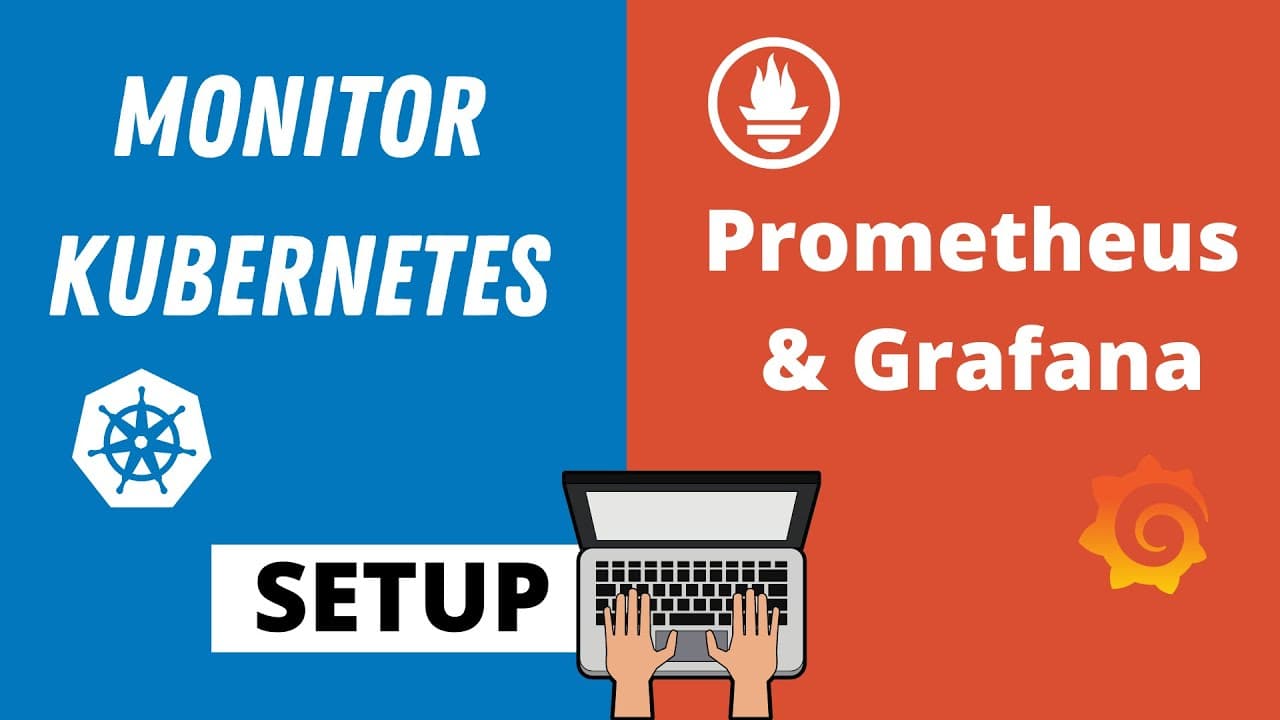
Setup Prometheus Monitoring on Kubernetes using Helm and Prometheus Operator | Part 1
TL;DR
Learn how to deploy and configure Prometheus in a Kubernetes cluster using various methods, including YAML files, operators, and Helm charts.
Transcript
in this video i'll show you how to set up prometheus in kubernetes cluster in the theoretic part of prometheus i explained how it works and what are the parts or components of prometheus so there is a prometheus server at its core that stores and processes the metrics data and there is an alert manager that you can use to send alerts based on the d... Read More
Key Insights
- 💹 Prometheus can be deployed in a Kubernetes cluster using YAML files, operators, or Helm charts.
- 🍵 Using a Helm chart for deployment is the most efficient method, as it handles the setup and management of the Prometheus stack.
- 🛟 The Prometheus operator serves as an orchestrator for the various components, simplifying the management process.
- 🧑⚕️ The default configuration includes monitoring of Kubernetes components and worker nodes, providing out-of-the-box infrastructure monitoring.
- 🛃 Custom resource definitions (CRDs) are included in the stack, offering additional functionality.
- 🔨 Grafana is a powerful UI tool for data visualization and is commonly used with Prometheus.
- 🖐️ Configuration files, including the prometheus.yaml and rules.yaml, play a crucial role in defining scraping endpoints and alert rules.
Install to Summarize YouTube Videos and Get Transcripts
Explore YouTube Video Summarizer or Get YouTube Transcript Extractor
Questions & Answers
Q: What are the main components of Prometheus?
Prometheus consists of a server that stores and processes metrics data, an alert manager for sending alerts based on the collected data, and a UI for data visualization.
Q: What are the three options for deploying Prometheus in a Kubernetes cluster?
The options include manually creating YAML files for each component, using an operator to manage the components, or using the Helm chart provided by the Prometheus operator.
Q: What is the advantage of using a Helm chart to deploy Prometheus?
Using a Helm chart simplifies the deployment process by automatically setting up and managing all the components of the Prometheus monitoring stack.
Q: What is the purpose of the Prometheus operator?
The Prometheus operator acts as an orchestrator for the Prometheus stack, managing the various components and ensuring their accessibility and availability.
Key Insights:
- Prometheus can be deployed in a Kubernetes cluster using YAML files, operators, or Helm charts.
- Using a Helm chart for deployment is the most efficient method, as it handles the setup and management of the Prometheus stack.
- The Prometheus operator serves as an orchestrator for the various components, simplifying the management process.
- The default configuration includes monitoring of Kubernetes components and worker nodes, providing out-of-the-box infrastructure monitoring.
- Custom resource definitions (CRDs) are included in the stack, offering additional functionality.
- Grafana is a powerful UI tool for data visualization and is commonly used with Prometheus.
- Configuration files, including the prometheus.yaml and rules.yaml, play a crucial role in defining scraping endpoints and alert rules.
- Adding exporters as side containers allows Prometheus to scrape additional metrics from different applications within the cluster.
Summary & Key Takeaways
-
Prometheus is a monitoring tool that consists of a server, an alert manager, and a UI for data visualization.
-
There are three ways to deploy Prometheus in a Kubernetes cluster: manually creating YAML files, using an operator, or using a Helm chart.
-
The most efficient method is using the Helm chart provided by the Prometheus operator to set up and manage the Prometheus monitoring stack.
Read in Other Languages (beta)
Share This Summary 📚
Summarize YouTube Videos and Get Video Transcripts with 1-Click
Try YouTube Summary with ChatGPT & Claude or YouTube Transcript Generator
Explore More Summaries from TechWorld with Nana 📚




Summarize YouTube Videos and Get Video Transcripts with 1-Click
Try YouTube Summary with ChatGPT & Claude or YouTube Transcript Generator