Midjourney and Faces [Version 3] How to get the best face in your AI Art
TL;DR
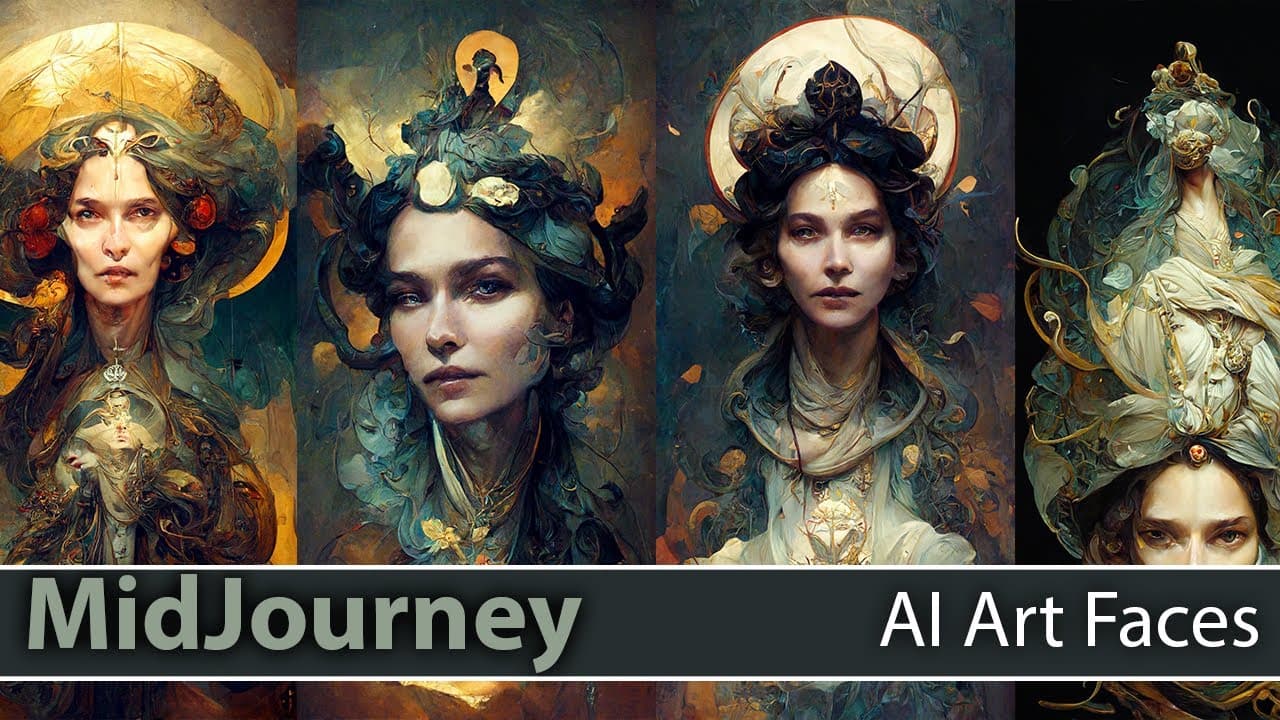
Mid-Journey AI has released version 3, which greatly improves the quality of faces in generated images. Strategies for getting better results are discussed.
Transcript
um um um hey everybody scott dot weather here uh hope you can see me when you find my camera there we go hey uh so huge update today from mid journey they have released version four which version three sorry version three which is much better at faces so uh obviously i had planned all the strategy on how to get faces out of two which was not that g... Read More
Key Insights
- 😀 Mid-Journey AI version 3 significantly improves the quality of generated faces.
- 👻 The quality modifier and stylize command allow users to customize the cost, quality, and style of the generated images.
- 🍉 Providing specific terms and directions can help the AI generate better results.
- 🥺 Rerolling images and experimenting with different parameters can lead to more desired outputs.
- 👤 Users can combine Mid-Journey AI with other software, such as Photoshop, to further enhance and personalize the generated images.
- 🥰 Introduction of competitions and contests around AI-generated art can be a potential future development.
- 🥰 Concerns and discussions around copyright issues related to AI-generated art are ongoing.
Install to Summarize YouTube Videos and Get Transcripts
Explore YouTube Video Summarizer or Get YouTube Transcript Extractor
Questions & Answers
Q: How does version 3 of Mid-Journey AI improve on generating faces?
Version 3 greatly improves the quality of faces in generated images, making them more realistic and appealing.
Q: What is the quality modifier in Mid-Journey AI version 3?
The quality modifier allows users to adjust the image creation cost and quality, with options ranging from 0.25 (lower quality, lower cost) to 5 (higher quality, higher cost).
Q: What does the stylize command do in Mid-Journey AI version 3?
The stylize command adds interpretation or spin to the generated image. Higher values result in more deviation from the original input, while lower values provide more faithful representation.
Q: How can users improve the results of Mid-Journey AI version 3?
Users can provide specific direction and focus by including terms like "beautiful," "lovely," or "slight smile" to guide the AI in generating better faces. Experimenting with different parameters and rerolling images can also lead to improved results.
Key Insights:
- Mid-Journey AI version 3 significantly improves the quality of generated faces.
- The quality modifier and stylize command allow users to customize the cost, quality, and style of the generated images.
- Providing specific terms and directions can help the AI generate better results.
- Rerolling images and experimenting with different parameters can lead to more desired outputs.
- Users can combine Mid-Journey AI with other software, such as Photoshop, to further enhance and personalize the generated images.
- Introduction of competitions and contests around AI-generated art can be a potential future development.
- Concerns and discussions around copyright issues related to AI-generated art are ongoing.
- Exploring different topics and categories, such as portraits, landscapes, and abstract art, can yield diverse and unique results through Mid-Journey AI.
Summary & Key Takeaways
-
Mid-Journey AI has released version 3, which has significant improvements in generating realistic faces.
-
The quality modifier allows users to adjust the image creation cost and quality by choosing from a range of options.
-
The stylize command can add interpretation or spin to the generated image, with more control over the level of stylization.
Read in Other Languages (beta)
Share This Summary 📚
Summarize YouTube Videos and Get Video Transcripts with 1-Click
Try YouTube Summary with ChatGPT & Claude or YouTube Transcript Generator