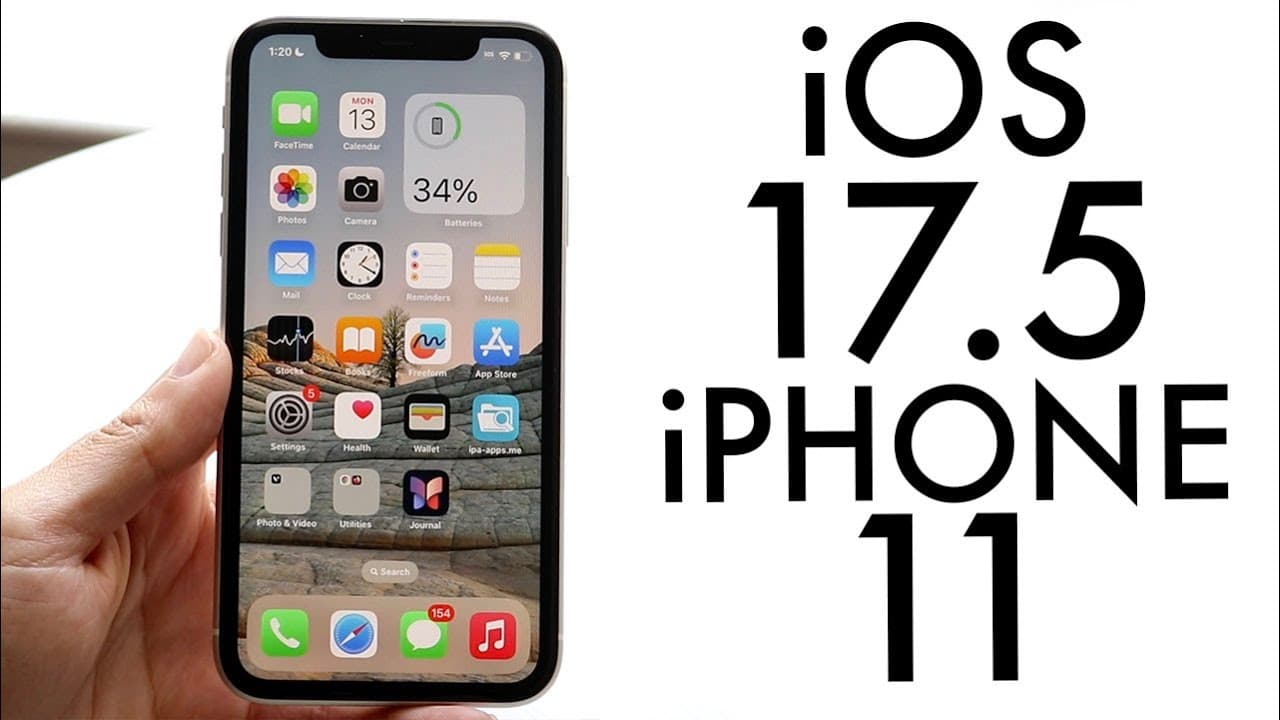
iOS 17.5 On iPhone 11! (Review)
TL;DR
iOS 17.5 offers new features, improvements, and is highly recommended for installation.
Transcript
everyone Iowa 17.5 has officially came out so let's go and take a look at it on the iPhone 11 and see if you should go ahead and install it Now spoiler alert I do think you should install it on basically every single device out there now this particular update on basically all my devices was anywhere from 5 to 6 gabyt because I was coming from the ... Read More
Key Insights
- 🥶 The iOS 17.5 update primarily enhances usability and security, making it a valuable upgrade for older iPhones.
- 👶 Apple has integrated a new Pride wallpaper, reflecting inclusivity and aesthetic choices for users.
- ♿ The addition of an offline mode in Apple News enhances content accessibility even when disconnected from the internet.
- 👾 Users can now enjoy a new puzzle game, enhancing entertainment options within the Apple ecosystem.
- 👶 New tracking notifications serve a crucial role in personal safety and privacy by alerting users to potential unwanted tracking devices.
- 👤 While not the most groundbreaking update, iOS 17.5 is considered robust and beneficial for most users.
- 👤 As newer updates are released, it’s advisable to monitor user feedback before immediate installation, particularly for users of previous latest versions.
Install to Summarize YouTube Videos and Get Transcripts
Explore YouTube Video Summarizer or Get YouTube Transcript Extractor
Questions & Answers
Q: What are the notable new features in iOS 17.5?
iOS 17.5 introduces several new features including a new Pride wallpaper, an offline mode for Apple News, and a scoreboard puzzle game. It also enhances privacy with better tracking notifications for Bluetooth devices, adding layers of security and functionality for users.
Q: Should I install iOS 17.5 if I'm on an older version?
Yes, if you’re on an older iOS version like 16 or 17.1, it’s advisable to install iOS 17.5. It brings various improvements and new functionalities that can greatly enhance user experience, making the update worthwhile.
Q: How does the offline mode in Apple News work?
The offline mode in Apple News allows users to access previously read articles without an internet connection. This means that users can stay informed and read their saved content even in areas with poor connectivity, enhancing the overall utility of the app.
Q: Is iOS 17.5 a big update compared to previous versions?
While iOS 17.5 brings several exciting features, it is not as big of an update as iOS 17.4. Users can expect meaningful improvements and additions but may not find the transformational changes seen in earlier updates.
Q: What is the significance of the new privacy features in iOS 17.5?
The introduced privacy features in iOS 17.5 alert users if a Bluetooth tracker is following them, offering an anti-stalking measure. This enhances user safety and privacy while showing Apple’s commitment to ensuring a secure digital environment for its users.
Q: How large is the iOS 17.5 update file?
The update file size for iOS 17.5 varies based on the device and the previous version in use; users migrating from beta versions can expect around 5 to 6 gigabytes, while those moving from earlier stable versions may see sizes ranging from 4 to 6 gigabytes.
Summary & Key Takeaways
-
iOS 17.5 is a notable update for older devices, particularly the iPhone 11, featuring a new Pride wallpaper and significant improvements in functionality.
-
Key enhancements include an offline mode for Apple News, a new game to compete with other puzzle games, and improved privacy features against unwanted tracking.
-
While it may not be the biggest update compared to 17.4, iOS 17.5 is still a solid choice for users and has performed well on the iPhone 11 so far.
Read in Other Languages (beta)
Share This Summary 📚
Summarize YouTube Videos and Get Video Transcripts with 1-Click
Try YouTube Summary with ChatGPT & Claude or YouTube Transcript Generator
Explore More Summaries from Simple Alpaca 📚






Summarize YouTube Videos and Get Video Transcripts with 1-Click
Try YouTube Summary with ChatGPT & Claude or YouTube Transcript Generator