iOS 15.1 On iPhone 6S! (Review)
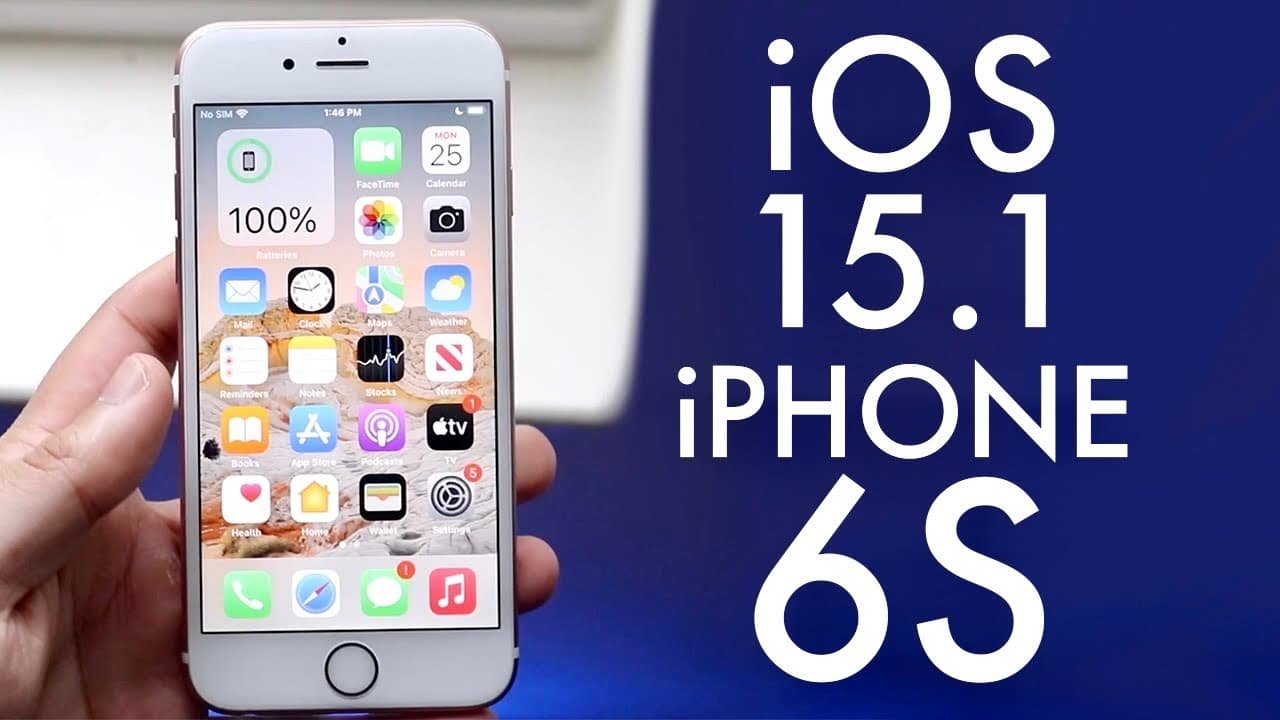
TL;DR
iOS 15.1 brings significant improvements and features, especially for iPhone 6s users.
Transcript
welcome back everyone ios 15.1 just officially came out today so let's take a look at it on the iphone 6s now this update came out to a pretty big size it definitely wasn't a small size at all but going scroll back over here you can see it was actually one point about 1.2 gigabytes coming from the previous version of ios so keep that in mind if you... Read More
Key Insights
- 👤 iOS 15.1 offers notable performance enhancements and bug fixes, making it a recommended update for existing iOS 15 users.
- 🤙 The introduction of SharePlay significantly transforms FaceTime, encouraging shared experiences during virtual calls.
- 🎮 ProRes video capability in iPhone 13 Pro models opens up new possibilities for content creators and videographers, enhancing video quality.
- 🥶 Users migrating from older versions should weigh stability against the benefits of new features before deciding to update.
- 🛀 Updates address specific glitches in applications, showing Apple's commitment to user experience and satisfaction.
- 😀 iPhone 6s users may face performance challenges with iOS 15.1, necessitating a careful approach to updating.
- 🖐️ Wi-Fi connectivity was improved, resolving prior reported issues, leading to a more seamless internet experience.
Install to Summarize YouTube Videos and Get Transcripts
Explore YouTube Video Summarizer or Get YouTube Transcript Extractor
Questions & Answers
Q: What are the key features introduced in iOS 15.1?
iOS 15.1 introduces several new features, prominently SharePlay, which enables users to share screens and media during FaceTime calls. This update is aimed at enhancing connectivity and interaction among users. Also, it adds ProRes video capabilities to iPhone 13 Pro models, allowing for professional-grade video recording.
Q: How large is the iOS 15.1 update for iPhone users?
The iOS 15.1 update is approximately 1.2 gigabytes in size. This is a substantial size that indicates significant changes and improvements compared to previous versions. Users considering the update should ensure they have enough storage space on their devices before proceeding.
Q: Are there any issues with the Photos app in iOS 15.1?
Some users previously encountered glitches in the Photos app when attempting to import photos or videos, receiving false alerts about full storage. Fortunately, these issues have reportedly been addressed in the iOS 15.1 update, leading to smoother photo and video management.
Q: Should iPhone 6s users update to iOS 15.1?
iPhone 6s users are recommended to update to iOS 15.1 if they are already on iOS 15, as it is considered the most stable version. However, if they are still using iOS 14.8, staying on that version may be wise due to previous instability and issues in the 15 series on older devices.
Q: What improvements were made in Wi-Fi connectivity with iOS 15.1?
iOS 15.1 addresses connectivity issues that some users faced with Wi-Fi networks. Previously, many encountered problems while trying to connect. With this update, Apple has presumably implemented fixes to enhance the reliability and stability of Wi-Fi connections on compatible devices.
Q: What is SharePlay, and how does it work in iOS 15.1?
SharePlay is a new feature in iOS 15.1 that allows users to share their screens and stream content together during FaceTime calls. This includes sharing videos, music, and apps, creating a more engaging experience. SharePlay aims to boost social interaction and collaboration among users.
Summary & Key Takeaways
-
iOS 15.1 is a substantial update, sized around 1.2 gigabytes, with several improvements and bug fixes for iPhone 6s users.
-
The update introduces SharePlay, allowing users to share screens and videos during FaceTime calls, enhancing user interaction.
-
Users of older iOS versions, especially 14.8, are advised to remain on their current version for stability unless already on iOS 15.
Read in Other Languages (beta)
Share This Summary 📚
Summarize YouTube Videos and Get Video Transcripts with 1-Click
Try YouTube Summary with ChatGPT & Claude or YouTube Transcript Generator
Explore More Summaries from Simple Alpaca 📚






Summarize YouTube Videos and Get Video Transcripts with 1-Click
Try YouTube Summary with ChatGPT & Claude or YouTube Transcript Generator