iOS 16 On iPhone XR! (Review)
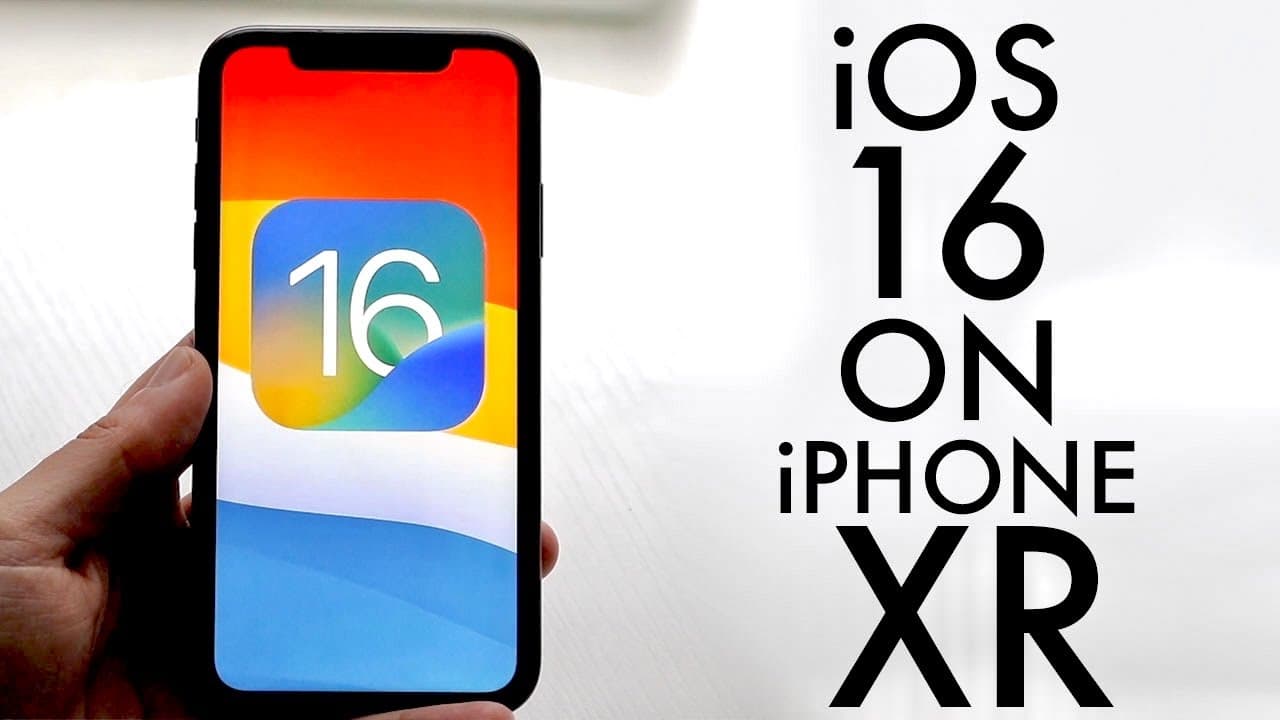
TL;DR
iOS 16 introduces new features but may harm older devices.
Transcript
welcome back everyone ios 16 has been out for a couple of seconds now so let's go and see how it holds up on the iphone xr now what i would definitely tell you is no matter what i say in this video or what anybody else says please do not install this on your phone it is not worth it it will potentially break your device it can hurt your device it's... Read More
Key Insights
- 🥶 Caution is advised against updating older devices to iOS 16 due to compatibility concerns.
- 👶 iOS 16's lock screen customization adds a new layer of personalization for users.
- 🧘 Notifications are now positioned at the bottom of the lock screen, changing user interaction dynamics.
- 👤 Enhanced messaging features in iMessages improve user experience significantly.
- 👤 Apple maps and Apple Pay received important updates, emphasizing security and user support.
- 👶 New features aim to improve overall usability and aesthetic appeal of Apple's software ecosystem.
- 🥶 Compatibility issues exist for devices like the iPhone 7 and older, drawing criticism from users.
Install to Summarize YouTube Videos and Get Transcripts
Explore YouTube Video Summarizer or Get YouTube Transcript Extractor
Questions & Answers
Q: What are the risks of installing iOS 16 on older iPhones?
Installing iOS 16 on older iPhones, such as the iPhone XR, poses significant risks including potential device malfunction or permanent damage. The review advises against installation, highlighting that the update may not provide adequate support for older hardware, leading to performance issues and loss of functionality.
Q: What customizable features are included in the new lock screen?
iOS 16 introduces a revamped lock screen, allowing users to customize wallpapers, add widgets, and alter background colors. Users can create multiple lock screen pages to switch between styles, enhancing personalization while providing quick access to information through widget functionality.
Q: How has the notification system changed in iOS 16?
The notification system in iOS 16 has been updated to display notifications at the bottom of the lock screen, offering a different viewing experience. This change simplifies access and management of notifications while integrating search functionality for ease of use.
Q: What new features have been added to iMessages in iOS 16?
iOS 16 significantly enhances iMessages by allowing users to unsend, edit, and unread messages. This feature provides flexibility and improvements in communication, allowing users to correct errors after sending messages or retract messages entirely, which is a notable shift in user interaction.
Q: What updates were made to Apple Maps and Apple Pay?
Apple Maps received several enhancements, though specifics weren't detailed in the review. Similarly, Apple Pay has undergone improvements to privacy features, supporting secure transactions and greater user control. These updates reflect Apple's commitment to enhancing usability and security in their services.
Q: How does dictation work in the new iOS?
The dictation feature in iOS 16 has been refined; however, users reported inconsistencies, with the keyboard disappearing during dictation. Although improvements are promised with future updates, the current feedback indicates it's still a work in progress, requiring further refinement for a smooth user experience.
Summary & Key Takeaways
-
The review emphasizes caution against installing iOS 16 on older devices, especially the iPhone XR, due to potential risks.
-
Major new features in iOS 16 include customizable lock screens and enhanced notification management, along with improvements in dictation functionality.
-
Users can now unsend, unread, and edit iMessages, marking a significant addition to Apple’s messaging capabilities, though older models face compatibility issues.
Read in Other Languages (beta)
Share This Summary 📚
Summarize YouTube Videos and Get Video Transcripts with 1-Click
Try YouTube Summary with ChatGPT & Claude or YouTube Transcript Generator
Explore More Summaries from Simple Alpaca 📚






Summarize YouTube Videos and Get Video Transcripts with 1-Click
Try YouTube Summary with ChatGPT & Claude or YouTube Transcript Generator