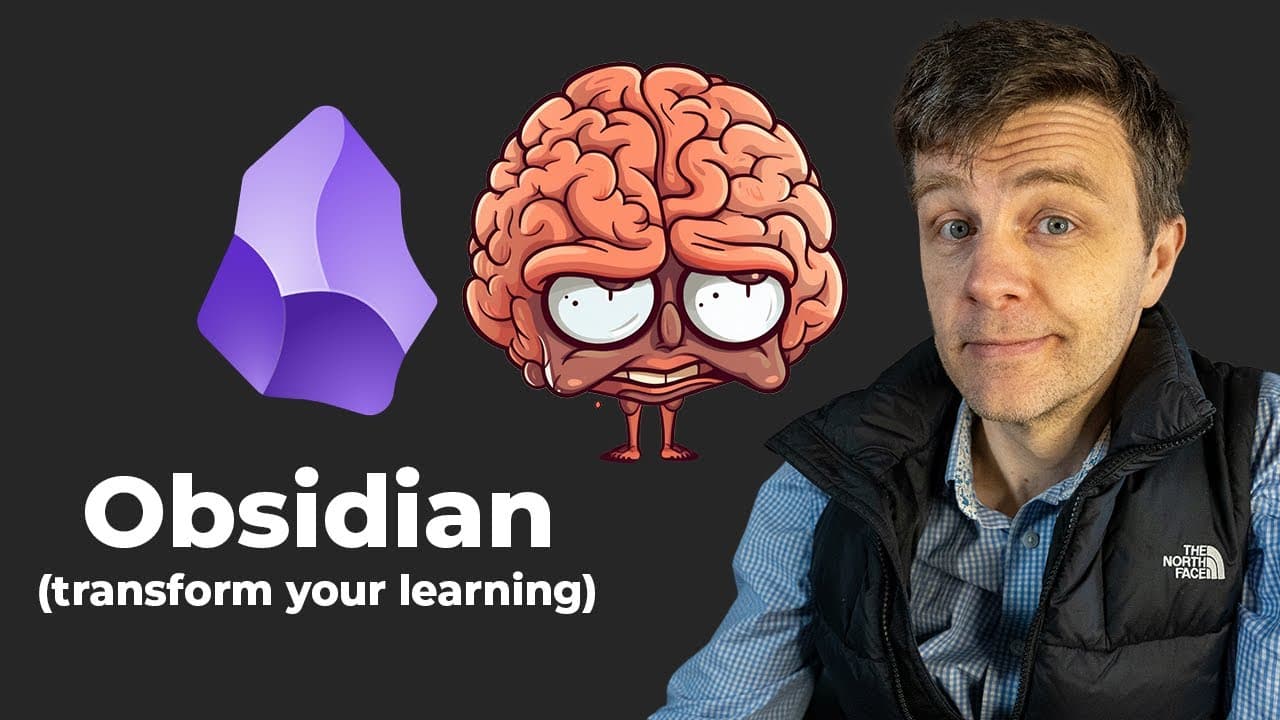
You're not stupid: How to learn difficult things with Obsidian
TL;DR
Obsidian is a free writing app that revolutionizes learning by creating a network of interconnected notes.
Transcript
I've spent the last six months using the free writing app obsidian and it has completely transformed my learning it can do the same for you and I'm going to show you how this video is not sponsored by obsidian it is sponsored by brilliant more on that later I've been learning the wrong way my entire life I mean I didn't realize it at the time I tho... Read More
Key Insights
- 👻 Obsidian's network effect allows for the development of deeper understanding by connecting new knowledge to existing knowledge.
- 💁 Summarizing information and creating interconnections between notes in Obsidian enhances memory and comprehension.
- 👤 Obsidian offers a simple and private storage solution as it stores data in plain text files on the user's machine.
- 📱 The app can be synced with mobile phones, enabling learning on the go.
- 🎵 Obsidian can be used for various purposes, including coding, data analysis, and note organization.
- 🔬 Brilliant.org is recommended as a sponsor of the video, providing interactive learning opportunities in math, science, and data science.
- 🫵 The first 200 viewers can receive a 20% discount on Brilliant's annual premium subscription.
Install to Summarize YouTube Videos and Get Transcripts
Explore YouTube Video Summarizer or Get YouTube Transcript Extractor
Questions & Answers
Q: How does Obsidian differ from traditional note-taking methods?
Obsidian allows users to create a network of interconnected notes, enabling connections between different thoughts and ideas that traditional note-taking methods trap in separate entities.
Q: Can Obsidian help improve memory and understanding?
Yes, by summarizing information in your own words and linking thoughts together in a network, Obsidian improves memory and understanding, aligning with how our brains naturally work.
Q: What is the recommended approach for beginners using Obsidian?
Beginners should start by creating a new note, writing about something that interests them, and linking it to previous notes. They can gradually explore more advanced features as they become more comfortable with the app.
Q: Are there any alternatives to Obsidian for note-taking?
Yes, the video mentions the Zettle Casten method and the book "How to Take Smart Notes." However, the narrator recommends starting with the basics of Obsidian and gradually exploring other features.
Key Insights:
- Obsidian's network effect allows for the development of deeper understanding by connecting new knowledge to existing knowledge.
- Summarizing information and creating interconnections between notes in Obsidian enhances memory and comprehension.
- Obsidian offers a simple and private storage solution as it stores data in plain text files on the user's machine.
- The app can be synced with mobile phones, enabling learning on the go.
- Obsidian can be used for various purposes, including coding, data analysis, and note organization.
- Brilliant.org is recommended as a sponsor of the video, providing interactive learning opportunities in math, science, and data science.
- The first 200 viewers can receive a 20% discount on Brilliant's annual premium subscription.
- By using Obsidian and Brilliant.org together, users can improve their learning habits and future-proof their skills.
Summary & Key Takeaways
-
The narrator discusses how traditional note-taking separates ideas, while Obsidian creates a network of interconnected thoughts and ideas.
-
By using Obsidian, users can build a network of knowledge, improving memory and understanding.
-
The video provides step-by-step instructions on how to start using Obsidian and offers suggestions for further exploration.
Read in Other Languages (beta)
Share This Summary 📚
Summarize YouTube Videos and Get Video Transcripts with 1-Click
Try YouTube Summary with ChatGPT & Claude or YouTube Transcript Generator
Explore More Summaries from Python Programmer 📚




Summarize YouTube Videos and Get Video Transcripts with 1-Click
Try YouTube Summary with ChatGPT & Claude or YouTube Transcript Generator