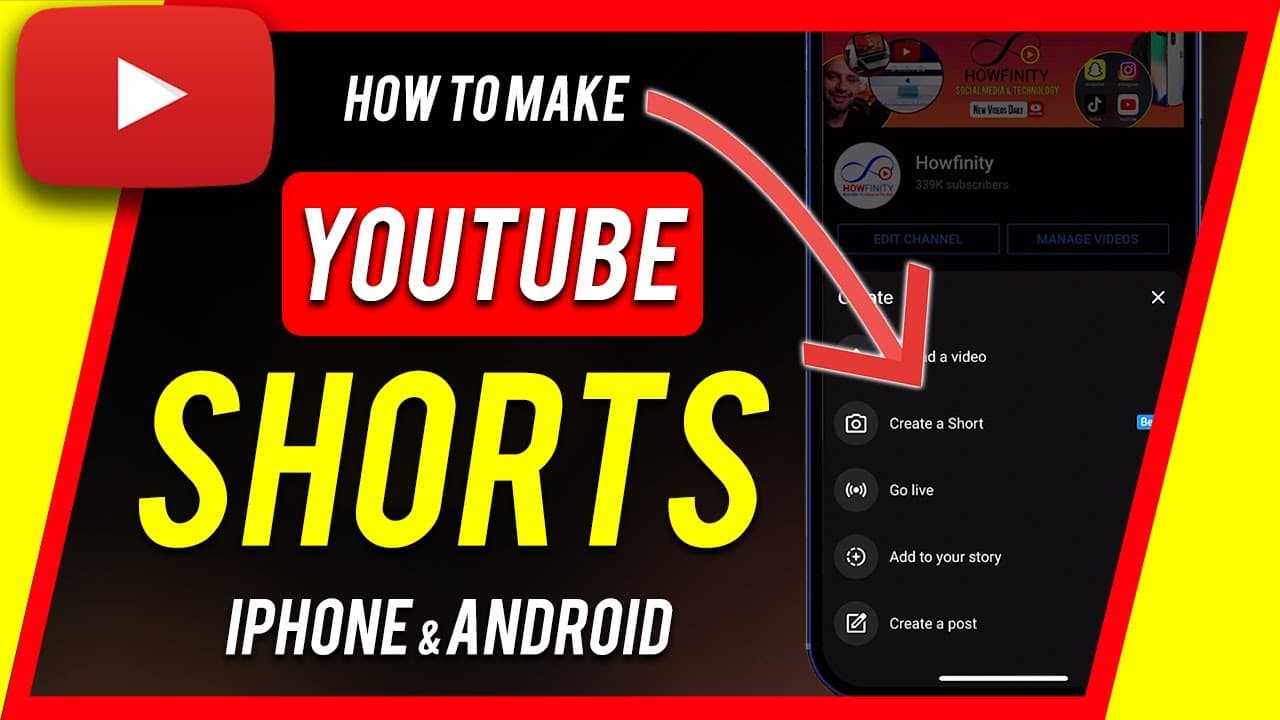
How to Make YouTube Shorts with YouTube App
TL;DR
Learn to create YouTube shorts on the mobile app easily with useful video creation tools.
Transcript
so you could finally make youtube shorts right inside of the youtube mobile app and for android and ios they just released this and they have a lot of useful tools a lot of useful video creation tools so i want to show you how to create a youtube short with the mobile app from scratch and if for some reason you don't have this update your youtube a... Read More
Key Insights
- 😀 YouTube has integrated a feature for creating shorts directly within the mobile app.
- 🧑💻 The process involves logging into the channel, recording clips, adding music, text, and filters.
- 😫 Users can adjust the speed of clips, set timers for recording, and customize text placement and timing.
- 😀 The app simplifies the creation of vertical shorts without the need for external editing software.
- 😀 YouTube Shorts created within the app can be uploaded with titles, privacy settings, and scheduled upload options.
- 😄 The app provides a user-friendly interface for creating shorts with ease.
- 👤 Users can add music, apply filters, and customize text to enhance their YouTube Shorts.
Install to Summarize YouTube Videos and Get Transcripts
Explore YouTube Video Summarizer or Get YouTube Transcript Extractor
Questions & Answers
Q: How do you access the YouTube Shorts feature on the mobile app?
To access the feature, open the regular YouTube app on your mobile device, log into your channel, and press the plus sign to create a short video.
Q: What options are available for recording and editing YouTube Shorts within the app?
You can record new clips, add pre-existing videos, include music, apply filters, add text with timing options, and adjust speed settings.
Q: Is it necessary to use specific hashtags when creating YouTube Shorts on the mobile app?
No, you don't need to use any specific hashtags in the title for YouTube Shorts created using the mobile app.
Q: How does the mobile app simplify the process of creating YouTube Shorts compared to using external editing software?
The mobile app provides an easy-to-use interface with tools for recording, editing, and uploading YouTube Shorts without requiring technical knowledge or advanced editing skills.
Summary & Key Takeaways
-
YouTube has introduced a feature to create shorts within the mobile app.
-
The process involves logging into your channel, recording short clips, adding music, text, and filters, and uploading the video.
-
This mobile app feature simplifies the creation of vertical shorts without the need for advanced editing software.
Read in Other Languages (beta)
Share This Summary 📚
Summarize YouTube Videos and Get Video Transcripts with 1-Click
Try YouTube Summary with ChatGPT & Claude or YouTube Transcript Generator
Explore More Summaries from Howfinity 📚






Summarize YouTube Videos and Get Video Transcripts with 1-Click
Try YouTube Summary with ChatGPT & Claude or YouTube Transcript Generator