How to use Notion for Task Management
TL;DR
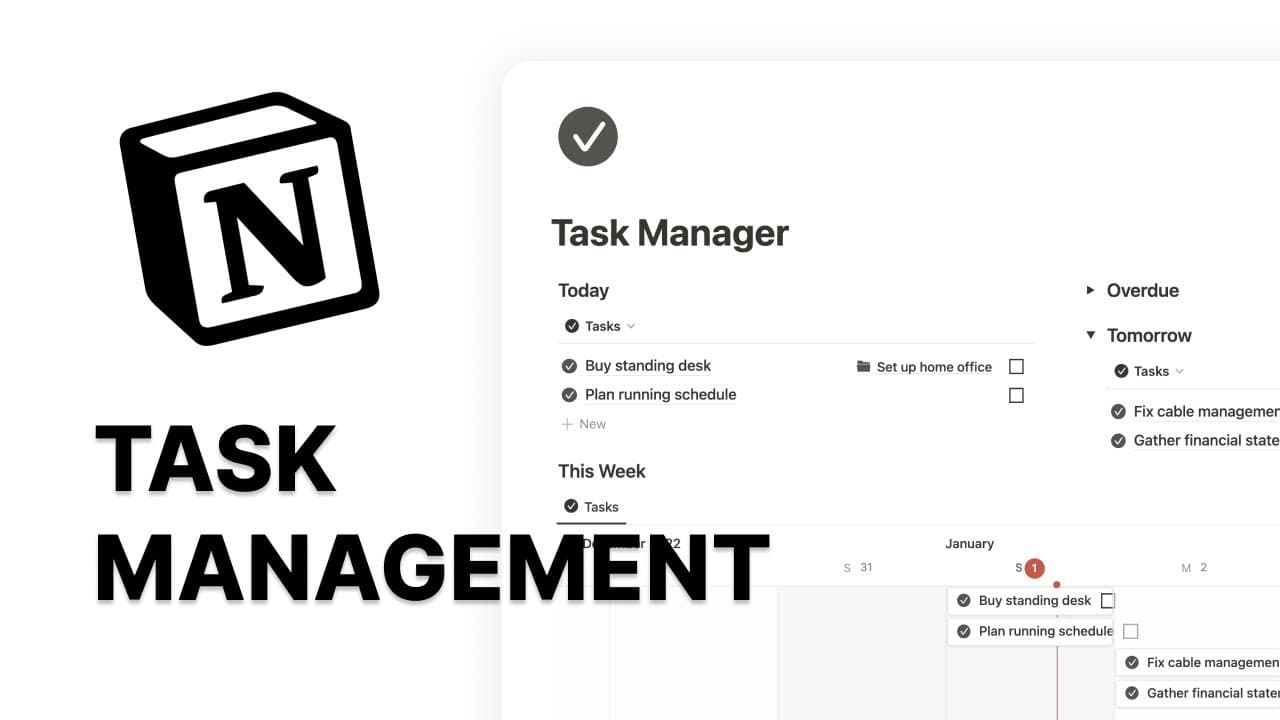
Learn how to create a task manager in Notion by setting up databases, templates, views, and customizing properties.
Transcript
in this video I will show you how to build a task manager in notion I will first turn this into a full width page the first step is to create a database I like to use a table database because I can see all the properties as I add them I will first add a date property to allocate the date and time for a task I will change this default tags property ... Read More
Key Insights
- 🧑🤝🧑 Building a task manager in Notion involves creating a database with relevant properties, such as date, task description, completion status, and priority.
- 😑 Default templates can be used to pre-fill information and icons in newly created tasks.
- 😫 Views like inbox, today, overdue, and upcoming tasks can be set up with appropriate filters to display tasks based on their status and due dates.
- 🫵 Additional views, such as a timeline view, can be created to get a visual representation of tasks.
- 👻 Customization options allow users to personalize their task manager in Notion based on their preferences and workflow.
- 📅 List and calendar views can be utilized to schedule unscheduled tasks easily.
- 🫵 A table view can be used to view and organize completed tasks, with the option to group them by month.
Install to Summarize YouTube Videos and Get Transcripts
Explore YouTube Video Summarizer or Get YouTube Transcript Extractor
Questions & Answers
Q: What is the first step in building a task manager in Notion?
The first step is to create a database, preferably a table database, with properties like date, task description, completion status, priority, and more.
Q: How can you add an icon to the task manager's page template?
By creating a new database template and customizing it with desired properties and layout. The icon and other pre-filled information can be added to the page template.
Q: How can you create different views for inbox, today's tasks, overdue tasks, and upcoming tasks?
By creating separate views in Notion and applying relevant filters such as unchecked completion status, empty date property for inbox, today's date filter for today's tasks, overdue date filter for overdue tasks, and date filter within the next week for upcoming tasks.
Q: Can you schedule unscheduled tasks in the task manager?
Yes, using the list view and calendar view in Notion, you can easily drag and drop unscheduled tasks from the list view onto the calendar view to assign due dates.
Key Insights:
- Building a task manager in Notion involves creating a database with relevant properties, such as date, task description, completion status, and priority.
- Default templates can be used to pre-fill information and icons in newly created tasks.
- Views like inbox, today, overdue, and upcoming tasks can be set up with appropriate filters to display tasks based on their status and due dates.
- Additional views, such as a timeline view, can be created to get a visual representation of tasks.
- Customization options allow users to personalize their task manager in Notion based on their preferences and workflow.
- List and calendar views can be utilized to schedule unscheduled tasks easily.
- A table view can be used to view and organize completed tasks, with the option to group them by month.
- The key to an effective task manager in Notion is finding a layout and setup that works for individual users' productivity needs.
Summary & Key Takeaways
-
The video demonstrates the step-by-step process of building a task manager in Notion by creating a database with properties such as date, task description, completion status, priority, and more.
-
The tutorial also covers creating default templates, adding calendar views, setting up different views for inbox, today, overdue, and upcoming tasks, and creating a table view for completed tasks.
-
The emphasis is on customization and personalization to create a personalized productivity setup in Notion.
Read in Other Languages (beta)
Share This Summary 📚
Summarize YouTube Videos and Get Video Transcripts with 1-Click
Try YouTube Summary with ChatGPT & Claude or YouTube Transcript Generator