Production Floor Execution Interface in Dynamics 365 Supply Chain Management - TechTalk
TL;DR
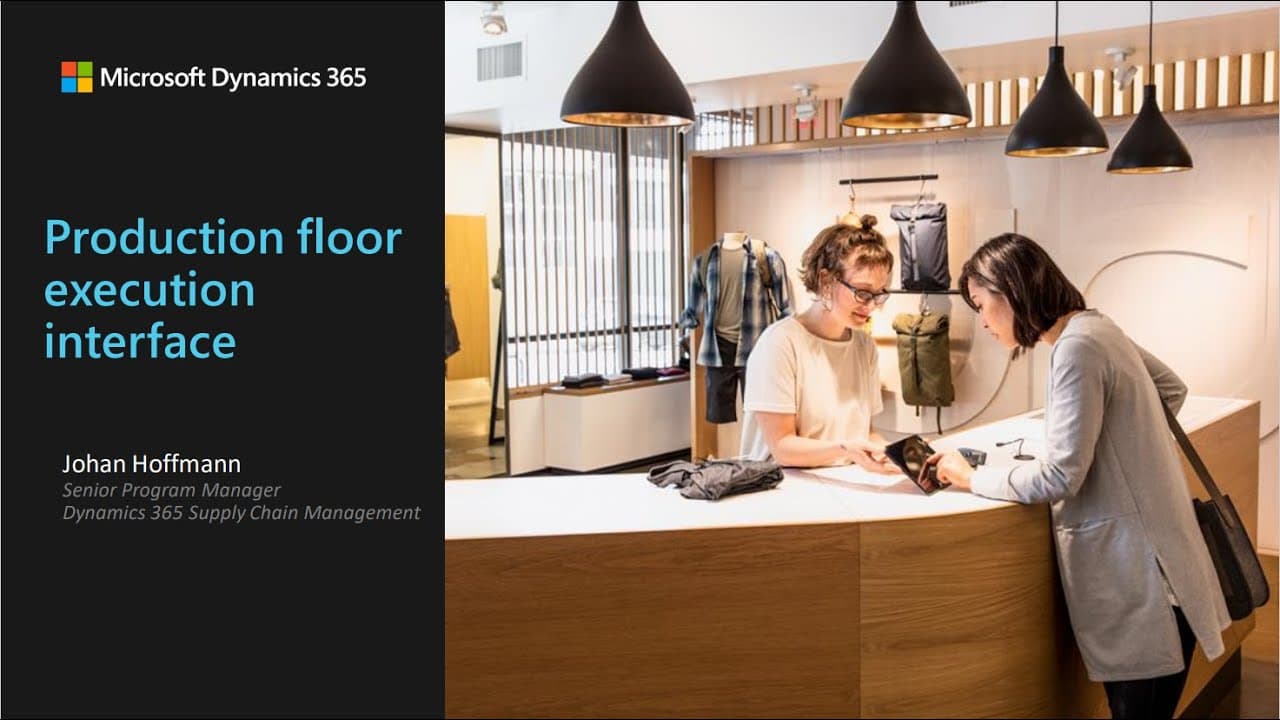
This Dynamics 365 Tech Talk explores the new production flow execution interface and how it supports the evolving tasks of workers on the shop floor, including managing work, monitoring processes, reporting progress, and more.
Transcript
hello everybody and welcome to today's Dynamics 365 Tech talk production floor execution interface and Dynamics 365 Supply Chain management my name is Michaela and I'll be your moderator today we are broadcasting this Web Conference through teams Live Events and the audio can be heard through your device speakers today's Web Conference is being rec... Read More
Key Insights
- 🤣 The production flow execution interface enables workers to efficiently manage their tasks on the shop floor, from starting and reporting jobs to retrieving instructions and monitoring job progress.
- 🫥 Configurations for the interface can be customized by production supervisors to fit the needs of specific production lines, allowing for a tailored user experience.
- 🧑⚕️ The integration with Asset Management empowers workers to monitor machine health, report maintenance requests, and track asset counter values for proactive maintenance planning.
- 🎆 The interface does not currently support rework scenarios, requiring workers to report rework as finished and follow standard reporting processes.
- #️⃣ The interface provides options for reporting progress on license plate controlled locations, batch numbers, and serial numbers, offering flexibility for different product tracking requirements.
- 🧑⚕️ Workers can access additional support through Hololens Guides and instructions linked to specific jobs, enhancing their productivity and accuracy on complex assembly tasks.
- 👻 The interface allows workers to log breaks and indirect activities, providing flexibility for time tracking and ensuring accurate pay calculations.
Install to Summarize YouTube Videos and Get Transcripts
Explore YouTube Video Summarizer or Get YouTube Transcript Extractor
Questions & Answers
Q: How does the production flow execution interface support workers in managing work on the shop floor?
The interface allows workers to start and report on jobs, retrieve instructions, and monitor job progress. It provides a comprehensive overview of scheduled jobs, their status, and relevant details for efficient task management.
Q: Can workers configure the interface to suit their specific needs on the job?
No, the configuration of the interface is done by production supervisors. They can set up filters for job selection, choose different configurations for the device, and customize the user interface based on the requirements of the production line.
Q: How does the integration with Asset Management benefit workers on the shop floor?
The integration allows workers to monitor machine health, report maintenance requests, and register downtime. They can track asset counter values, such as machine hours or temperature, and take proactive actions based on the information obtained.
Q: Is rework supported in the production flow execution interface?
Currently, rework scenarios are not directly supported in the interface. Workers need to report rework as finished and follow the standard process for reporting finished items from the device.
Key Insights:
- The production flow execution interface enables workers to efficiently manage their tasks on the shop floor, from starting and reporting jobs to retrieving instructions and monitoring job progress.
- Configurations for the interface can be customized by production supervisors to fit the needs of specific production lines, allowing for a tailored user experience.
- The integration with Asset Management empowers workers to monitor machine health, report maintenance requests, and track asset counter values for proactive maintenance planning.
- The interface does not currently support rework scenarios, requiring workers to report rework as finished and follow standard reporting processes.
- The interface provides options for reporting progress on license plate controlled locations, batch numbers, and serial numbers, offering flexibility for different product tracking requirements.
- Workers can access additional support through Hololens Guides and instructions linked to specific jobs, enhancing their productivity and accuracy on complex assembly tasks.
- The interface allows workers to log breaks and indirect activities, providing flexibility for time tracking and ensuring accurate pay calculations.
- Cleaning and sanitizing the interface during the COVID-19 pandemic is supported through a lock screen option, enabling easy and safe device cleaning processes.
Summary & Key Takeaways
-
The production flow execution interface is designed to support workers in managing their tasks on the shop floor, from starting and reporting on jobs to retrieving instructions and monitoring process efficiency.
-
The interface allows production supervisors to configure the device for specific production lines, set up filters for job selection, and customize the user experience.
-
The integration with Asset Management enables workers to monitor machine health, report maintenance requests and downtime, and track asset counter values.
Read in Other Languages (beta)
Share This Summary 📚
Summarize YouTube Videos and Get Video Transcripts with 1-Click
Try YouTube Summary with ChatGPT & Claude or YouTube Transcript Generator
Explore More Summaries from Microsoft Dynamics 365 Community 📚
Summarize YouTube Videos and Get Video Transcripts with 1-Click
Try YouTube Summary with ChatGPT & Claude or YouTube Transcript Generator