HOW TO CREATE A FACEBOOK CUSTOM CONVERSION
TL;DR
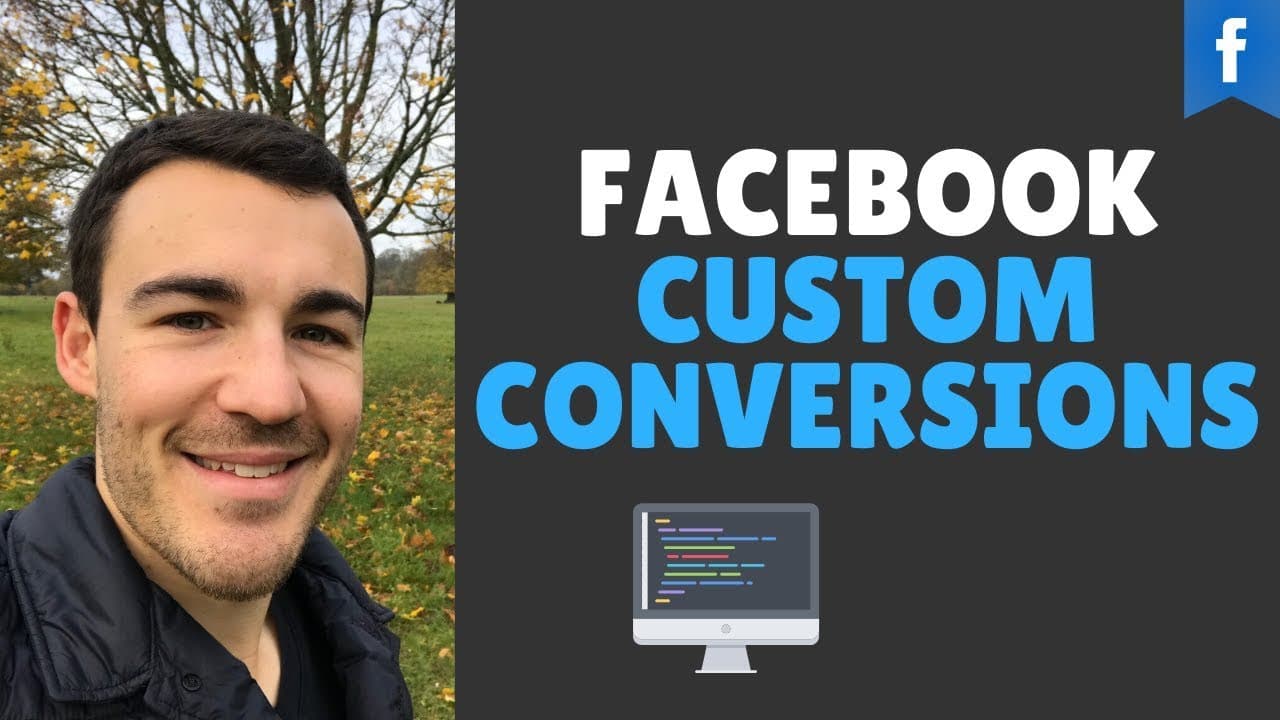
Learn to create Facebook custom conversions for better ad tracking.
Transcript
hi guys it's Ben he's from Italy guru and in this video I'm going to show you how to create a Facebook custom conversion now in order to create a custom conversion you need to have the Facebook pixel installed that's the first thing you need to have set up on your website you have the face of pixel install and understand how that works if you don't... Read More
Key Insights
- Facebook custom conversions allow advertisers to track specific actions on their website, beyond standard events like purchases and registrations.
- To create a custom conversion, the Facebook Pixel must be installed on your website, enabling detailed tracking of user actions.
- Custom conversions are valuable for businesses that need to track non-standard actions or differentiate between various types of purchases.
- Setting up a custom conversion involves selecting the correct pixel, defining the criteria, and specifying the URL or event to track.
- Advertisers can use custom conversions to track visits to specific pages, such as consulting sessions or thank-you pages, for more accurate campaign data.
- Multiple rules can be applied to custom conversions, allowing for complex tracking scenarios based on URL parameters.
- Custom conversions provide advertisers with better data, enabling more informed campaign adjustments and improved advertising results.
- Joining Facebook advertising communities, like the Facebook Ads Mastermind Group, can provide additional support and insights for advertisers.
Install to Summarize YouTube Videos and Get Transcripts
Explore YouTube Video Summarizer or Get YouTube Transcript Extractor
Questions & Answers
Q: What is the purpose of Facebook custom conversions?
Facebook custom conversions are designed to help advertisers track specific actions that users take on their website, beyond the standard events like purchases or registrations. This allows businesses to gain more precise data on user behavior, which can be used to make better-informed adjustments to their advertising campaigns and achieve improved results.
Q: What is required to set up a Facebook custom conversion?
To set up a Facebook custom conversion, you must first have the Facebook Pixel installed on your website. The Pixel enables tracking of user actions and is crucial for creating custom conversions. Once installed, you can define the criteria for the conversion, such as specific URLs or events, to track the desired actions on your site.
Q: How can custom conversions benefit businesses?
Custom conversions benefit businesses by providing more granular tracking of user actions on their website. This allows companies to monitor specific behaviors that are important to their goals, such as visits to a consulting session page or purchases of a particular product. With this data, businesses can optimize their ad campaigns for better performance and results.
Q: What are some examples of actions that can be tracked with custom conversions?
Examples of actions that can be tracked with custom conversions include visits to specific pages, such as consulting session pages or thank-you pages, as well as purchases of specific products. Businesses can also track broader activities, like visits to any page containing certain keywords in the URL, to gain insights into user interests and behavior.
Q: How do multiple rules enhance custom conversions?
Multiple rules enhance custom conversions by allowing advertisers to set complex tracking scenarios based on various criteria. For example, a business might track users who visit pages with both 'Facebook' and 'services' in the URL. This flexibility enables advertisers to gather detailed data on user interactions and tailor their campaigns accordingly.
Q: What are the benefits of joining a Facebook advertising community?
Joining a Facebook advertising community, such as the Facebook Ads Mastermind Group, provides advertisers with access to a network of peers and experts. Members can share insights, ask questions, and receive support on Facebook advertising strategies. This collaborative environment can help advertisers improve their skills and achieve better results in their campaigns.
Q: Can custom conversions track non-standard events?
Yes, custom conversions are particularly useful for tracking non-standard events that do not fit into Facebook's predefined categories. This allows businesses to monitor specific actions that are unique to their goals, such as tracking visits to a consulting session page or monitoring purchases of a particular product, providing more detailed insights into user behavior.
Q: How does the video suggest using custom conversions for better campaign outcomes?
The video suggests using custom conversions to collect precise data on user actions, which can then inform better campaign adjustments. By understanding how users interact with specific pages or products, advertisers can optimize their targeting, messaging, and budget allocation. This leads to more effective advertising strategies and improved campaign performance.
Summary & Key Takeaways
-
This video tutorial guides viewers through the process of creating Facebook custom conversions, a tool that helps advertisers track specific actions on their website. By using custom conversions, businesses can gain more accurate data on user behavior, leading to better campaign adjustments and results.
-
To set up a custom conversion, the Facebook Pixel must be installed on your website. The video explains the steps involved, including selecting the correct pixel, defining the tracking criteria, and specifying the URL or event to monitor. Custom conversions offer flexibility and precision in tracking user actions.
-
The tutorial emphasizes the importance of custom conversions for businesses seeking to track non-standard actions or differentiate between various types of purchases. By understanding how to use custom conversions, advertisers can enhance their data collection and optimize their Facebook ad campaigns for better performance.
Read in Other Languages (beta)
Share This Summary 📚
Summarize YouTube Videos and Get Video Transcripts with 1-Click
Try YouTube Summary with ChatGPT & Claude or YouTube Transcript Generator
Explore More Summaries from Ben Heath 📚
Summarize YouTube Videos and Get Video Transcripts with 1-Click
Try YouTube Summary with ChatGPT & Claude or YouTube Transcript Generator