Calculating working days or weekend in Microsoft Power Automate Flow
TL;DR
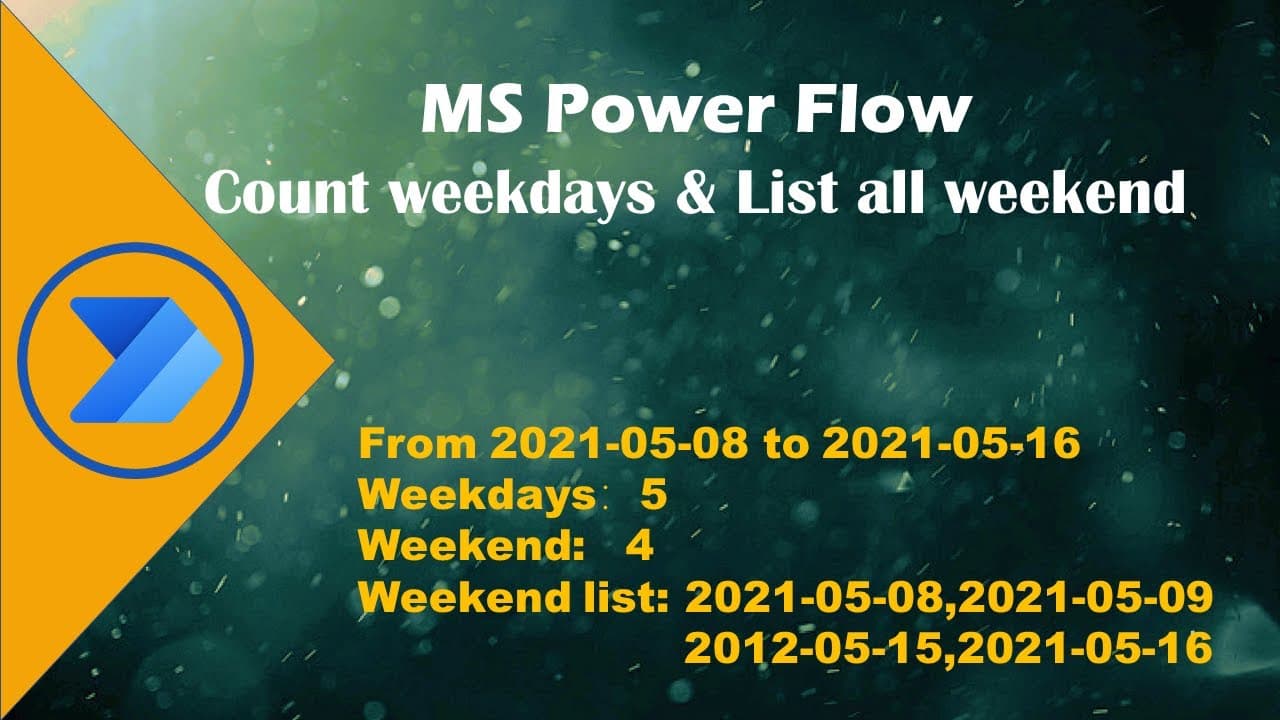
This video demonstrates how to count weekdays and weekends between two dates using Microsoft Power Automate.
Transcript
hello today i will show you how to calculate the time range how many week day how many weekends do we have between the time range you'll see microsoft auto automate flow so we have basic form here started and date when we submit the form we want using a power ultimate flower to calculate so the first step is when a new response is submitted from th... Read More
Key Insights
- 🧑🤝🧑 Microsoft Power Automate can efficiently automate the counting of weekdays and weekends between two dates.
- 👂 Variable initialization is critical for storing and managing date values, counts, and lists in the flow.
- 👻 Utilizing conditional logic allows for precise identification of weekends while looping through date ranges.
- 🧑🤝🧑 String formatting is essential to maintain accurate date values when incrementing dates in Power Automate.
- 👤 The flow demonstrates effective use of email notifications to present calculation results to users.
- 🧑🤝🧑 Incorporating holiday data can enhance the utility of the flow, providing more nuanced date analysis.
- 😄 A structured approach to developing a flow with clear steps and controls facilitates ease of understanding and implementation.
Install to Summarize YouTube Videos and Get Transcripts
Explore YouTube Video Summarizer or Get YouTube Transcript Extractor
Questions & Answers
Q: What is the main purpose of the video?
The video aims to teach viewers how to calculate the number of weekdays and weekends between two dates using Microsoft Power Automate. It breaks down the process into clear steps, showing how to create and manipulate variables and use control expressions effectively.
Q: How does the variable initialization work in the automation flow?
In the automation flow, various variables are initialized to store values such as the start date, count of weekdays, count of weekends, and a list of weekend days. By initializing these variables, the flow can dynamically track and manipulate date values and conditions throughout the calculation process.
Q: What is the significance of checking if a date is a weekend?
Checking if a date is a weekend (Saturday or Sunday) is crucial to accurately counting the number of weekends within the specified date range. The flow uses conditional logic to identify weekends and updates the count as well as appends the weekend dates to a list, enhancing the final output of the calculation.
Q: How does the flow handle date incrementing?
The flow handles date incrementing by using a control loop that increases the start date by one day at a time until it surpasses the end date. This systematic approach allows for precise tracking of each date, ensuring all weekdays and weekends are accounted for during the calculation.
Q: Can holidays be incorporated into this calculation?
Yes, the video mentions the potential to incorporate holiday calculations by using an Excel table to list holidays. The automation flow can then reference this holiday data to adjust the weekday and weekend counts accordingly, providing a more accurate reflection of non-working days.
Q: What is the final output of the automation flow?
The final output includes an email sent to the user detailing the calculated number of weekdays and weekends between the specified start and end dates. The results clearly indicate both counts, allowing users to easily comprehend their date range in terms of work and leisure days.
Summary & Key Takeaways
-
The video provides a step-by-step guide on using Microsoft Power Automate to calculate the number of weekdays and weekends between two specified dates.
-
It explains how to initialize variables, set conditions, and use looping controls to accurately determine the count of weekends and weekdays.
-
Additionally, the video touches on the possibility of incorporating holidays by utilizing an Excel table with holiday data for more comprehensive calculations.
Read in Other Languages (beta)
Share This Summary 📚
Summarize YouTube Videos and Get Video Transcripts with 1-Click
Try YouTube Summary with ChatGPT & Claude or YouTube Transcript Generator
Explore More Summaries from E Micro Tech 📚

Summarize YouTube Videos and Get Video Transcripts with 1-Click
Try YouTube Summary with ChatGPT & Claude or YouTube Transcript Generator