How to Draw Mountain Landscapes With Birch Trees
TL;DR
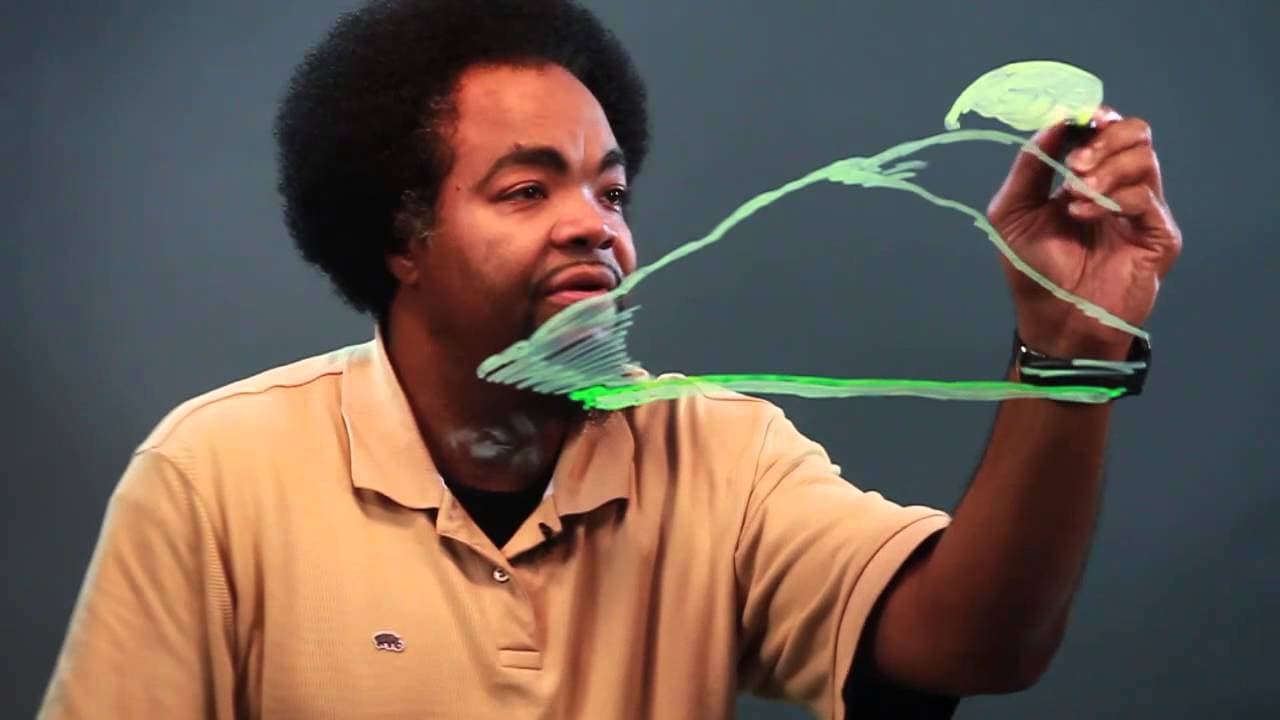
Learn to draw a beautiful landscape with markers in easy steps.
Transcript
hey wassup Chris here and today we're gonna learn how to draw a landscape renderings let's begin first we're gonna start with the thick marker we're gonna just go across here give the initial foundation then we'll take a thinner mark of the same color over that connecting the line if you make them a stick don't worry about it erase it that then we'... Read More
Key Insights
- 🖐️ Start with a thick marker to lay down the foundation of the landscape drawing.
- 🤔 Use a thin marker of the same color to add details and connect lines in the drawing.
- 🫥 Erase any mistakes or uneven lines during the drawing process for a clean result.
- 🫥 Create depth by adding more lines and layers for lighting and shading effects.
- 😚 Differentiate between closer and farther objects by varying sizes and details in the drawing.
- 😎 Include a central focal point, like the sun in this case, to tie the landscape elements together.
- 🌲 Incorporate trees of varying sizes to add realism and depth to the landscape rendering.
Install to Summarize YouTube Videos and Get Transcripts
Explore YouTube Video Summarizer or Get YouTube Transcript Extractor
Questions & Answers
Q: What markers are used in the tutorial?
Chris uses both a thick and thin marker of the same color to create different layers and details in the landscape drawing.
Q: How does Chris create the illusion of lighting and shading in the drawing?
By adding more lines and layers in certain areas, Chris is able to create depth and give the landscape drawing a sense of lighting and shading.
Q: Why does Chris erase some lines in the tutorial?
Chris erases any mistakes or uneven lines made during the drawing process to ensure a clean and neat final landscape rendering.
Q: How does Chris differentiate between closer and farther trees in the drawing?
Chris makes the closer trees appear larger and more prominent in the landscape drawing, giving a sense of depth and distance.
Summary & Key Takeaways
-
Chris demonstrates drawing a landscape with markers, starting with a foundation using thick and thin markers.
-
He creates a grassy field, a sun, trees of varying sizes, and adds lighting and shading for depth.
-
The tutorial provides simple techniques to create an appealing landscape drawing.
Read in Other Languages (beta)
Share This Summary 📚
Summarize YouTube Videos and Get Video Transcripts with 1-Click
Try YouTube Summary with ChatGPT & Claude or YouTube Transcript Generator
Explore More Summaries from ehow 📚

Summarize YouTube Videos and Get Video Transcripts with 1-Click
Try YouTube Summary with ChatGPT & Claude or YouTube Transcript Generator