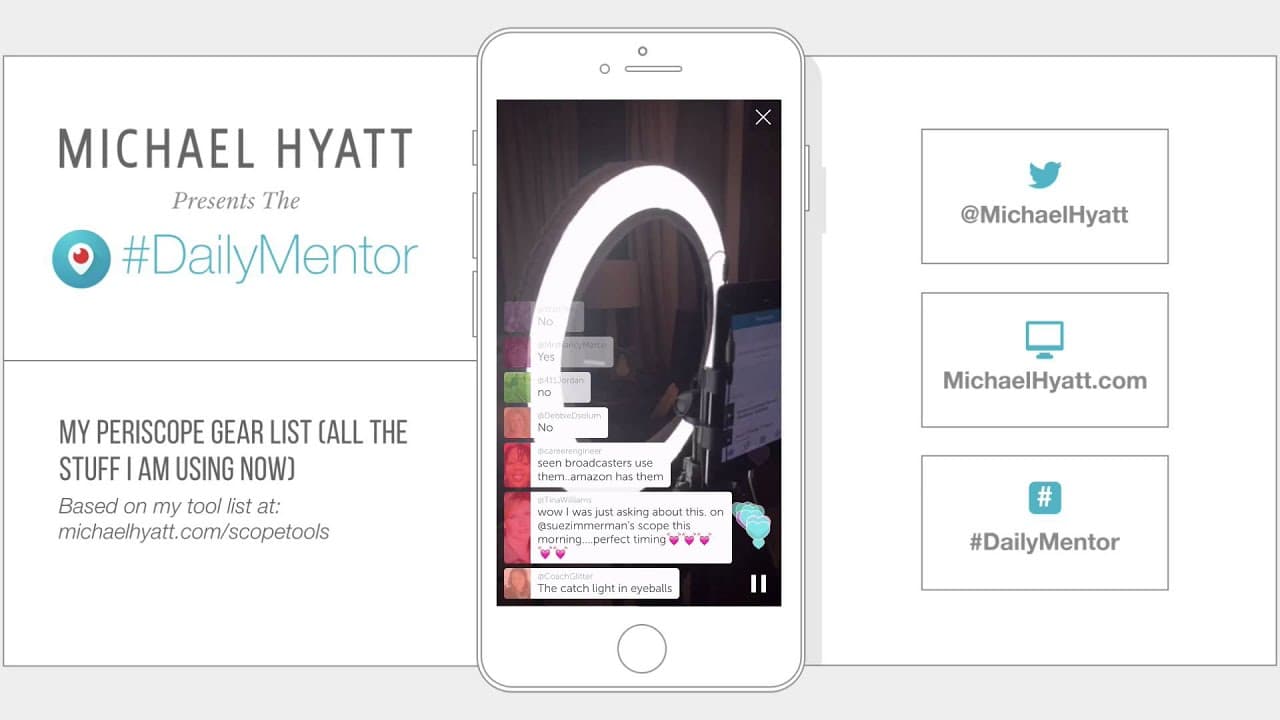
My Periscope Gear List [Periscope]
TL;DR
Michael Hyatt shares his Periscope gear and setup tips.
Transcript
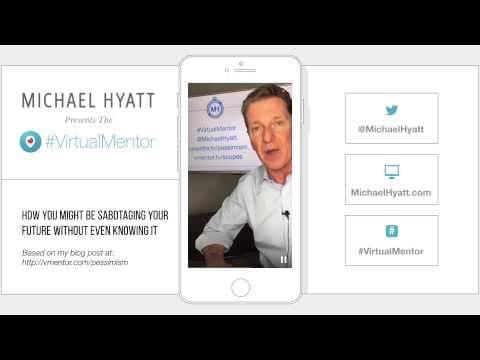
okay guys Michael hayatt here I'm back to talk about my Periscope gear list okay and so I'm going to flip my slide forward because I want to yeah all right so um I'm going to show you guys this in a minute lots of Hearts great I'm the author of The New York Times bestseller platform get no noticed in a noisy world and I also do a uh Periscope here ... Read More
Key Insights
- Michael Hyatt is an author and daily Periscope broadcaster, sharing insights and gear tips for better broadcasts.
- His studio setup includes a new iMac, MacBook Pro, and a custom-built standup desk for webinars and video recording.
- Hyatt emphasizes that a phone is the only essential tool for Periscope, with other gear being optional enhancements.
- He uses tripods, an iPad, and a ring light to improve video quality, showcasing his preference for high-end equipment.
- Hyatt employs software like Keynote and ScreenFlow to create and edit his Periscope videos, enhancing production quality.
- He has developed a process for capturing and sharing his Scopes, with plans to delegate tasks to his team in the future.
- Hyatt plans to use Periscope to grow his mailing list by offering opt-in incentives, highlighting indirect monetization strategies.
- He values sharing his knowledge and tools with others, encouraging them to explore Periscope for their own business use.
Install to Summarize YouTube Videos and Get Transcripts
Explore YouTube Video Summarizer or Get YouTube Transcript Extractor
Questions & Answers
Q: What is the essential equipment needed for Periscope broadcasts?
According to Michael Hyatt, the only essential equipment needed for Periscope broadcasts is a phone. While he discusses various optional gear to enhance broadcast quality, such as tripods, iPads, and ring lights, he emphasizes that a phone is sufficient to start broadcasting on Periscope.
Q: How does Michael Hyatt enhance the quality of his Periscope videos?
Michael Hyatt enhances the quality of his Periscope videos using various optional gear. He employs tripods for stability, iPads for larger screens, and ring lights for even lighting. Additionally, he uses software tools like Keynote and ScreenFlow for video creation and editing, resulting in professional-quality broadcasts.
Q: What software does Michael Hyatt use for his Periscope broadcasts?
Michael Hyatt uses Keynote and ScreenFlow for his Periscope broadcasts. Keynote helps him create visual frames for his videos, while ScreenFlow is used to record and edit the broadcasts, capturing elements like hearts and comments. These tools help him produce polished and professional content.
Q: How does Michael Hyatt plan to monetize his Periscope broadcasts?
Michael Hyatt plans to monetize his Periscope broadcasts indirectly by using them to grow his mailing list. He intends to offer opt-in incentives, such as exclusive content or resources, to encourage viewers to sign up for his email list. This strategy focuses on building a valuable audience for future opportunities.
Q: What is Michael Hyatt's process for capturing and sharing his Scopes?
Michael Hyatt has developed a process for capturing and sharing his Scopes that involves recording the broadcasts using ScreenFlow and editing them for quality. He documents the steps in a workflow and plans to eventually delegate the task to his team, ensuring efficiency and consistency in content production.
Q: What are Michael Hyatt's future plans for his Periscope broadcasts?
Michael Hyatt's future plans for his Periscope broadcasts include introducing his team during a strategic planning retreat and sharing insights into their planning tools. He aims to continue using Periscope as a platform to connect with his audience, share valuable content, and grow his mailing list through strategic engagement.
Q: How does Michael Hyatt encourage others to use Periscope?
Michael Hyatt encourages others to use Periscope by sharing his knowledge, tools, and experiences. He provides detailed insights into his gear and setup, making it accessible for others to replicate or adapt. His enthusiasm for the platform and willingness to share resources inspires others to explore Periscope for their own business use.
Q: What role does Michael Hyatt's team play in his Periscope strategy?
Michael Hyatt's team plays a supportive role in his Periscope strategy. While he currently manages the production process, he plans to delegate tasks to his team in the future. This will allow him to focus on content creation and strategic planning, while his team handles the technical and logistical aspects of broadcasting.
Summary & Key Takeaways
-
Michael Hyatt discusses his Periscope gear, highlighting the optional nature of most equipment except for a phone. He shares insights into his studio setup, including his iMac, MacBook Pro, and custom-built standup desk, designed for webinars and video recording.
-
Hyatt emphasizes the use of tripods, iPads, and ring lights to enhance video quality, while his software tools like Keynote and ScreenFlow aid in creating professional broadcasts. He plans to delegate production tasks to his team to streamline his workflow.
-
Hyatt aims to leverage Periscope to build his mailing list through opt-in incentives, demonstrating an indirect monetization strategy. He encourages others to explore Periscope for business, sharing his knowledge and tools to support their endeavors.
Read in Other Languages (beta)
Share This Summary 📚
Summarize YouTube Videos and Get Video Transcripts with 1-Click
Try YouTube Summary with ChatGPT & Claude or YouTube Transcript Generator
Explore More Summaries from Michael Hyatt 📚


Summarize YouTube Videos and Get Video Transcripts with 1-Click
Try YouTube Summary with ChatGPT & Claude or YouTube Transcript Generator