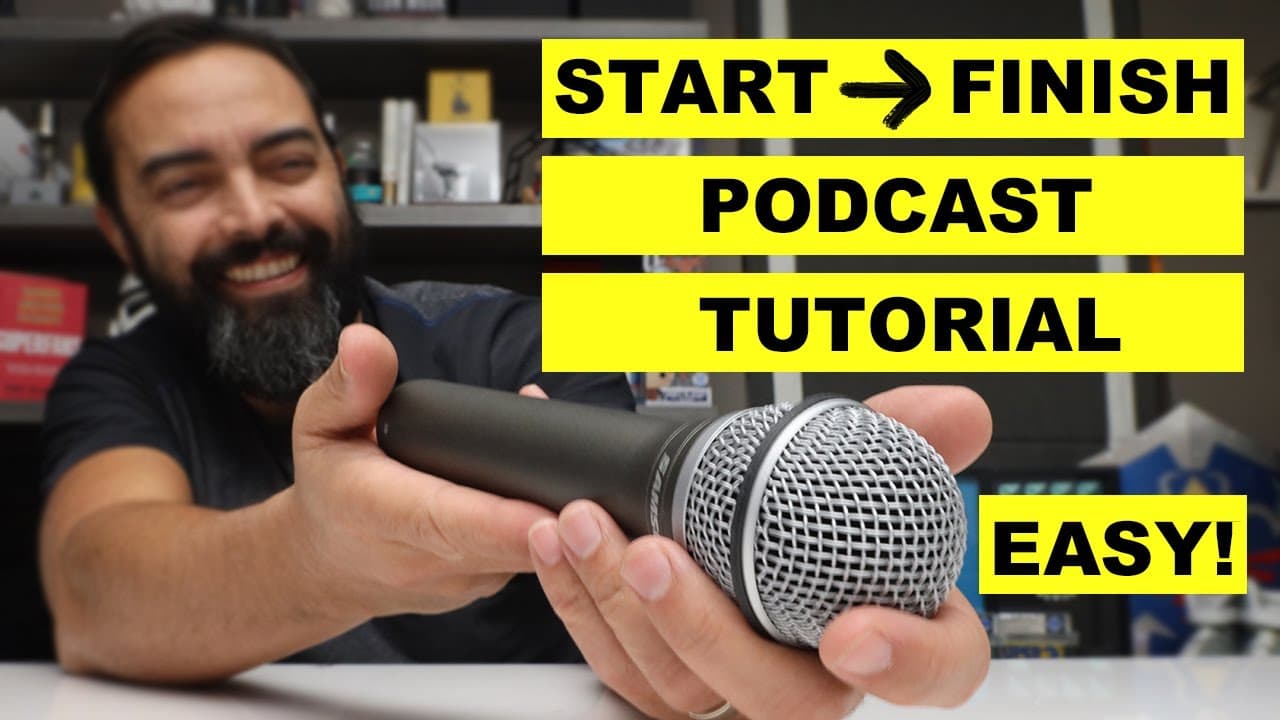
How to Start a Podcast - Beginner Podcasting Tutorial
TL;DR
Learn everything you need to know to start a podcast successfully without breaking the bank.
Transcript
so you want to start a podcast but you're not quite sure how to do it well by the end of this video you'll know everything you need to know to start a podcast and get it up and running quickly and all without breaking the bank you don't have to spend a lot to get your voice out in the world build an audience gain fans and potentially even turn this... Read More
Key Insights
- 🎙️ Starting a podcast does not require expensive equipment; a simple and affordable microphone like the Samson Q2U can provide excellent sound quality.
- 🥶 Free software options like GarageBand and Audacity are available for recording and editing podcast episodes.
- 🧍 Choosing a specific niche for your podcast helps you stand out and attract a dedicated audience.
- 🌱 Planning ahead and creating a content schedule can help you avoid stress and maintain a consistent podcasting routine.
- 👻 Being yourself and having fun while podcasting allows you to connect with your audience more effectively.
- 🎙️ A podcast hosting service like Buzzsprout simplifies the process of publishing and distributing your podcast to various platforms.
- 👻 Upgrading to a paid hosting plan offers additional benefits, such as dynamic content insertion and detailed analytics.
Install to Summarize YouTube Videos and Get Transcripts
Explore YouTube Video Summarizer or Get YouTube Transcript Extractor
Questions & Answers
Q: What basic equipment do I need to start a podcast?
The most important equipment is a microphone, and the recommended one is the Samson Q2U, which is affordable and offers USB connectivity. Additional accessories like windscreen, shock mount, and boom arm can also enhance the audio quality.
Q: What software should I use to record and edit my podcast episodes?
For Mac users, GarageBand is recommended, while Audacity is a good option for Windows users. These free tools allow you to edit, cut, and slice your episodes and export them as MP3 files.
Q: How often should I publish new episodes of my podcast?
The frequency of publishing is up to you, but starting with a weekly episode is recommended to establish a consistent schedule. However, you can adjust the frequency based on your availability and content creation ability.
Q: Should I have guests on my podcast or do solo episodes?
It is entirely up to you and your show's format. Some podcasts are solo shows, while others have guests for every episode. Choose based on your content and audience preferences.
Key Insights:
- Starting a podcast does not require expensive equipment; a simple and affordable microphone like the Samson Q2U can provide excellent sound quality.
- Free software options like GarageBand and Audacity are available for recording and editing podcast episodes.
- Choosing a specific niche for your podcast helps you stand out and attract a dedicated audience.
- Planning ahead and creating a content schedule can help you avoid stress and maintain a consistent podcasting routine.
- Being yourself and having fun while podcasting allows you to connect with your audience more effectively.
- A podcast hosting service like Buzzsprout simplifies the process of publishing and distributing your podcast to various platforms.
- Upgrading to a paid hosting plan offers additional benefits, such as dynamic content insertion and detailed analytics.
- Video podcasting and monetization strategies are other aspects to consider as you grow your podcast.
Summary & Key Takeaways
-
Part one covers the basic equipment needed to sound great, including a recommended microphone, windscreen, shock mount, and boom arm.
-
Part two discusses the software options for recording and editing podcast episodes, such as GarageBand for Mac users and Audacity for Windows users.
-
Part three addresses common questions about podcasting, including choosing a topic, episode length, publishing frequency, and whether to have guests on the show.
-
Part four provides helpful recording tips, such as microphone positioning, avoiding clipping, planning ahead, and being yourself on the show.
-
Part five explains the process of publishing a podcast, highlighting the use of a podcast hosting service like Buzzsprout to distribute episodes to various platforms.
Read in Other Languages (beta)
Share This Summary 📚
Summarize YouTube Videos and Get Video Transcripts with 1-Click
Try YouTube Summary with ChatGPT & Claude or YouTube Transcript Generator
Explore More Summaries from Pat Flynn 📚



Summarize YouTube Videos and Get Video Transcripts with 1-Click
Try YouTube Summary with ChatGPT & Claude or YouTube Transcript Generator