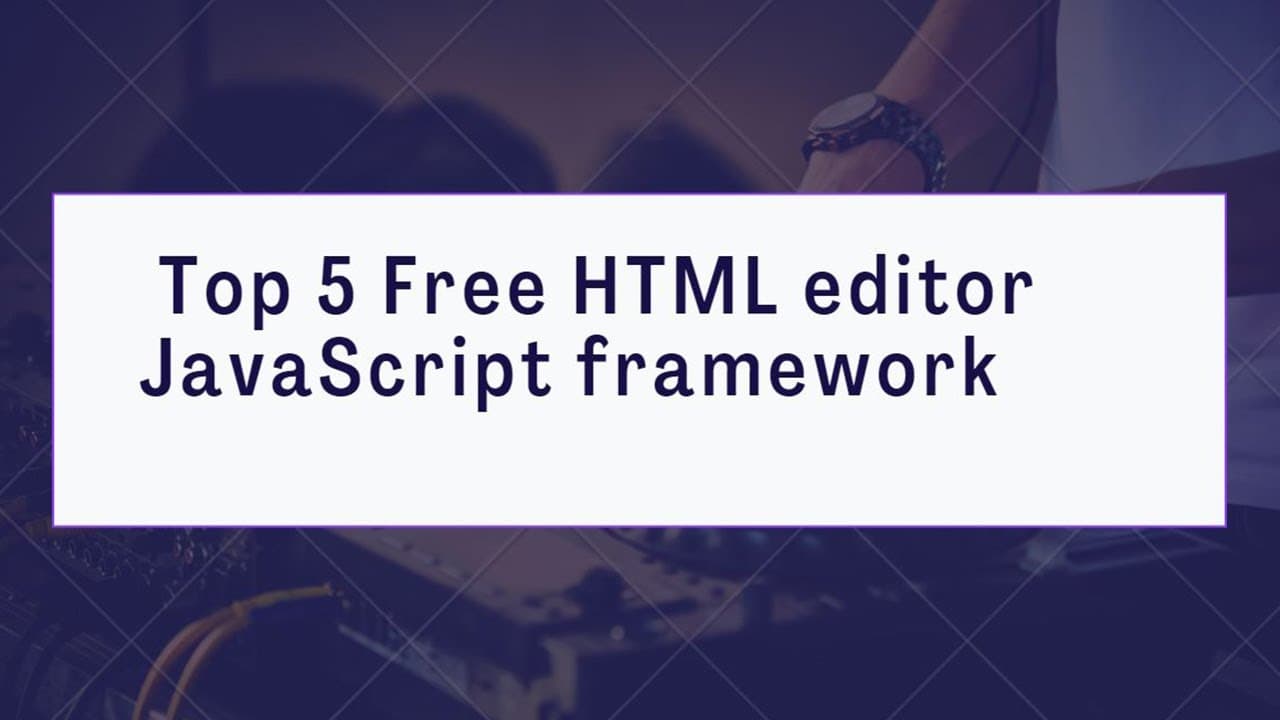
HTML WYSIWYG editor | | Top 5 Free Html editor with JavaScript framework
TL;DR
This content explores five free and open-source WYSIWYG HTML editors, highlighting their features and benefits.
Transcript
there are two kinds of code editors simple text based editor and wizaig whissuick meninx is what you see is what you get in our previous article we discussed some of the best open source html editor where you manually type in the code while there are no issues with the text based html editors they are nonetheless old school and that's where whissuw... Read More
Key Insights
- 👤 WYSIWYG editors offer a visual editing experience, ideal for non-technical users and speeding up the content creation process.
- 💄 Jodit’s lightweight nature makes it easy to implement in various projects without additional dependencies, enhancing its appeal.
- 🪩 TinyMCE mirrors traditional word processors, combining familiarity with powerful editing tools for efficient content management.
- 💁 Editor.js’s JSON output format promotes cleaner data handling, facilitating integration with other systems and more versatile data usage.
- 👻 Quill’s robust API allows for extensive customization, providing a tailor-made editing experience that can meet diverse project requirements.
- 👤 Pel’s tiny size and straightforward functionality deliver a no-frills editing option for users seeking a quick and efficient solution.
- 👤 These editors exemplify the movement towards user-friendly design in web development, catering to both novice and experienced users.
Install to Summarize YouTube Videos and Get Transcripts
Explore YouTube Video Summarizer or Get YouTube Transcript Extractor
Questions & Answers
Q: What is a WYSIWYG editor, and how does it differ from a text-based editor?
A WYSIWYG (What You See Is What You Get) editor allows users to create and edit content visually rather than through coded text, making it more intuitive for non-coders. In contrast, a traditional text-based editor requires manual coding, which can be less user-friendly but offers more control over the final output.
Q: Can you summarize the main features of Jodit?
Jodit is a lightweight WYSIWYG editor, only about 100 KB, written entirely in TypeScript, which eliminates the need for additional libraries. It offers a drag-and-drop interface for images, allows embedding of videos from platforms like YouTube, and includes an integrated ACE editor for effortless switching between code view and preview mode.
Q: What are the unique features of TinyMCE that set it apart?
TinyMCE, while not entirely free, offers a community edition that replicates the functionality of popular word processors, making it easy for users to adopt. It provides comprehensive text formatting options, support for lists and tables, and basic image editing capabilities, enhancing its usability for content creators.
Q: How does Editor.js handle data output differently from traditional WYSIWYG editors?
Editor.js outputs content as a structured JSON object rather than raw HTML. This approach allows for clean and organized data output, making it easier to manage and extend content programmatically. Its block-style editing enables users to interact with individual content pieces more effectively.
Q: What makes Quill a versatile choice for developers?
Quill's modular architecture and expressive API provide high customization, allowing developers to tailor the editor to meet specific project needs. It ensures consistent behavior and HTML output across different platforms, supporting modern browsers on desktops and mobile devices effectively.
Q: Why is Pel notable among other editors?
Pel is renowned for its minimalistic design, being only 1.38 KB in size, making it an ideal choice for lightweight applications. Despite its simplicity, it includes essential formatting options like headings, bolding, and image insertion, giving users a straightforward editing experience without the clutter.
Q: What is the significance of open-source HTML editors in web development?
Open-source HTML editors provide free and customizable tools for developers and content creators, fostering innovation and collaboration. They empower users to create sophisticated web content without the overhead costs of proprietary software, promoting accessibility and usability in web development.
Summary & Key Takeaways
-
The article introduces WYSIWYG editors, contrasting them with traditional text-based editors, and emphasizes their user-friendly design.
-
It lists five standout free HTML editors, detailing unique features such as code preview modes, a block-style output, and modular architectures.
-
Each editor is evaluated for its size, performance, and capabilities, showcasing how they enhance web development and content creation.
Read in Other Languages (beta)
Share This Summary 📚
Summarize YouTube Videos and Get Video Transcripts with 1-Click
Try YouTube Summary with ChatGPT & Claude or YouTube Transcript Generator
Explore More Summaries from script spark 📚

Summarize YouTube Videos and Get Video Transcripts with 1-Click
Try YouTube Summary with ChatGPT & Claude or YouTube Transcript Generator