Easy Tricks To FIX iPhone Battery Health
TL;DR
Tips for preserving your iPhone's battery health effectively.
Transcript
so you may be an iphone owner and you may be trying to figure out some ways you can actually go ahead and keep your iphone for as long as possible now the one of the best ways to do this i think is put a case and screw protector on your phone but another great way to do this is to maintain that the battery health of your device is as high as possib... Read More
Key Insights
- 🧑⚕️ Continuously monitor your iPhone's battery health in the settings to identify issues early on.
- 🧑⚕️ Regular software updates can improve the accuracy of battery health assessments and overall performance.
- 🥶 Avoid using wireless chargers to eliminate the risks associated with overheating, especially with older charging technologies.
- 🥵 Overexposure to heat from sun or heavy usage can drastically affect battery health; keeping devices at room temperature is ideal.
- 🔋 Letting your iPhone frequently die can cause more harm to the battery; maintain battery levels above a critical threshold.
- 😅 Engaging in prolonged activities like Facetime, especially in hot conditions, can lead to overheating.
- 💦 Consult with Apple for battery replacements when capacity drops significantly, especially below 80%.
Install to Summarize YouTube Videos and Get Transcripts
Explore YouTube Video Summarizer or Get YouTube Transcript Extractor
Questions & Answers
Q: How can I check my iPhone's battery health?
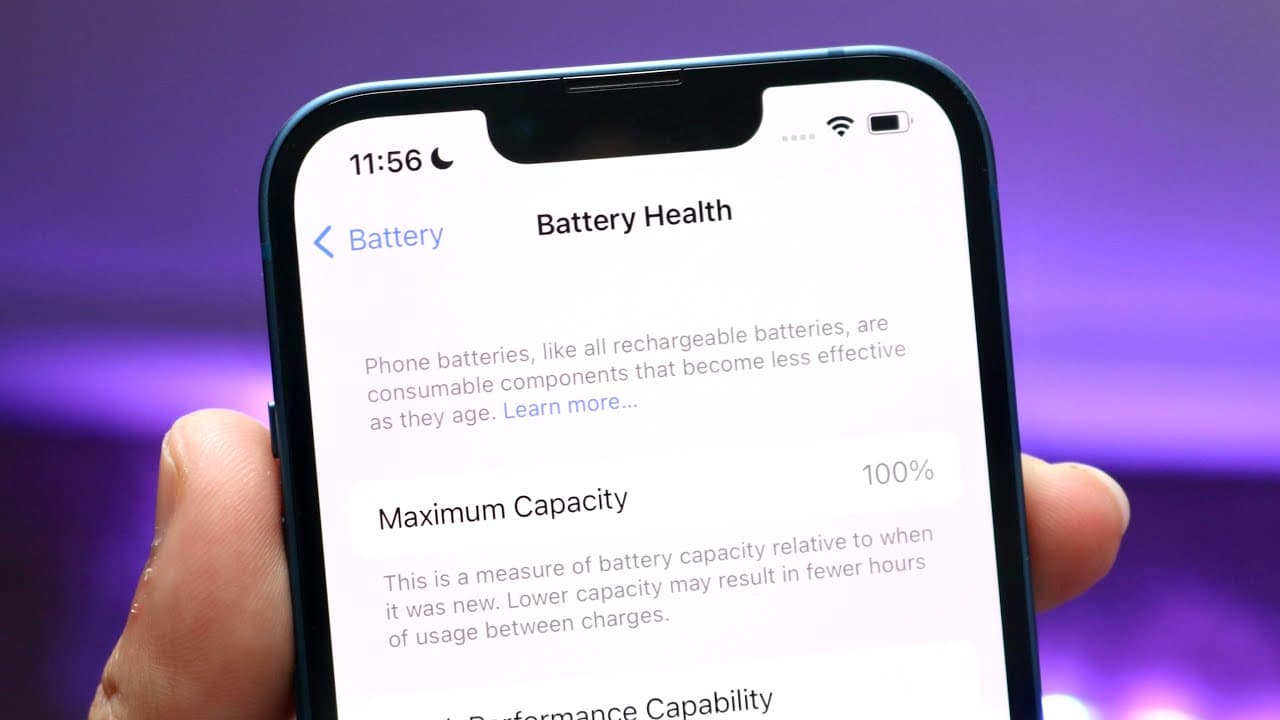
To check your iPhone’s battery health, go to the Settings app, scroll to the Battery section, and tap on Battery Health. Here, you will find the maximum capacity percentage, which helps you assess how well your battery is performing compared to when it was new.
Q: Why is it recommended to avoid wireless charging?
Wireless charging, particularly using Apple's MagSafe charger, can lead to excessive heat generation. Frequent overheating can damage the battery over time, leading to quicker degradation of battery health. Therefore, using a wired charger is advised to preserve battery longevity.
Q: How does overheating affect my iPhone's battery health?
Overheating can significantly reduce your battery’s lifespan. When your iPhone is exposed to high temperatures, such as in direct sunlight or during resource-intensive activities like gaming, it causes stress on the battery. Consistent exposure can lead to permanent capacity reduction.
Q: What should I do if my iPhone's battery health drops below 80%?
If your iPhone's battery health drops below 80%, it’s advisable to consider battery replacement, either through Apple or by yourself if proper DIY options become available. A battery at this level no longer performs optimally and may require replacing to ensure the device functions efficiently.
Summary & Key Takeaways
-
To keep your iPhone functioning optimally, regularly check and maintain your battery health and capacity via the settings app. This is crucial for longevity.
-
Avoid wireless charging, especially with MagSafe, as it can lead to overheating, which is detrimental to battery health. Opt for wired charging instead.
-
Prevent your iPhone from overheating by keeping it away from direct sunlight and minimizing resource-intensive tasks like gaming or video exporting during hot conditions.
Read in Other Languages (beta)
Share This Summary 📚
Summarize YouTube Videos and Get Video Transcripts with 1-Click
Try YouTube Summary with ChatGPT & Claude or YouTube Transcript Generator
Explore More Summaries from Simple Alpaca 📚






Summarize YouTube Videos and Get Video Transcripts with 1-Click
Try YouTube Summary with ChatGPT & Claude or YouTube Transcript Generator