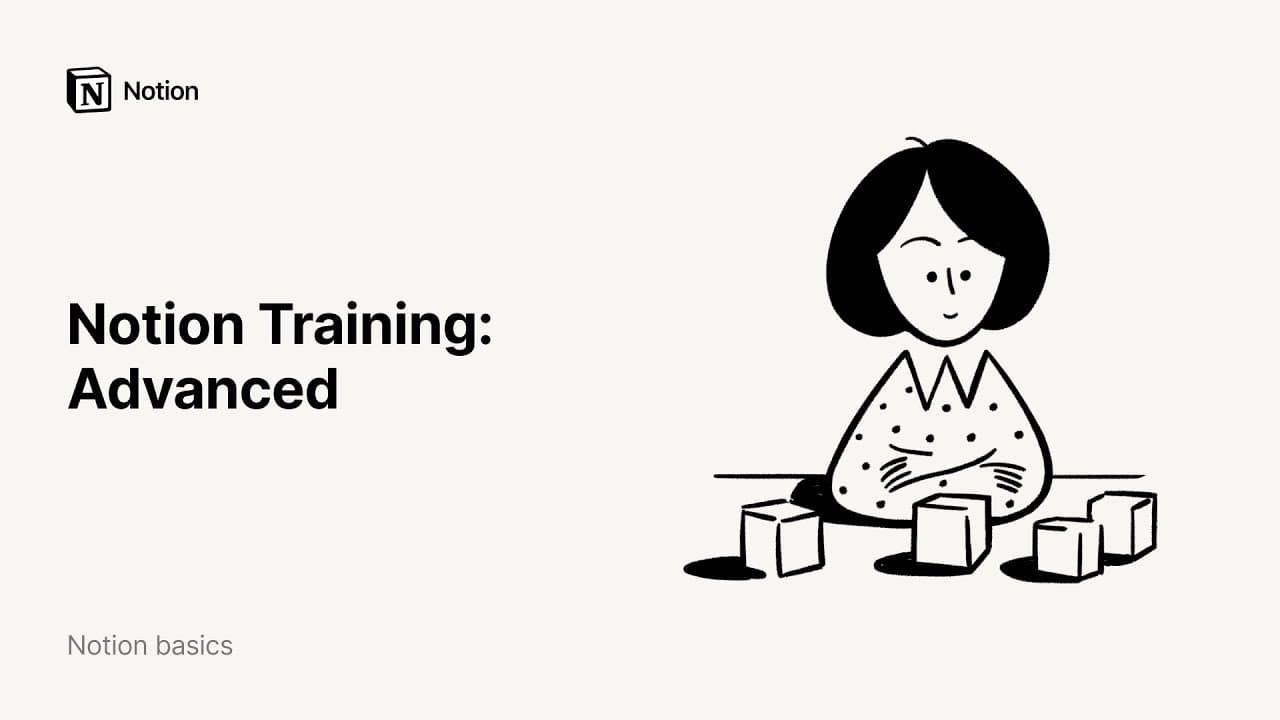
Notion Training: Advanced
TL;DR
Learn how to create, customize, and utilize databases in Notion for better organization and workflow management.
Transcript
welcome to our advanced demo well go into detail about how to use databases and notion what they are how to build them customize them and the wide variety of workflows you can create with them first I'll show you what databases look like in notion and how to create one from scratch a database is a type of page that helps you to store information in... Read More
Key Insights
- 💨 Databases in Notion provide a structured and accessible way to store information, with each entry being its own page.
- 👻 Properties in databases allow for adding specific information about each entry, such as due dates or owners.
- 👻 Different views in Notion, such as tables, boards, and galleries, allow for better visualization and management of data.
- 💁 Notion's relation property enables connecting data across multiple databases, providing a comprehensive overview of information.
- 💄 Roll-ups in Notion allow for aggregating data from connected databases, making it easier to perform calculations and create complex workflows.
- 👻 Linked databases in Notion allow for adding copies of the same database throughout the workspace, customization, and easy updating of shared resources.
- 👻 Templates in Notion databases save time and ensure consistency by allowing the instant addition of predefined formats.
Install to Summarize YouTube Videos and Get Transcripts
Explore YouTube Video Summarizer or Get YouTube Transcript Extractor
Questions & Answers
Q: How do you create a database in Notion?
Creating a database in Notion is as simple as clicking the plus button, selecting the type of database (e.g., table), and adding information to the entries.
Q: Can properties in Notion databases be customized?
Yes, properties in Notion databases can be fully customized, allowing for the addition of various types of information such as numbers, single select menus, dates, and more.
Q: How can you switch between different views of a database in Notion?
In Notion, you can switch between different views of a database by clicking on "Out of View" at the top left and selecting the desired view type, such as table, board, or gallery.
Q: Is it possible to create templates in Notion databases?
Yes, you can create templates in Notion databases to save time and ensure consistency. Templates can be instantly added to databases, making it easier to enter information in a specific format.
Key Insights:
- Databases in Notion provide a structured and accessible way to store information, with each entry being its own page.
- Properties in databases allow for adding specific information about each entry, such as due dates or owners.
- Different views in Notion, such as tables, boards, and galleries, allow for better visualization and management of data.
- Notion's relation property enables connecting data across multiple databases, providing a comprehensive overview of information.
- Roll-ups in Notion allow for aggregating data from connected databases, making it easier to perform calculations and create complex workflows.
- Linked databases in Notion allow for adding copies of the same database throughout the workspace, customization, and easy updating of shared resources.
- Templates in Notion databases save time and ensure consistency by allowing the instant addition of predefined formats.
- Customizable properties, views, and filters in Notion databases provide flexibility and adaptability for various projects, people, and teams.
Summary & Key Takeaways
-
Databases in Notion help store information in a structured and accessible way, with each entry being its own page.
-
Properties in databases allow for adding specific information about each entry, such as due dates or owners.
-
Database views in Notion allow for different ways of viewing the data, including tables, boards, and galleries.
Read in Other Languages (beta)
Share This Summary 📚
Summarize YouTube Videos and Get Video Transcripts with 1-Click
Try YouTube Summary with ChatGPT & Claude or YouTube Transcript Generator
Explore More Summaries from Notion 📚

Summarize YouTube Videos and Get Video Transcripts with 1-Click
Try YouTube Summary with ChatGPT & Claude or YouTube Transcript Generator