How to Build a Playable Piano in Storyline
TL;DR
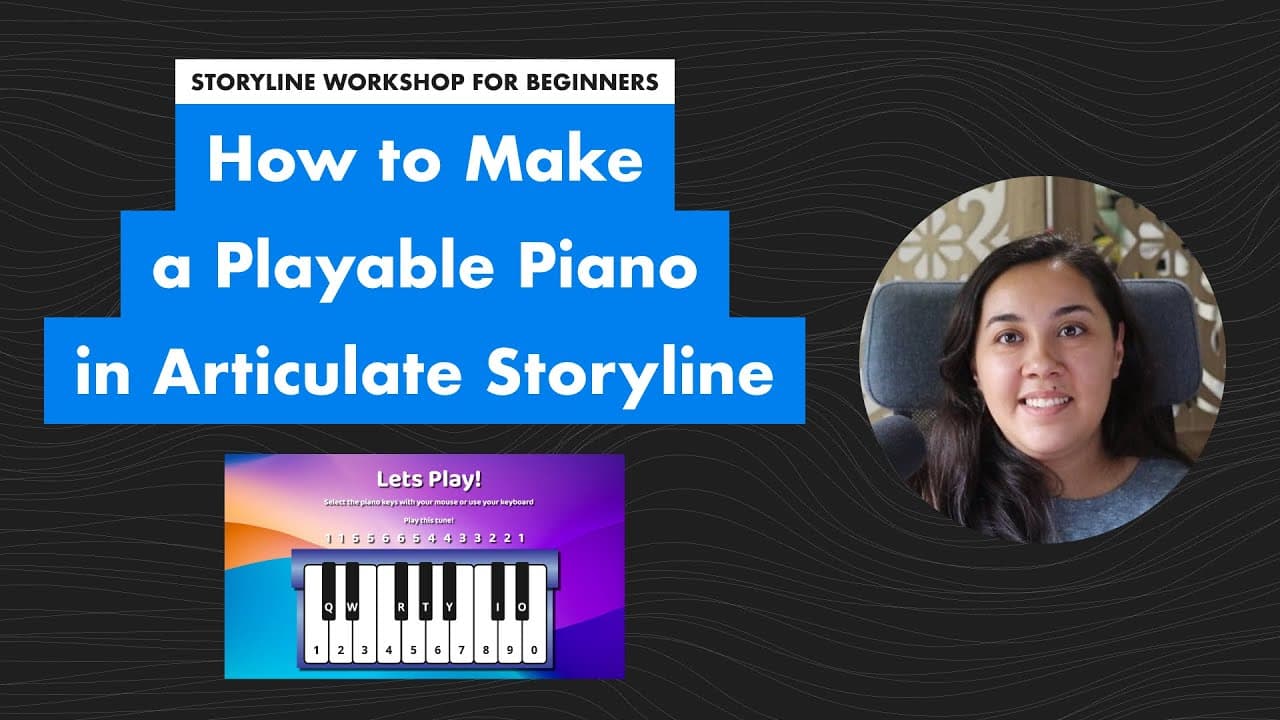
Isabella demonstrates creating a playable piano in Storyline, focusing on triggers, states, and audio usage.
Transcript
hi everyone i'm isabella maldonado and i've been working with dublin to create these beginner storyline projects for you all um if we haven't met before i'm a beginner as well i've only been using storyline for about uh three three months at this point i'm using i'm losing count honestly and for this project we will be creating a playable piano fro... Read More
Key Insights
- 🦮 Isabella guides beginners through creating a playable piano in Storyline.
- 🥇 Emphasis is placed on understanding triggers, states, and audio functionalities.
- 🎹 Detailed demonstration covers both mouse and keyboard interactions for key functionality.
- 🪈 Trigger order optimization is crucial for ensuring smooth performance.
- 🧑🏭 Utilizing blank audio files act as timers to manage state transitions effectively.
- 🪜 Customizing appearance with different colors and font settings adds visual appeal.
- 🤩 Copying and pasting key elements streamline the creation process.
Install to Summarize YouTube Videos and Get Transcripts
Explore YouTube Video Summarizer or Get YouTube Transcript Extractor
Questions & Answers
Q: What are the main components of creating the playable piano in Storyline?
The main components include adding triggers, changing states, inserting audio files, and managing the trigger order for smooth interaction.
Q: Why is using a blank audio file crucial in changing the keys' states back to normal?
The blank audio file serves as a timer to transition the keys back to their normal state after being pressed, ensuring a seamless experience.
Q: How does Isabella demonstrate handling both mouse and keyboard interactions for the piano keys?
Isabella shows how to add triggers for mouse clicks and keyboard presses, ensuring that the piano keys respond accurately for different input methods.
Q: Why is adjusting the trigger order important in ensuring proper functionality of the piano keys?
Changing the trigger order ensures that actions like playing audio first, then stopping it before transitioning states, are executed in the correct sequence for optimal performance.
Summary & Key Takeaways
-
Isabella creates a step-by-step tutorial on building a playable piano in Storyline.
-
Includes instructions on adding triggers, changing states, inserting audio, and managing trigger order.
-
Demonstration covers both mouse and keyboard interactions for the keys.
Read in Other Languages (beta)
Share This Summary 📚
Summarize YouTube Videos and Get Video Transcripts with 1-Click
Try YouTube Summary with ChatGPT & Claude or YouTube Transcript Generator
Explore More Summaries from Devlin Peck 📚






Summarize YouTube Videos and Get Video Transcripts with 1-Click
Try YouTube Summary with ChatGPT & Claude or YouTube Transcript Generator