What Are the Top 5 Adobe Illustrator Tips for Designers?
TL;DR
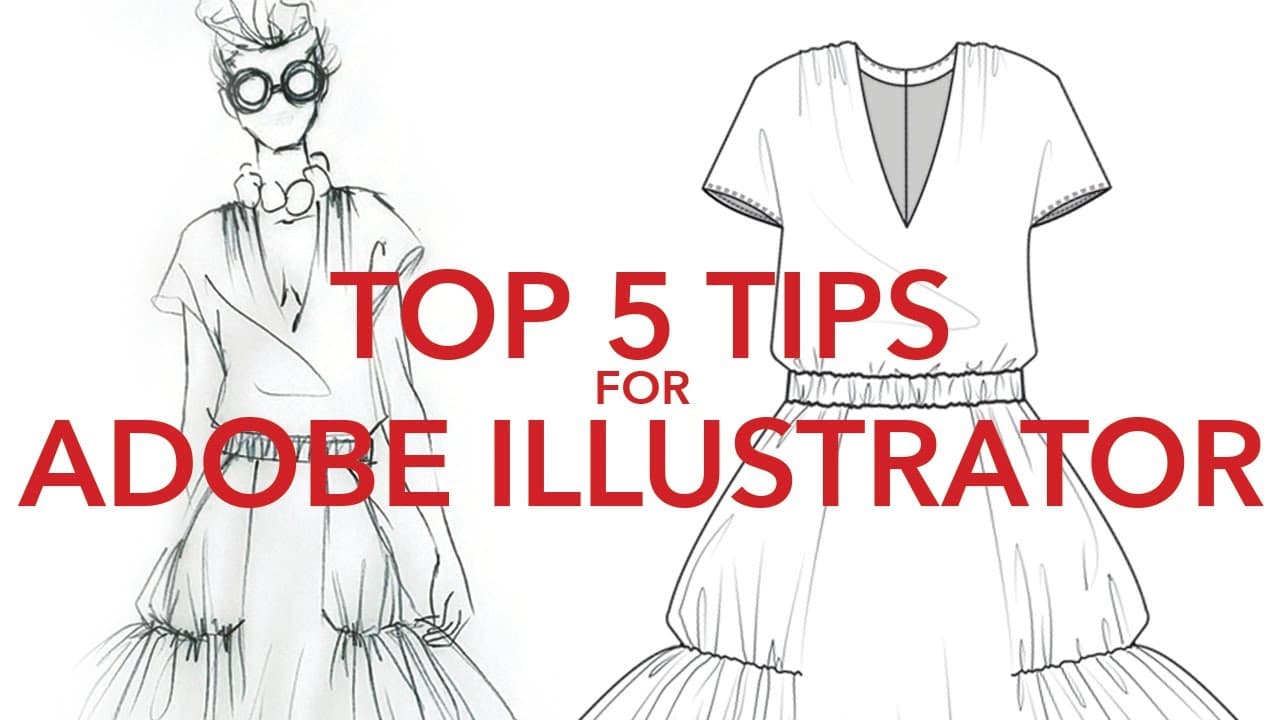
The top 5 Adobe Illustrator tips for designers include creating a custom workspace tailored to your needs, setting up personal shortcut keys to save time, adjusting the nudge amount for precise movements, adding profiles for more elegant illustrations, and utilizing graphic styles for consistency in your designs. Implementing these tips can significantly improve workflow efficiency and enhance the overall quality of design work.
Transcript
hi gang it's me robin schneider and i'm so happy zoe asked me back for another guest lecture on her channel this week i'm going to be giving you my top five adobe illustrator tips and time savers for fashion designers so let's get to it all right let's count back from five the first tip is create a custom workspace adobe illustrator workspace is go... Read More
Key Insights
- 🪡 Fashion designers can optimize their workflow by creating a custom workspace in Adobe Illustrator, tailored to their specific needs.
- 🤩 Customizing shortcut keys for frequently used tools and menu commands can significantly improve efficiency and speed up the design process.
- 👻 Adjusting the nudge amount allows for more precise movement of objects, facilitating accurate positioning in designs.
- 👀 Utilizing profiles in Illustrator can add a more refined and elegant look to fashion illustrations, enhancing the overall aesthetic.
- 💨 Graphic styles provide a convenient way to apply consistent attributes and details to fashion flats, saving time and ensuring design cohesion.
- 🎨 Consistency in workspace, shortcuts, nudge settings, profiles, and graphic styles can contribute to a more streamlined and efficient design workflow.
- 😒 Designers can make use of online resources, such as YouTube channels, websites, and online classes, to further enhance their Illustrator skills.
Install to Summarize YouTube Videos and Get Transcripts
Explore YouTube Video Summarizer or Get YouTube Transcript Extractor
Questions & Answers
Q: How can I create a custom workspace in Adobe Illustrator?
To create a custom workspace, click on the workspace icon and open the "Essentials Classic" option. From there, customize the workspace by adding panels such as the layers panel, stroke panel, brushes panel, and symbols panel.
Q: How can I create my own shortcut keys in Illustrator?
Go to "Edit" and select "Keyboard Shortcuts." Under the "Tools" section, find the tool you want to assign a shortcut to and click on it. Choose a shortcut key and click "OK" to save the custom shortcut. You can also create shortcuts for menu commands by selecting "Menu Commands" instead of "Tools" in the "Keyboard Shortcuts" menu.
Q: How can I adjust the nudge amount in Illustrator?
Access the preferences menu by pressing "Ctrl + K" (or "Command + K" on a Mac). In the preferences window, go to the "General" tab and adjust the keyboard increment value. Decrease it to make smaller and more precise adjustments when using the arrow keys.
Q: How can I add profiles to my illustrations in Illustrator?
Select an object or path, go to the stroke panel, and click on the profile dropdown menu. Choose a profile that best suits your desired look. Adjust the stroke weight and other properties to refine the appearance.
Q: How can graphic styles be useful for fashion designers in Illustrator?
Graphic styles allow you to save combinations of attributes, such as stroke weight, fill color, and effects, as reusable styles. This ensures consistency throughout your designs and saves time when adding details to fashion flats.
Summary & Key Takeaways
-
Tip 1: Create a custom workspace in Adobe Illustrator specifically tailored for fashion designers with essential tools like brushes, symbols, layers, and more.
-
Tip 2: Create your own shortcut keys for frequently used tools and menu commands to save time and improve efficiency in your workflow.
-
Tip 3: Adjust the nudge amount to fine-tune the movement of objects in Illustrator, allowing for precise adjustments.
-
Tip 4: Enhance your illustrations by adding profiles, which can give your designs a more elegant and refined look.
-
Tip 5: Utilize graphic styles to easily add details and consistency to your fashion flats, saving time and ensuring design cohesion.
Read in Other Languages (beta)
Share This Summary 📚
Summarize YouTube Videos and Get Video Transcripts with 1-Click
Try YouTube Summary with ChatGPT & Claude or YouTube Transcript Generator
Explore More Summaries from Zoe Hong 📚


Summarize YouTube Videos and Get Video Transcripts with 1-Click
Try YouTube Summary with ChatGPT & Claude or YouTube Transcript Generator