Why Do Bluetooth Earbuds Lag While Gaming?
TL;DR
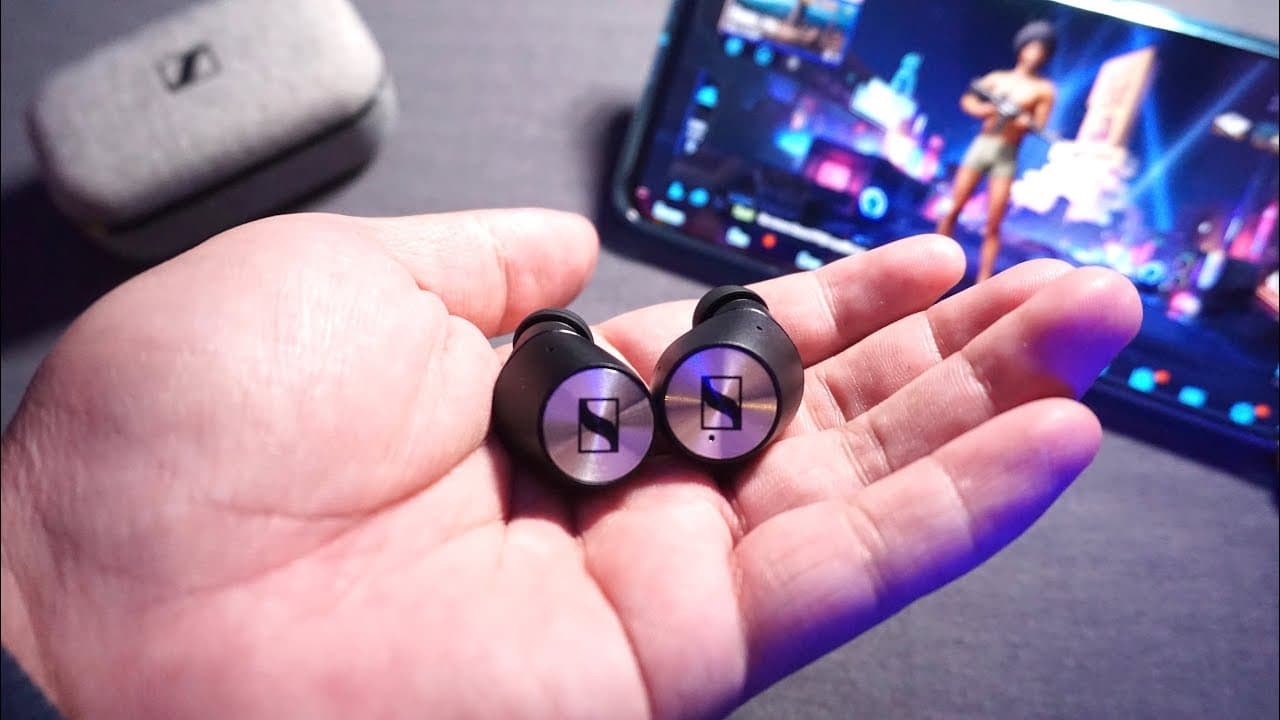
Bluetooth earbuds often lag while gaming due to latency issues inherent in Bluetooth technology and the codecs used. To reduce lag, use earbuds that support aptX or AAC, as these codecs help minimize audio delay. Additionally, gameplay requires immediate audio feedback, making it challenging to synchronize sound with action compared to video playback.
Transcript
hey what's up bros my name is Erin and today I want to take the time to respond to some of your comments some of which are actually questions that I find very interesting like this question about audio latency while gaming I cannot wait to respond to my question but first let's get to solve these comments first let's lead Dragoon commenting on my v... Read More
Key Insights
- 👻 Engaging with viewer comments creates a sense of community and allows for interactive feedback.
- 😀 Many Bluetooth headphones default to SBC codec unless specific settings are adjusted through their corresponding apps.
- 👤 Audio latency in gaming is an inherent challenge, as gameplay requires real-time audio feedback based on user actions.
- 🎮 Video platforms like YouTube can adjust playback timing to mitigate perceived latency, which is not feasible in gaming.
- 🎏 Investing in advanced audio technology, such as aptX support, can significantly enhance the gaming experience by reducing lag.
- 🫵 Clear communication about technical issues helps viewers better understand and resolve their concerns.
- ✋ Viewers are encouraged to seek out quality earbuds designed for high-performance audio to improve their gaming experiences.
Install to Summarize YouTube Videos and Get Transcripts
Explore YouTube Video Summarizer or Get YouTube Transcript Extractor
Questions & Answers
Q: What can I do if my Sony headphones are stuck using the SBC codec?
If your Sony headphones are defaulting to the SBC codec on a MacBook Pro or iMac, you need to access the Sony Headphones Connect app on your smartphone. From there, you can toggle between “Priority on Sound Quality,” which allows higher quality codecs like aptX or AAC, and "Priority on Stable Connection," which limits the headphones to SBC. Also, ensure the EQ settings are set to default, as custom settings can push the headphones back to SBC erroneously.
Q: Why does audio latency occur while gaming compared to watching videos?
Audio latency in gaming is often more pronounced because gaming requires instantaneous audio-visual sync based on user input. Unlike video streaming platforms that can adjust playback timing to sync audio and video, games must react immediately to user actions, making any delay in sound particularly noticeable. When you shoot in a game, you expect the character to respond immediately in the game, and any lag can negatively impact gameplay.
Q: How does the YouTube app compensate for audio delays on certain devices?
The YouTube app on many devices, especially Android, includes features that help offset latency between audio and video by slightly delaying the video feed. This ensures that what you see aligns with what you hear, even if the earbuds themselves don’t support advanced audio codecs. This synchronization is vital for a smooth viewing experience, but such compensation isn’t possible with gaming, where the timing must match real-time input.
Q: What are the best options to reduce audio delay while gaming?
To significantly reduce audio delay while gaming, it is recommended to invest in high-quality true wireless earbuds that support aptX low latency or AAC, particularly for advanced phones. These codecs can bring latency down to about 40 milliseconds, ensuring a near real-time audio-visual experience. Checking for phones that support aptX low latency can also be beneficial when choosing your devices.
Summary & Key Takeaways
-
Erin engages with viewer comments, addressing audio latency concerns and providing insights on Bluetooth codec options for Sony headphones.
-
Recommendations include setting the EQ to default for better performance and understanding the distinctions between audio delays in gaming versus video streaming.
-
Key advice emphasizes the importance of using quality earbuds that support aptX or AAC to minimize audio delay when gaming.
Read in Other Languages (beta)
Share This Summary 📚
Summarize YouTube Videos and Get Video Transcripts with 1-Click
Try YouTube Summary with ChatGPT & Claude or YouTube Transcript Generator
Explore More Summaries from Aaron X Loud and Wireless 📚

Summarize YouTube Videos and Get Video Transcripts with 1-Click
Try YouTube Summary with ChatGPT & Claude or YouTube Transcript Generator