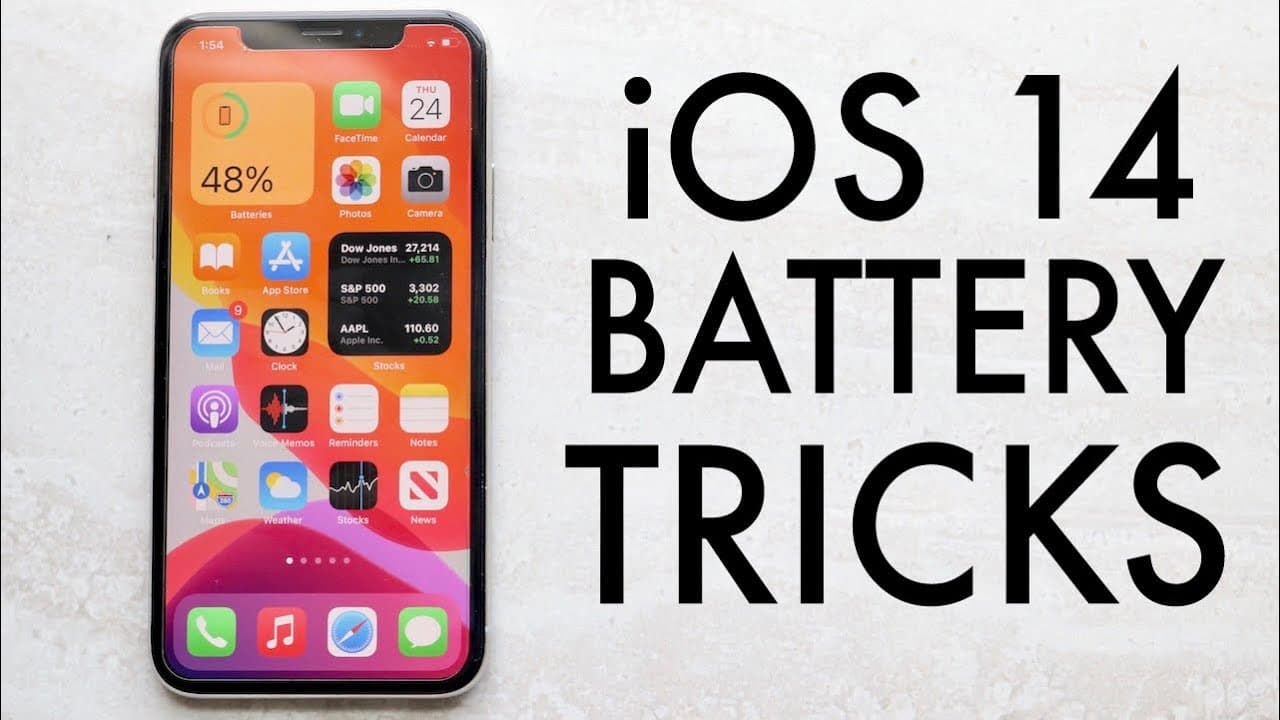
BEST iOS 14 Battery Saving Tips!
TL;DR
Limit widgets, adjust settings, and manage apps to save battery on iOS 14.
Transcript
welcome back everyone time to do another ios 14 battery video i haven't done one yet but i've done one for ios 13 back in the day i think now in the spirit of this video i'm gonna be charging my iphone because obviously i'm almost dead now some of these things aren't just you know proponent or perplexer very to the ios 14 update itself so these thi... Read More
Key Insights
- 👪 Reducing the number of widgets on your home screen can yield significant battery savings by minimizing background refresh frequencies.
- 🈸 Disabling background app refresh for non-essential applications is a vital step in conserving battery life.
- 📌 Managing location services by opting for estimated locations can substantially reduce battery consumption.
- 🔔 Personification of notifications can enhance battery performance by limiting background data usage.
- 🥺 The back tap feature, while innovative, may lead to battery drain through accidental activation and should be disabled if not actively used.
- 😫 Setting mail fetch to manual prevents unnecessary background activity, enhancing overall battery efficiency.
- 🔋 Sound recognition can be a hidden battery killer; disabling it can help save power unless necessary for health reasons.
Install to Summarize YouTube Videos and Get Transcripts
Explore YouTube Video Summarizer or Get YouTube Transcript Extractor
Questions & Answers
Q: Why should I limit the number of widgets on my iPhone?
Limiting widgets on your home screen is crucial as each widget requires background refreshing, which can consume battery life. By keeping only essential widgets, you reduce the frequency of refreshes, ultimately leading to improved battery performance over time. For example, removing unnecessary weather or news widgets can make a noticeable difference.
Q: How can disabling background app refresh help my battery life?
Disabling background app refresh stops apps from consuming battery while running in the background. Apps refresh data even when not actively used, draining battery life unnecessarily. By customizing which apps can refresh in the background based on your usage—like keeping essential apps active while turning off others—you can save a significant amount of battery life.
Q: What is the significance of turning off precise location services for apps?
Turning off precise location services allows apps to use an estimated location instead, which requires less battery power. For non-essential apps, using estimated location is often sufficient and can prevent your device from constantly tracking your exact whereabouts, ultimately saving battery life.
Q: How can managing notifications improve my device's battery performance?
Managing notifications is essential because each notification requires your device to retrieve and process data, consuming battery life. By disabling notifications for apps you seldom use or that are not crucial to your daily activities, you reduce background activity that drains battery, leading to longer-lasting performance throughout the day.
Q: What is "back tap," and why should I consider turning it off?
"Back tap" is a feature that allows users to trigger actions by tapping the back of their device. However, this feature can consume battery life, especially if accidental touches activate unintended apps. Disabling "back tap" minimizes battery drain, particularly if you do not frequently use this function.
Q: How does disabling mail fetch impact battery life?
Disabling mail fetch prevents the mail app from constantly checking for new emails in the background, which can drain battery life. Setting mail fetch to manual means that the app will only check for new emails when you open it, thereby conserving energy for other tasks and extending battery longevity.
Q: Why is it recommended to disable sound recognition?
Sound recognition can drain battery life as it continuously listens for specific sounds. If you do not need this feature for health or safety reasons, it is advisable to disable it. This will free up resources and enhance battery performance on your device by reducing background processing.
Q: What are some benefits of turning off raise to wake?
Turning off raise to wake prevents the screen from illuminating each time you lift your phone. While this is a convenient feature, it can lead to unnecessary battery drain. Disabling it will result in the screen staying off until actively engaged, helping to prolong battery life.
Summary & Key Takeaways
-
The video shares effective strategies for improving battery life on iOS 14 devices, highlighting that many tips also apply to earlier iOS versions.
-
Key recommendations include reducing the number of widgets, disabling background app refresh, and turning off precise location services for unnecessary apps.
-
Viewers are advised to manage notifications, turn off features like raise to wake and back tap, and utilize settings under the accessibility section to optimize battery usage.
Read in Other Languages (beta)
Share This Summary 📚
Summarize YouTube Videos and Get Video Transcripts with 1-Click
Try YouTube Summary with ChatGPT & Claude or YouTube Transcript Generator
Explore More Summaries from Simple Alpaca 📚





Summarize YouTube Videos and Get Video Transcripts with 1-Click
Try YouTube Summary with ChatGPT & Claude or YouTube Transcript Generator