What Are the Best File Managers for Android in 2024?
TL;DR
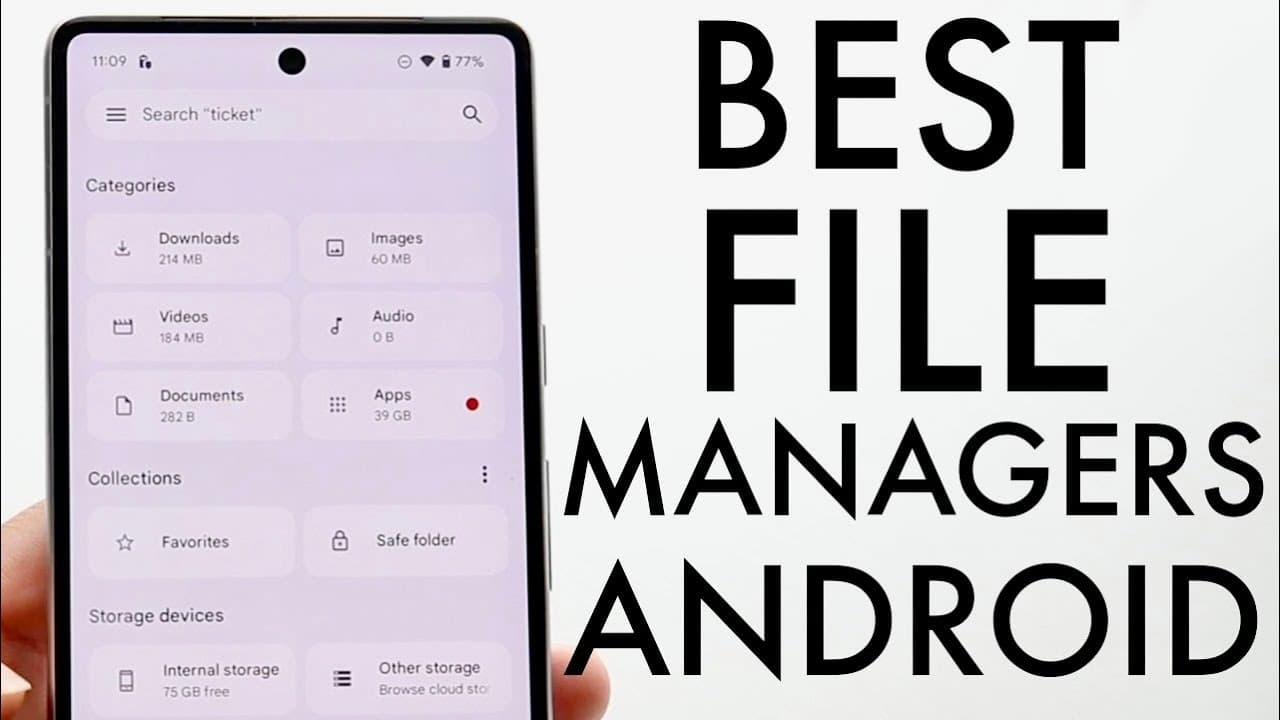
The best file managers for Android in 2024 include Google Files and Samsung Files, which offer excellent user interfaces and efficient file organization. For advanced users, the Root Browser provides complete access to system files and customization options, while the Xiaomi File Manager is a solid choice for basic tasks on Xiaomi devices. Users should select a file manager based on their specific needs and preferences.
Transcript
so there are so many great file managers out there that you can download on your particular Android phone so let me go and break down some of my favorite file managers that you can basically download on any Android device out there now for the most part the pre-installed one I think is really good we'll get into that in a second but if you want to ... Read More
Key Insights
- 📁 The Xiaomi File Manager is installed by default on Xiaomi devices and is efficient for basic file management tasks.
- 📁 Many of the discussed file managers focus on user-friendly interfaces while providing essential features such as file categorization and storage management.
- 🧍 Root Browser stands out for users with advanced needs, offering complete access to system files and customization options.
- 👤 Google Files and Samsung Files are regarded as top choices for their user interface, features, and file organization capabilities.
- 👤 Users seeking a simple solution might prefer the pre-installed file managers, while power users may gravitate toward Root Browser.
- 😀 File management apps vary significantly in terms of design and functionality, which can influence user preferences.
- 🕴️ Recommendations encourage users to base their choice of file manager on specific features that suit their usage patterns.
Install to Summarize YouTube Videos and Get Transcripts
Explore YouTube Video Summarizer or Get YouTube Transcript Extractor
Questions & Answers
Q: What are some notable features of the Xiaomi File Manager?
The Xiaomi File Manager is notable for its user-friendly interface and efficiency, particularly on Xiaomi devices. It allows users to easily monitor storage, clean files, and navigate through their storage. The app is highly downloaded, indicating its popularity and reliability among users looking for a straightforward file management solution.
Q: Why is Root Browser considered a top file manager choice?
Root Browser is considered a top choice largely due to its extensive features when used on rooted devices. It provides full control over file management, allowing users to explore system files, perform backups, and edit file permissions. While it has ads, its powerful functionality makes it a valuable tool for advanced users.
Q: What advantages does the Google Files app offer?
The Google Files app is advantageous because it combines intuitive design with efficient file management. It offers features like quick access to important files, storage monitoring, and a safe folder for secure storage of sensitive items. Additionally, it simplifies file sharing and cleanup, making it a comprehensive tool for most users.
Q: What are the downsides of using File Manager Plus?
File Manager Plus, while decent, is described as somewhat clunky and older in design. Users might find its interface less intuitive than other options. It categorizes files well, but lacks the advanced features found in more popular apps like Google Files or Root Browser, making it less appealing for users seeking a modern experience.
Summary & Key Takeaways
-
The content discusses various file managers available for Android devices, highlighting the Xiaomi File Manager for its user-friendly interface and million-plus downloads.
-
It contrasts the Root Browser and Google Files as the top pick options, emphasizing their superior features such as file organization and storage monitoring.
-
The video also mentions alternatives like File Manager Plus and offers a recommendation for users to assess based on their specific needs and preferences.
Read in Other Languages (beta)
Share This Summary 📚
Summarize YouTube Videos and Get Video Transcripts with 1-Click
Try YouTube Summary with ChatGPT & Claude or YouTube Transcript Generator
Explore More Summaries from Simple Alpaca 📚






Summarize YouTube Videos and Get Video Transcripts with 1-Click
Try YouTube Summary with ChatGPT & Claude or YouTube Transcript Generator