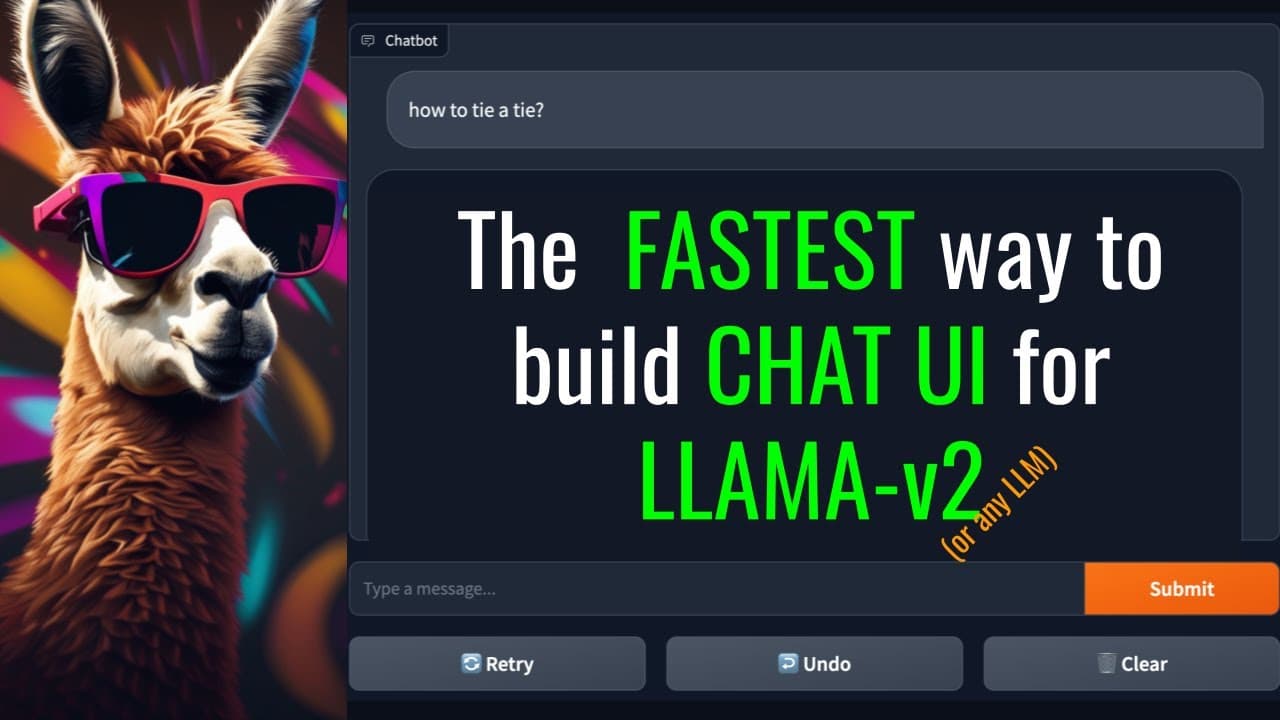
The FASTEST way to build CHAT UI for LLAMA-v2
TL;DR
Learn how to create a chat UI for Llama V2 Chat using the 7tb model and the Gradio library.
Transcript
hello everyone and welcome to my YouTube channel in today's video I'm going to show you how you can build a chat UI for llama V2 chat today I'm going to be using the 7tb model and it's already deployed in in my previous videos I have shown you how to deploy the models yourself so you can you can do that part on your own today I'm just going to buil... Read More
Key Insights
- 😄 The presenter emphasizes the convenience and ease of building a chat UI with the Gradio library, requiring just around 50 lines of code.
- ❓ The formatting of messages for the chatbot, including instructions and context, is crucial for accurate and coherent conversation.
- 👻 The ability to customize parameters allows for fine-tuning the chatbot's behavior and output.
- 👊 The chat UI demonstrated in the video supports features such as retry, undo, and clearing the conversation.
Install to Summarize YouTube Videos and Get Transcripts
Explore YouTube Video Summarizer or Get YouTube Transcript Extractor
Questions & Answers
Q: What is the 7tb model used for in building the chat UI?
The 7tb model is used for generating text responses in the chat UI. It is a pre-trained model that can be deployed for chatbot applications.
Q: Can parameters such as temperature and top-k be adjusted in the chat UI?
Yes, the parameters such as temperature, top-k, repetition penalty, etc. can be modified to customize the behavior and output of the chatbot.
Q: How is the chat UI able to remember user context?
The chat UI utilizes a history feature to maintain user context. The history is a list of previous user and chatbot messages, allowing the chatbot to provide relevant responses based on the conversation history.
Q: Is it possible to deploy the 7tb model locally on a single GPU?
Yes, it is possible to deploy the 7tb model on a local machine with a single GPU. Refer to the presenter's previous tutorial for instructions on how to do this.
Summary & Key Takeaways
-
The video demonstrates how to build a chat UI for Llama V2 Chat using the 7tb model that has been previously deployed.
-
The presenter explains how to import necessary libraries and set up the parameters for the chat UI.
-
The video provides step-by-step instructions on formatting the messages for the chatbot and creating the chat interface using Gradio.
Read in Other Languages (beta)
Share This Summary 📚
Summarize YouTube Videos and Get Video Transcripts with 1-Click
Try YouTube Summary with ChatGPT & Claude or YouTube Transcript Generator
Explore More Summaries from Abhishek Thakur 📚
Summarize YouTube Videos and Get Video Transcripts with 1-Click
Try YouTube Summary with ChatGPT & Claude or YouTube Transcript Generator