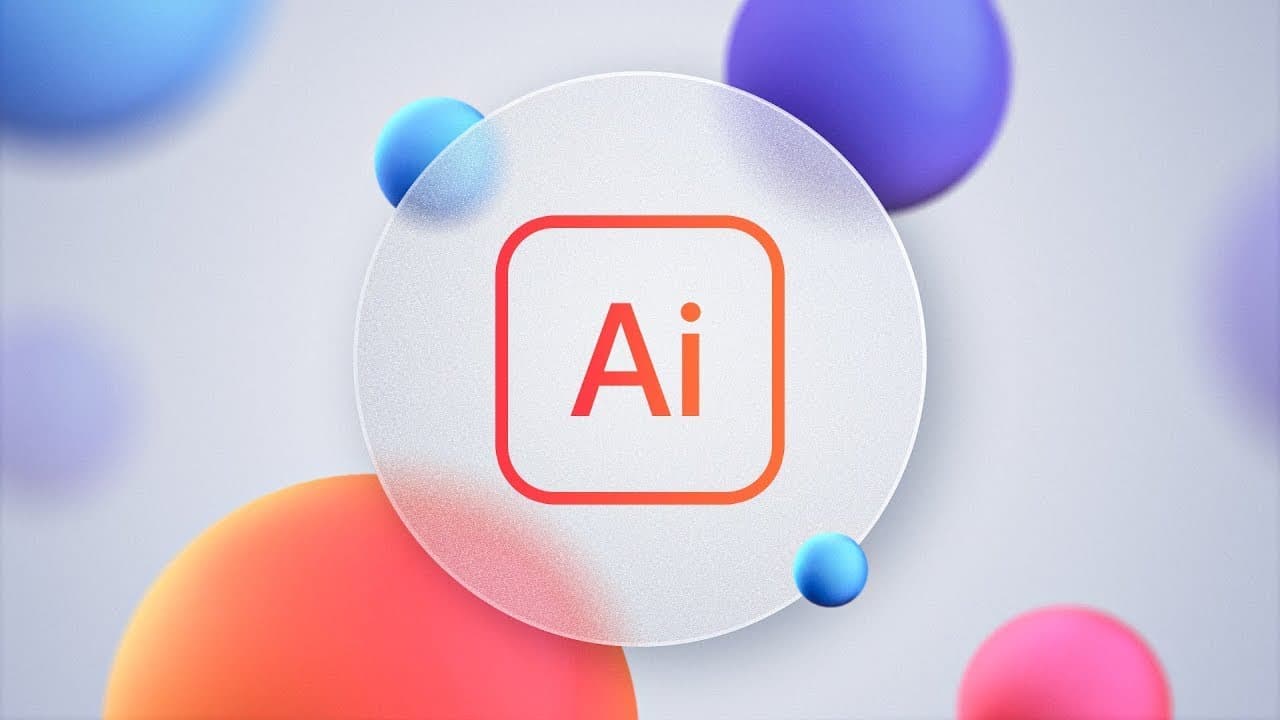
Unlock the Glassmorphism Effect in Illustrator!
TL;DR
Learn how to create a moving blur effect and a realistic glass effect in Illustrator, with step-by-step instructions and tips for customization.
Transcript
my search for an answer to this question for a long time how on Earth do I move a blur effect around a design so the background continues to blur in real time surely there must be a way to do this in illustrator right and the good news is yes there is but it's not immediately obvious and in this video I'm going to reveal the hidden technique to get... Read More
Key Insights
- 😎 Illustrator offers hidden techniques for creating moving blur effects and realistic glass effects.
- 😒 The use of clipping masks and layer organization is essential for achieving the desired results.
- 🎮 Customization options like adjusting blur settings, gradient angles, and stroke alignment give designers full control over the effects.
- 👻 Graphic styles in Illustrator allow for easy reuse and application of saved effects.
- 🎨 The ability to change images without starting from scratch adds flexibility to the design process.
- 🎨 These effects can be applied to various design projects, especially in UI design.
- 😎 Attention to detail in adjusting settings, opacities, and stroke weights is crucial for achieving a realistic glass effect.
Install to Summarize YouTube Videos and Get Transcripts
Explore YouTube Video Summarizer or Get YouTube Transcript Extractor
Questions & Answers
Q: How do I create a moving blur effect in Illustrator?
To create a moving blur effect, you need to use a clipping mask and apply the Gaussian blur effect. By selecting the sub layer within the clipping group and moving it, rotating it, or resizing it, the blur effect will update in real time.
Q: What are the advantages of using these effects in design?
These effects can be useful in UI design, allowing you to easily adjust the size, shape, and position of blurred elements. They enhance the visual appeal and realism of designs and can be customized to fit different design requirements.
Q: How do I create a realistic glass effect in Illustrator?
To create a realistic glass effect, you can use gradients, strokes, and additional effects like film grain. By adjusting the transparency, stroke alignment, and opacity, you can achieve a subtle and visually appealing glass effect.
Q: Can I change the image without recreating the effects?
Yes, you can change the image without recreating the entire design. Using the Links panel, you can relink the image to a different file, and all the effects and settings will remain intact.
Key Insights:
- Illustrator offers hidden techniques for creating moving blur effects and realistic glass effects.
- The use of clipping masks and layer organization is essential for achieving the desired results.
- Customization options like adjusting blur settings, gradient angles, and stroke alignment give designers full control over the effects.
- Graphic styles in Illustrator allow for easy reuse and application of saved effects.
- The ability to change images without starting from scratch adds flexibility to the design process.
- These effects can be applied to various design projects, especially in UI design.
- Attention to detail in adjusting settings, opacities, and stroke weights is crucial for achieving a realistic glass effect.
- The tutorial provides a step-by-step guide for beginners and experienced designers alike.
Summary & Key Takeaways
-
The video demonstrates how to create a moving blur effect in Illustrator by using a clipping mask and adjusting the blur settings.
-
It also showcases how to create a realistic glass effect using gradients, strokes, and other effects.
-
The tutorial provides insights on how to customize and reuse these effects for UI design or other projects.
Read in Other Languages (beta)
Share This Summary 📚
Summarize YouTube Videos and Get Video Transcripts with 1-Click
Try YouTube Summary with ChatGPT & Claude or YouTube Transcript Generator
Explore More Summaries from Dansky 📚
Summarize YouTube Videos and Get Video Transcripts with 1-Click
Try YouTube Summary with ChatGPT & Claude or YouTube Transcript Generator