How To Use ChatGPT For Passive Income | ChatGPT Makes it EASY and FAST!
TL;DR
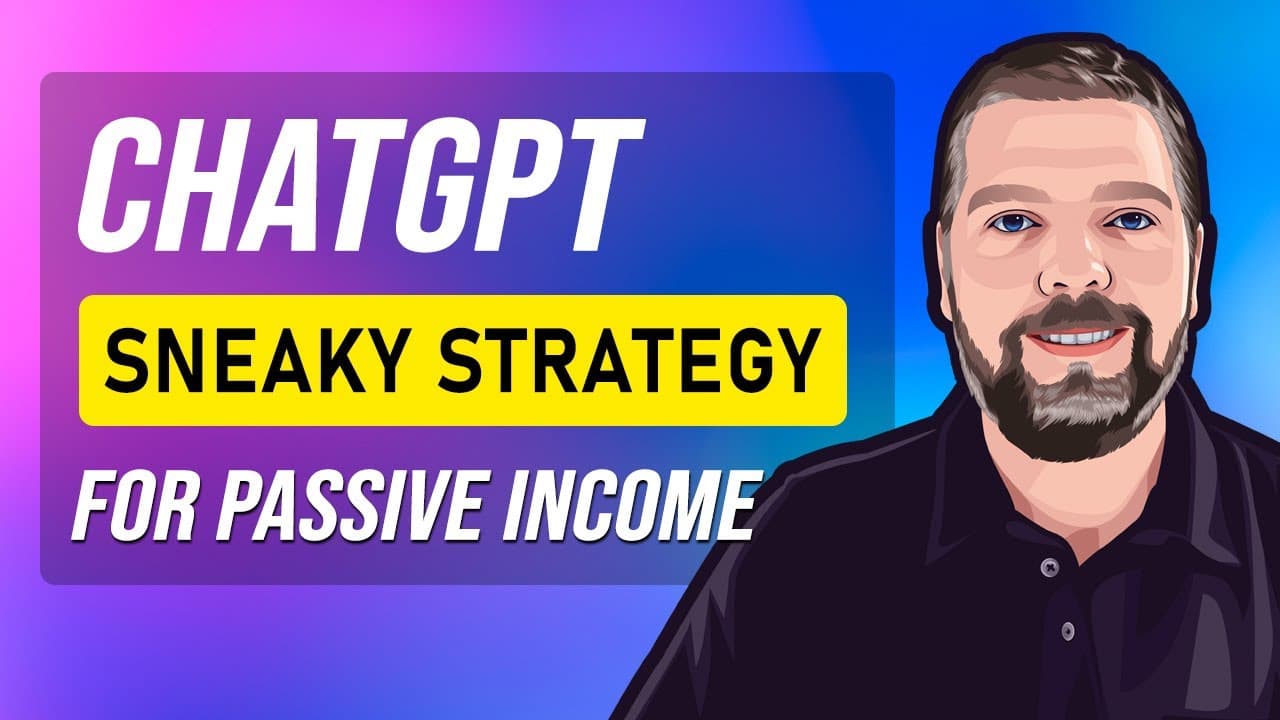
This video demonstrates how to use a Chrome extension called YouTube summary with chat GPT to quickly generate product reviews and scripts for videos, blog posts, and more.
Transcript
hey and welcome to vid Society I have an exciting video for you guys a new strategy that I'm using now to create product reviews and other types of scripts using chat GPT using a special extension for Google Chrome now I do have to give a shout out to Tim Parker for letting me know about this extension and after using it for a while I've already cr... Read More
Key Insights
- 👊 The YouTube summary with chat GPT extension enables the quick extraction and summarization of video transcripts.
- 👤 By rewriting the transcripts, users can generate unique content for blog posts, YouTube scripts, and AI-generated videos.
- ✍️ This strategy is particularly useful for affiliate marketers looking to create product reviews without extensive writing or scripting skills.
- 👻 The extension works well with WordPress websites, allowing users to easily generate content for their affiliate marketing efforts.
- ⌛ The AI technology used in this strategy simplifies content creation and saves time by automating the rewriting process.
- 🚥 The rewritten content can be used to improve SEO and drive organic traffic to websites or YouTube channels.
- 🏣 The strategy can be adjusted to generate content for various purposes, including video reviews, blog posts, or YouTube scripts.
Install to Summarize YouTube Videos and Get Transcripts
Explore YouTube Video Summarizer or Get YouTube Transcript Extractor
Questions & Answers
Q: How does the YouTube summary with chat GPT extension work?
The extension provides a transcript of the video and an AI-generated summary. Users can copy the transcript and rewrite it using chat GPT to suit their content needs.
Q: Can the rewritten content be used for both blog posts and YouTube scripts?
Yes, the rewritten content can be used for any purpose, whether it's creating blog posts, YouTube scripts, or even AI-generated videos through tools like Pick 3.
Q: Is it necessary to adjust the settings of the Chrome extension?
The video suggests that the default settings work perfectly fine, so there's no need to make adjustments unless desired.
Q: Can this strategy be used for any niche or topic?
Yes, the strategy shown in the video can be applied to any niche or topic, allowing users to take advantage of the vast content available on YouTube.
Summary & Key Takeaways
-
The video introduces a Chrome extension called YouTube summary with chat GPT that allows users to extract and summarize video transcripts.
-
Users can copy the transcript and paste it into chat GPT to rewrite it into various forms such as blog posts, YouTube scripts, or video reviews.
-
The strategy shown in this video can be used by affiliate marketers to quickly create content for their websites or YouTube channels.
Read in Other Languages (beta)
Share This Summary 📚
Summarize YouTube Videos and Get Video Transcripts with 1-Click
Try YouTube Summary with ChatGPT & Claude or YouTube Transcript Generator
Explore More Summaries from VIDSociety 📚
![How To Use ChatGPT To Write A Book: [Step-By-Step Guide] thumbnail](/_next/image?url=https%3A%2F%2Fi.ytimg.com%2Fvi%2F8YdnrAuZI5w%2Fhqdefault.jpg&w=750&q=75)
Summarize YouTube Videos and Get Video Transcripts with 1-Click
Try YouTube Summary with ChatGPT & Claude or YouTube Transcript Generator