How to Integrate p5.js with React for Interactive Coding
TL;DR
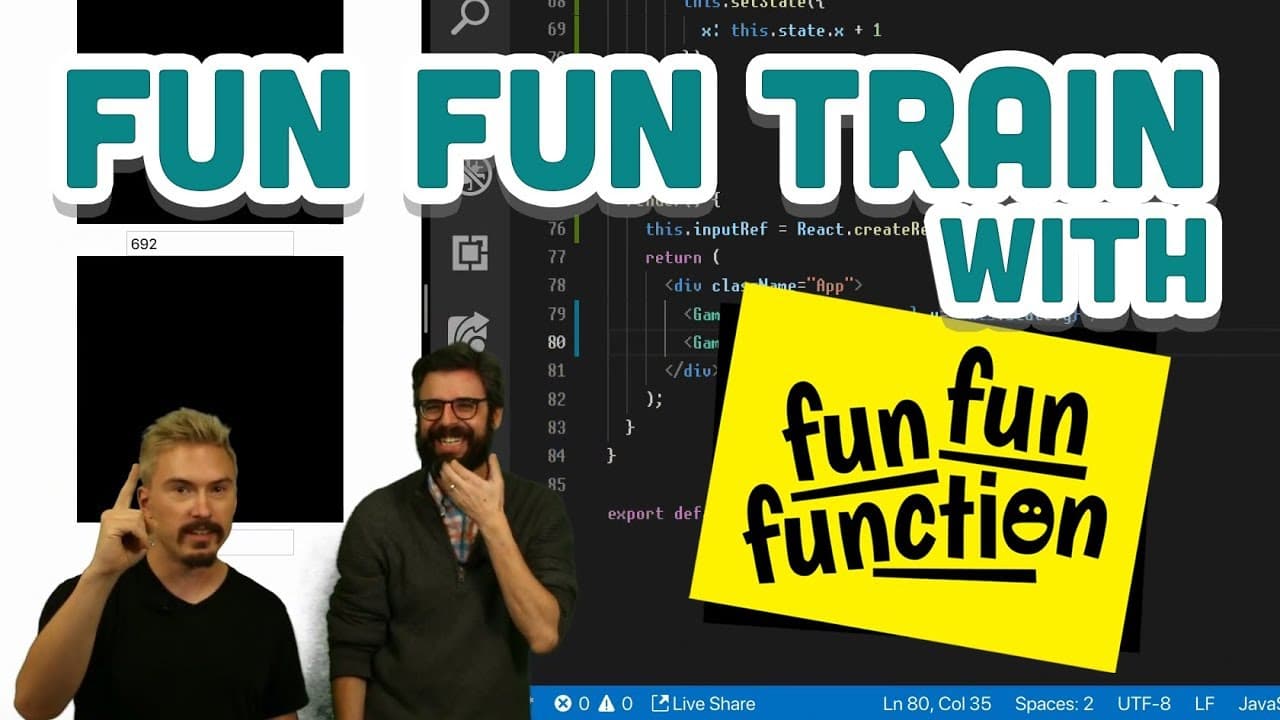
To integrate p5.js with React, create a p5 sketch within a React component, utilizing instance mode for better control over the canvas. You can directly manipulate p5 elements based on React component states, enabling dynamic interactions like updating visual elements in response to user input. This approach offers endless possibilities for creating interactive graphics in web applications.
Transcript
all right oh I've so I've just been afraid okay yeah but I in theory that would be better to get that working and I should have you able to do that okay we're gonna start streaming you're probably already streaming right now hello I was gonna say good Friday afternoon is it yeah no because a good Monday morning is your thing oh it's Good Friday but... Read More
Key Insights
- 👻 Integration of p5.js with React allows for interactive visual elements in web applications.
- 👨💻 Challenges such as noLoop function management and component re-renders were addressed during the coding session.
- 👨💻 Exploring animation concepts and state management in p5.js and React offers endless possibilities for interactive coding fun.
Install to Summarize YouTube Videos and Get Transcripts
Explore YouTube Video Summarizer or Get YouTube Transcript Extractor
Questions & Answers
Q: How does p5.js interact with React components in the live coding session?
The live coding session showcased integrating p5.js canvas drawing with React components, dynamically updating state, and building interactive elements.
Q: What challenges were encountered during the session?
Challenges included handling the noLoop function, managing component re-renders, and exploring ways to combine p5.js and React effectively.
Q: What coding concepts were demonstrated in the interactive session?
Concepts included state management in React, controlling canvas animations, component lifecycle methods, and exploring potential for interactive user interfaces.
Q: How can p5.js and React be used together to create engaging interactive experiences?
By combining p5.js drawing capabilities with React's component-based architecture, developers can create dynamic and interactive web applications with engaging visual effects.
Summary & Key Takeaways
-
Improvised live coding session integrating p5.js with React in a playful manner.
-
Demonstrated p5.js canvas drawing, updating state on input changes and building interactive elements.
-
Explored challenges with noLoop function and discussed potential animation concepts.
Read in Other Languages (beta)
Share This Summary 📚
Summarize YouTube Videos and Get Video Transcripts with 1-Click
Try YouTube Summary with ChatGPT & Claude or YouTube Transcript Generator
Explore More Summaries from The Coding Train 📚






Summarize YouTube Videos and Get Video Transcripts with 1-Click
Try YouTube Summary with ChatGPT & Claude or YouTube Transcript Generator