How to Record iPad Screen
TL;DR
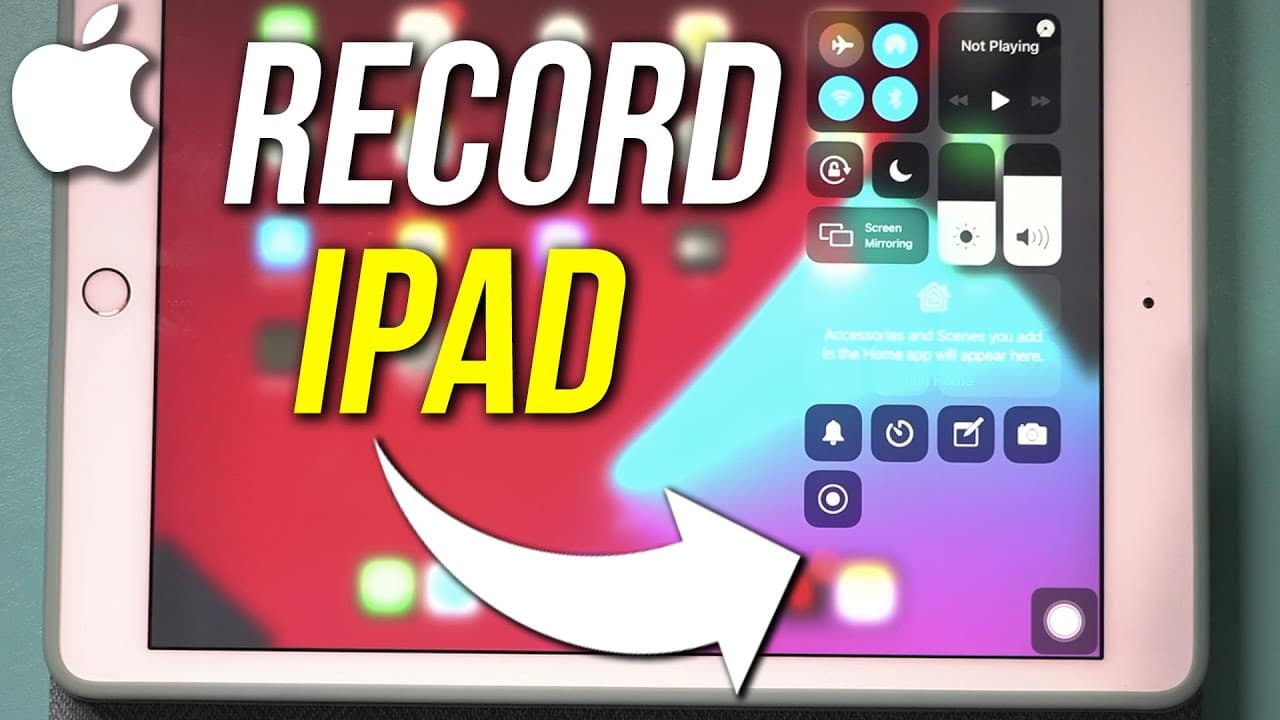
Learn how to record your iPad screen using basic and advanced methods, accessing both built-in features and external software.
Transcript
hey everyone in today's video i want to show you how to record your ipad screen and i'm going to show you the simplest way first which is something that comes with your ipad you just have to set it up and it records videos right onto your ipad storage and then i'll show you a more advanced option that requires a computer but you do a lot more with ... Read More
Key Insights
- 🏛️ Screen recording on the iPad can be done using built-in features through the Control Center settings.
- 😀 Edit your recorded screen captures easily within the Photos app for quick modifications.
- 😭 For more advanced recording capabilities, connecting your iPad to a computer and using OBS software can enhance your recording experience.
- 😭 OBS software provides additional features like external microphone support and overlaying images not available in basic screen recording options.
- 🎮 Different recording methods offer varying levels of control and creativity in capturing content on your iPad.
- 😒 Utilizing basic and advanced recording methods can cater to different use cases and preferences for iPad screen recording.
- 👀 Understanding the tools and settings for screen recording can help create professional-looking videos on your iPad.
Install to Summarize YouTube Videos and Get Transcripts
Explore YouTube Video Summarizer or Get YouTube Transcript Extractor
Questions & Answers
Q: How can you enable screen recording on your iPad?
To enable screen recording on your iPad, access the Control Center settings, add the Screen Recording option, and start recording by pressing and holding the icon.
Q: How can you edit your recorded screen captures on the iPad?
You can edit your recorded screen captures on the iPad by accessing the Photos app, trimming the video, and saving it as a new clip for a cleaner edit.
Q: What is OBS, and how can it be used for recording iPad screens?
OBS is a free software used on computers to record iPad screens by connecting the iPad to the computer, selecting the device as a source, and customizing recording settings.
Q: What are the advantages of using OBS for iPad screen recording?
OBS allows for more advanced recording options like adding external microphones, overlaying images, and customizing screen layouts, providing a higher level of control and creativity in recording.
Summary & Key Takeaways
-
Easily record your iPad screen using the built-in screen recording feature accessible through the Control Center settings.
-
Edit your recorded screen captures directly in the Photos app for quick and simple edits.
-
For more advanced options, connect your iPad to a computer and use OBS software to enhance your recording capabilities.
Read in Other Languages (beta)
Share This Summary 📚
Summarize YouTube Videos and Get Video Transcripts with 1-Click
Try YouTube Summary with ChatGPT & Claude or YouTube Transcript Generator
Explore More Summaries from Howfinity 📚






Summarize YouTube Videos and Get Video Transcripts with 1-Click
Try YouTube Summary with ChatGPT & Claude or YouTube Transcript Generator