How to Boost Instagram Story Engagement
TL;DR
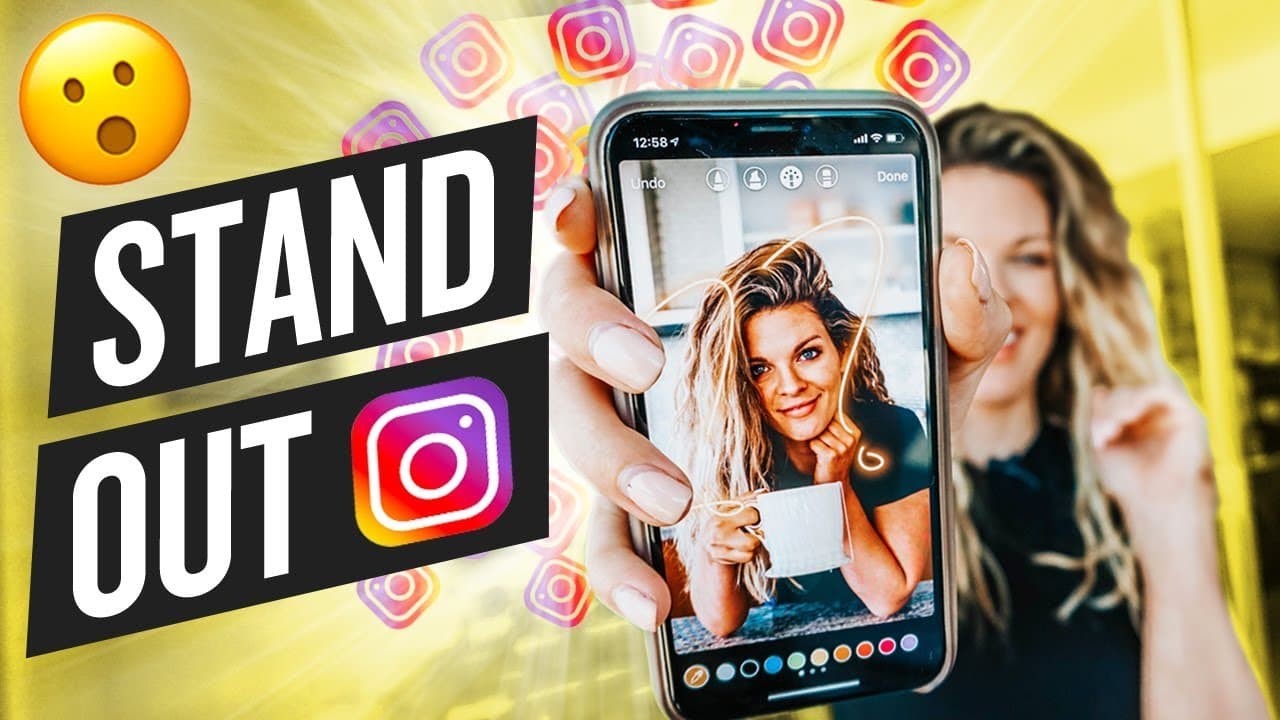
To enhance Instagram Stories, use shadow and gradient text, add multiple images, and incorporate music. Utilize features like clickable links to drive engagement, and explore apps like Word Swag and Unfold for creative design. These techniques can significantly increase your reach and interaction on Instagram.
Transcript
I'm a huge fan of Instagram Stories. If you follow me on Instagram, then you know that I'm out to run Instagram Stories almost every single day. Well, pretty much every single day. And I've learned a lot of little secrets and tricks to make your Instagram Stories more engaging, more interesting, and also to help you get more reach across the entire... Read More
Key Insights
- Shadow text can be created by layering two text elements with different colors.
- Gradient text is achieved by carefully highlighting text and selecting colors from the color wheel.
- Adding multiple images to one story can be done by copying images and pasting them as stickers.
- Clickable links in stories can drive more engagement to posts by directing viewers directly to them.
- Using the eraser tool creatively can reveal underlying images, adding a unique touch to stories.
- Music can be added to stories by playing it from Spotify and recording while it plays.
- Apps like Word Swag and Unfold offer templates and design options to enhance story aesthetics.
- Reposting stories or posts from others can be done by using the 'add to story' feature or screenshots.
Install to Summarize YouTube Videos and Get Transcripts
Explore YouTube Video Summarizer or Get YouTube Transcript Extractor
Questions & Answers
Q: How to create shadow text in Instagram Stories?
To create shadow text in Instagram Stories, type your desired text and duplicate it. Change the color of one layer to black and position it slightly offset behind the other layer. This creates a shadow effect, adding depth and interest to your text.
Q: What is gradient text and how is it made?
Gradient text involves applying a range of colors to a single piece of text, creating a rainbow effect. Highlight the text, select a color from the wheel, and carefully drag across the text to apply the gradient. This adds a dynamic and colorful look to your stories.
Q: How can I add multiple images to one Instagram Story?
To add multiple images to one Instagram Story, copy an image from your gallery, open Instagram, and paste it as a sticker. Repeat the process for additional images, arranging them as desired. This allows for creative collages or sharing multiple visuals in a single story.
Q: How do clickable links in Instagram Stories work?
Clickable links in Instagram Stories can be added by using the 'add post to story' feature, which inserts a link to a specific post. Viewers can tap the link to navigate directly to the post, increasing engagement and interaction with your content.
Q: What are some apps to enhance Instagram Stories?
Apps like Word Swag and Unfold can enhance Instagram Stories by providing templates and design options. Word Swag offers interesting text and graphics, while Unfold provides simplistic and beautiful story formats. These apps help make stories more visually appealing and engaging.
Q: How can music be added to Instagram Stories?
Music can be added to Instagram Stories by playing a track from Spotify and recording the story while the music is playing. Ensure your phone is not on silent to capture the audio. This method allows you to add a personal soundtrack to your stories, enhancing the viewer's experience.
Q: How to repost someone else's Instagram Story?
Reposting someone else's Instagram Story can be done when they mention you. Tap 'add this to your story' to repost it directly. Alternatively, take a screenshot and upload it to your story, resizing as needed. This allows you to share content from others easily.
Q: What is the purpose of the eraser tool in Instagram Stories?
The eraser tool in Instagram Stories can creatively reveal parts of an image by removing overlay colors, showcasing the underlying content. Adjust the thickness of the eraser to control the reveal effect, adding a unique and artistic touch to your stories.
Summary & Key Takeaways
-
Instagram Stories can be enhanced with shadow and gradient text, and multiple images can be added to a single story for creative effect. Utilizing clickable links increases post engagement.
-
Music can be integrated into stories using Spotify, and design apps like Word Swag and Unfold offer templates for more visually appealing content.
-
Reposting content from others can be done easily, and creative use of Instagram's features, like the eraser tool, can add unique elements to stories.
Read in Other Languages (beta)
Share This Summary 📚
Summarize YouTube Videos and Get Video Transcripts with 1-Click
Try YouTube Summary with ChatGPT & Claude or YouTube Transcript Generator
Explore More Summaries from Sunny Lenarduzzi 📚





Summarize YouTube Videos and Get Video Transcripts with 1-Click
Try YouTube Summary with ChatGPT & Claude or YouTube Transcript Generator