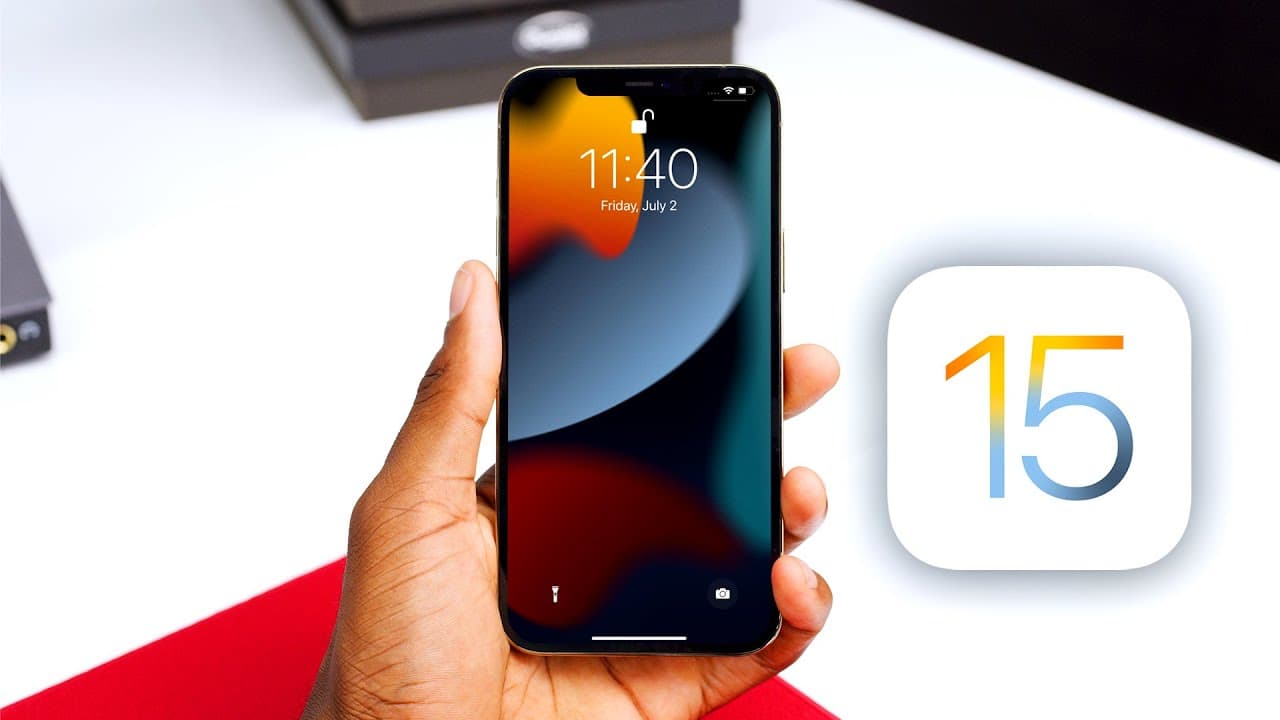
iOS 15 Hands-On: Top 5 New Features!
TL;DR
iOS 15 introduces several new features, including redesigned stock apps, improved FaceTime functionality, live text recognition, enhanced notifications, and customizable focus modes.
Transcript
hey what's up mkbhd here this is an iphone 12 pro max and it's running the software that's going to be on the next iphone the 12 s or 13 or whatever it's called it was unveiled about a month ago at wwdc and it's ios 15. in this video i'm going to show you all of the stuff that i think makes the biggest difference the new stuff in this new software ... Read More
Key Insights
- 😀 iOS 15 brings a fresh and visually appealing redesign to stock apps, enhancing their functionality and user experience.
- 😵 The updates to FaceTime in iOS 15 introduce new features that improve audio quality, provide synchronized media experiences, and enable cross-platform communication.
- 👻 The live text feature in iOS 15 allows for seamless interaction with text in images, offering convenience and potential assistance in various scenarios.
- 🔔 The visual overhaul and notification summary feature in iOS 15 enhance the notification management experience for users.
- 👤 The customizable focus modes are the standout feature in iOS 15, providing users with the ability to tailor their device's behavior based on their current needs and context, resulting in a more personalized and focused experience.
- 🍉 Apple continues to catch up with competitors in areas such as mapping, with notable improvements in Apple Maps in terms of detail and 3D modeling.
- 😯 While iOS 15 introduces several noteworthy updates, there are also smaller improvements to features like Spotlight and speech-to-text recognition.
Install to Summarize YouTube Videos and Get Transcripts
Explore YouTube Video Summarizer or Get YouTube Transcript Extractor
Questions & Answers
Q: Can you explain the redesigned stock apps in iOS 15?
iOS 15 introduces redesigned stock apps such as Weather, Clock, Safari, and Apple Maps. These apps feature improved animations, full-screen visuals, and added functionality, such as the ability to type the time for alarms in the Clock app.
Q: What new features enhance the FaceTime experience in iOS 15?
FaceTime in iOS 15 receives updates such as spatial audio, grid view for group calls, portrait mode for background blurring, and different microphone modes for better audio quality. Additionally, the new share play feature allows synchronized media viewing during FaceTime calls, while FaceTime events enable scheduled calls that can be joined via a shared link.
Q: How does the live text feature work in iOS 15?
Live text is a new feature in iOS 15 that allows users to interact with text in images. By long-pressing on text within an image, users can select, copy, paste, and even translate the text. Additionally, the feature provides helpful suggestions and can recognize objects or animals in certain photos.
Q: What improvements have been made to notifications in iOS 15?
Notifications in iOS 15 receive a visual refresh with larger icons and a new design. The update also introduces a notification summary feature, which gathers low-priority notifications and presents them in one place. Users can also utilize the focus mode feature to have more control over which notifications show up, silencing or prioritizing certain apps or contacts based on their preferences.
Summary & Key Takeaways
-
iOS 15 brings a fresh redesign to stock apps like Weather, Clock, Safari, and Apple Maps, with improved animations and functionality.
-
FaceTime receives updates such as spatial audio, grid view, portrait mode, and the addition of share play and FaceTime events for synchronized media experiences and cross-platform compatibility.
-
The new live text feature allows users to interact with text in images, including copying, pasting, and translating, while also providing helpful suggestions and even identifying certain objects or animals.
-
Notifications receive a visual overhaul, with larger icons and the introduction of a notification summary feature to group low-priority notifications together.
-
The standout feature of iOS 15 is the customizable focus modes, which allow users to tailor their notifications and homescreens based on their current context, with settings syncing across all Apple devices.
Read in Other Languages (beta)
Share This Summary 📚
Summarize YouTube Videos and Get Video Transcripts with 1-Click
Try YouTube Summary with ChatGPT & Claude or YouTube Transcript Generator
Explore More Summaries from Marques Brownlee 📚






Summarize YouTube Videos and Get Video Transcripts with 1-Click
Try YouTube Summary with ChatGPT & Claude or YouTube Transcript Generator