18.4: Texture - WebGL and p5.js Tutorial
TL;DR
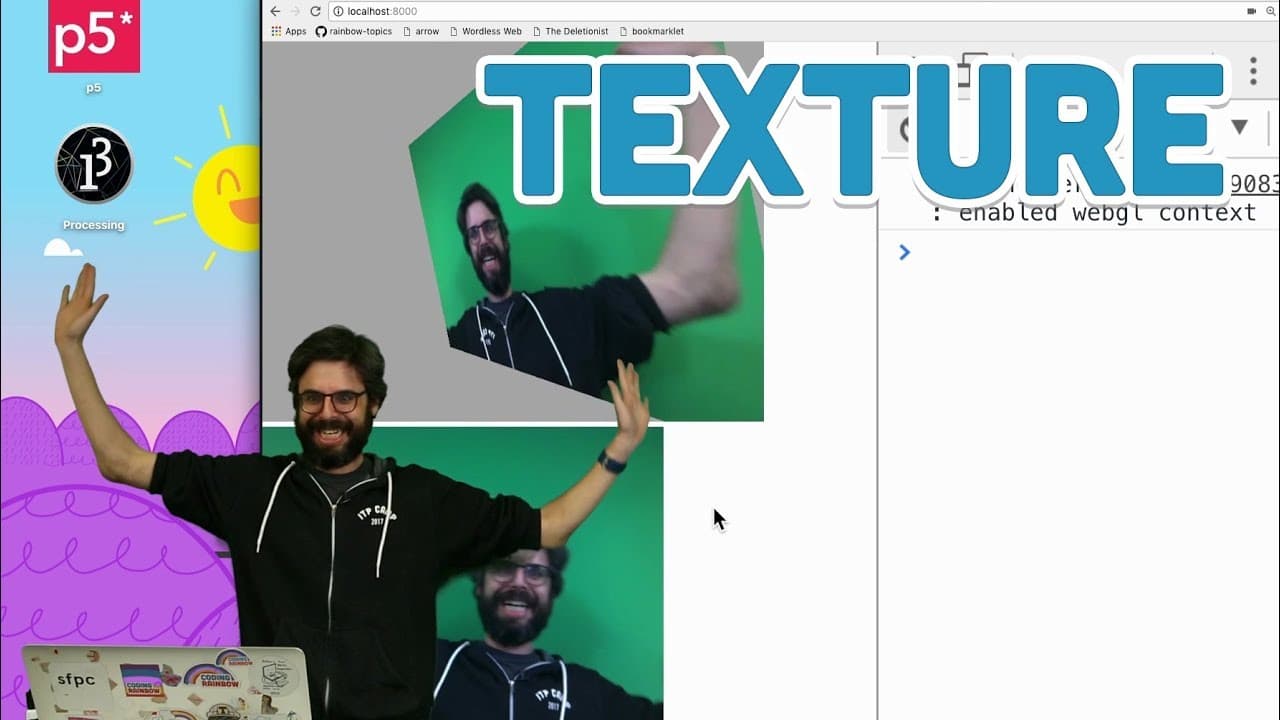
Implementing image textures on 3D geometries in p5 WebGL for visual effects.
Transcript
hello in this video about WebGL in p5 I'm going to attempt to explain something and implement something and that is adding a texture to some geometry so I'm kind of checking off this list and by the way a couple things that I've now realized I've missed is I've only shown you in terms of geometry primitives and there are some other ways right in th... Read More
Key Insights
- ❓ Preloading images and applying textures enhances the visual experience with image overlays on 3D geometries.
- 🖐️ Lighting effects play a crucial role in how textures interact with 3D objects, creating shadows and reflections.
- 🤗 Using live video feeds as texture sources opens up dynamic and interactive texturing possibilities in p5 WebGL.
- 🛃 Future developments may include custom geometry creation and loading external 3D models for diverse texturing options.
- 🍱 Texture mapping on various 3D primitives like planes, boxes, spheres, and torus demonstrates the versatility of p5 WebGL.
- 〽️ Experimenting with different lighting setups can alter how textures appear on geometries, influencing the overall visual impact.
- ❓ Exploring shading and shadowing techniques can enhance the realism and depth perception of textured 3D objects in p5 WebGL.
Install to Summarize YouTube Videos and Get Transcripts
Explore YouTube Video Summarizer or Get YouTube Transcript Extractor
Questions & Answers
Q: How can you add image textures to 3D geometries in p5 WebGL?
You can preload images using the preload function, then apply the texture to geometries using the texture() function for visual enhancements.
Q: What role does lighting play in texturing 3D objects?
Lighting affects how textures interact with geometries, casting shadows and reflections based on the light source's position and properties.
Q: Can you use live video as a texture source in p5 WebGL?
Yes, you can utilize live video feeds as texture sources by using createCapture() to capture video elements for dynamic texture mapping.
Q: What future possibilities exist for advanced texturing in p5?
Exploring custom geometry creation with beginShape() and endShape(), as well as loading 3D models like .obj files for unique texturing opportunities.
Summary & Key Takeaways
-
Demonstrates adding image textures to 3D primitives like planes, boxes, spheres, and torus.
-
Shows how to preload images, apply textures, and control lighting effects in p5.
-
Discusses potential future topics like custom geometry and loading 3D models.
Read in Other Languages (beta)
Share This Summary 📚
Summarize YouTube Videos and Get Video Transcripts with 1-Click
Try YouTube Summary with ChatGPT & Claude or YouTube Transcript Generator
Explore More Summaries from The Coding Train 📚






Summarize YouTube Videos and Get Video Transcripts with 1-Click
Try YouTube Summary with ChatGPT & Claude or YouTube Transcript Generator