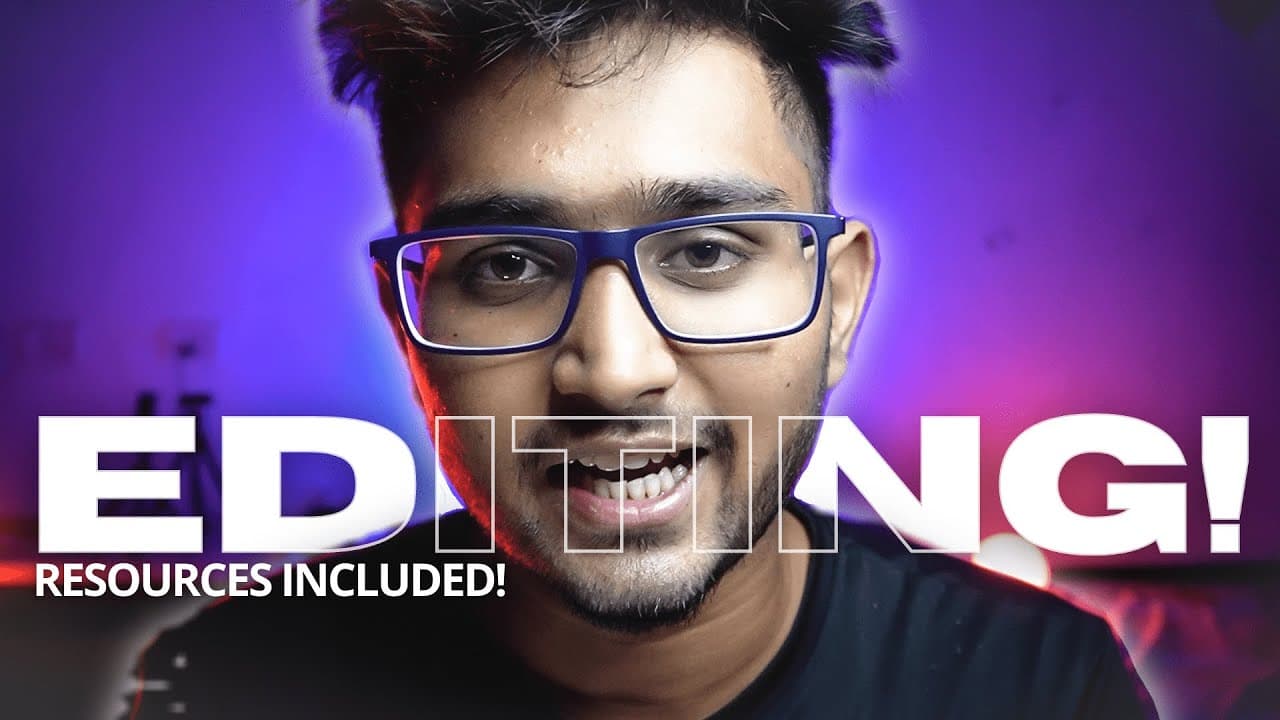
How to EDIT like a PRO 🔥
TL;DR
Learn about the editing workflow, software, planning, camera movements, resources, sound design, color grading, and the importance of storytelling in video editing.
Transcript
well i've made over 30 videos so far and if you go through the comment section of any of these videos one word that you see the most five to eight is editing some say that they have never seen this type of waiting before some say that they have been tired of praising my editing well very few say that i overdo it but keeping the general opinion asid... Read More
Key Insights
- 🎥 The software used for video editing may vary, but the concepts and techniques remain consistent.
- ☕ Pre-planning shots and having a checklist before editing can provide a sense of direction and improve the final video.
- ▶️ Camera movements play a crucial role in achieving smooth transitions and creating cinematic sequences.
- 🥶 Stock footage websites and free music sources enhance the visual appeal of videos.
- 🔔 Sound design, including atmospheric sounds and sound effects, contributes to overall video quality.
- 🎥 Color grading is an essential aspect of professional video editing, and seeking tutorials or guidance can improve skills.
- 🎥 Storytelling is crucial for creating engaging videos, and editing alone does not guarantee a great video.
Install to Summarize YouTube Videos and Get Transcripts
Explore YouTube Video Summarizer or Get YouTube Transcript Extractor
Questions & Answers
Q: What software does the content creator use for video editing?
The content creator uses Premiere Pro but mentions that the concepts and techniques of video editing remain the same across different software.
Q: Why should beginners start with advanced software like Premiere Pro instead of low-end software?
Using advanced software like Premiere Pro from the start may take more time to learn but saves time in the long run, as it allows for faster, better, and more advanced editing capabilities.
Q: How can camera movements influence video editing?
Camera movements significantly impact the edits and contribute to smooth transitions and cinematic sequences in the final video.
Q: What are some sources for stock videos, background music, and sound effects?
The content creator suggests websites like Pixels, Pixabay, Videoboard.net, and NCS (NoCopyrightSounds) for free stock videos, background music, and sound effects. They also mention Storyblocks and epidemic songs as paid options.
Key Insights:
- The software used for video editing may vary, but the concepts and techniques remain consistent.
- Pre-planning shots and having a checklist before editing can provide a sense of direction and improve the final video.
- Camera movements play a crucial role in achieving smooth transitions and creating cinematic sequences.
- Stock footage websites and free music sources enhance the visual appeal of videos.
- Sound design, including atmospheric sounds and sound effects, contributes to overall video quality.
- Color grading is an essential aspect of professional video editing, and seeking tutorials or guidance can improve skills.
- Storytelling is crucial for creating engaging videos, and editing alone does not guarantee a great video.
- Editing skills improve with practice, and the more one edits, the better they become at it.
Summary & Key Takeaways
-
The video discusses the checklist and workflow for video editing, emphasizing the importance of pre-planning shots during scriptwriting.
-
The content highlights the significance of camera movements to achieve smooth transitions and cinematic sequences.
-
Suggestions for resources, such as stock footage websites, background music sources, sound effects, and color grading tutorials, are provided.
Read in Other Languages (beta)
Share This Summary 📚
Summarize YouTube Videos and Get Video Transcripts with 1-Click
Try YouTube Summary with ChatGPT & Claude or YouTube Transcript Generator
Explore More Summaries from Tharun Speaks 📚



Summarize YouTube Videos and Get Video Transcripts with 1-Click
Try YouTube Summary with ChatGPT & Claude or YouTube Transcript Generator