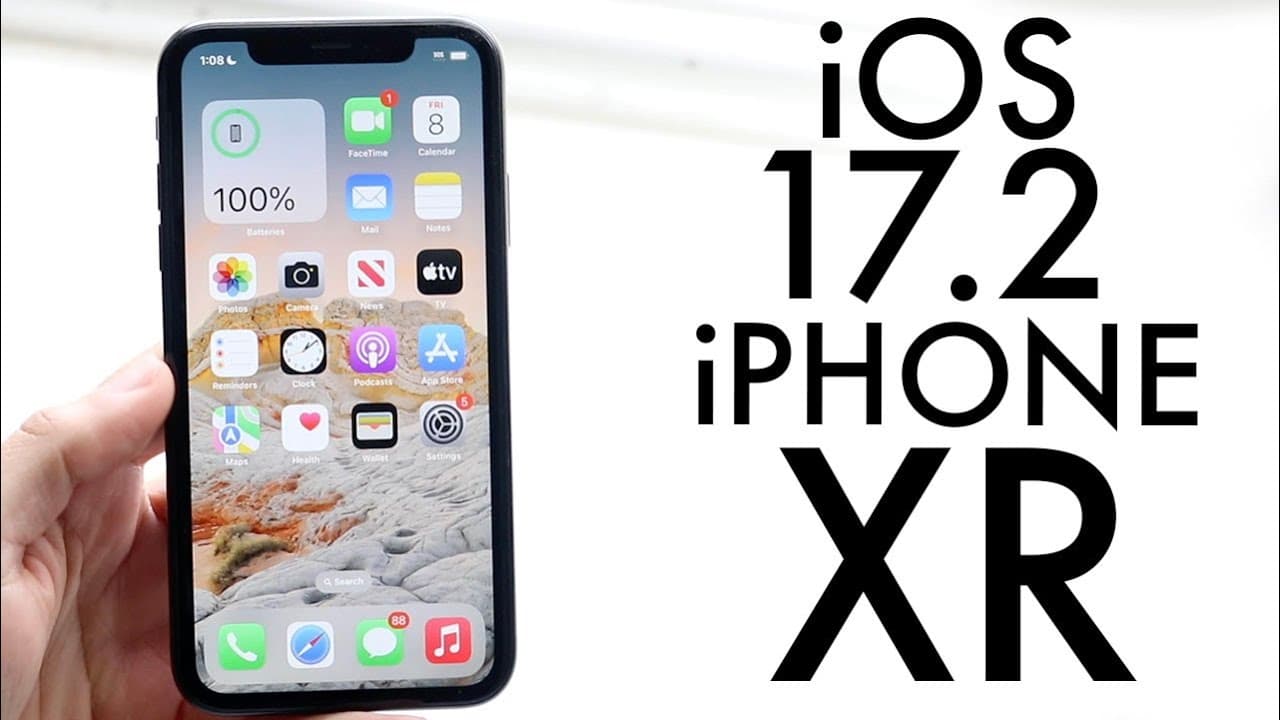
iOS 17.2 On iPhone XR! (Review)
TL;DR
iOS 17.2 introduces new features, improvements, and a dedicated journaling app.
Transcript
everyone IA 17.2 has just officially came out so let's go and take a look at it on the iPhone 10r now I have been able to use the RC official you know the official RC version for the most part which is the release candidate and the thing I can definitely tell you is this update coming from at least the first beta was you know it's a fairly large up... Read More
Key Insights
- 😀 iOS 17.2 is a significant update from previous versions, offering improved functionalities and new features, including a journaling app.
- 💭 The Journal application is designed to motivate users to capture their experiences and thoughts, promoting a habit of regular journaling.
- 👶 iMessage enhancements facilitate better communication through new features that prioritize user navigation and increase interaction with stickers.
- 👻 The update improves AirDrop, expanding its utility by allowing various non-media files to be shared effortlessly.
- 👤 Wireless charging improvements ensure users on compatible devices experience enhanced charging efficiency, addressing common issues faced by users.
- 🆕 A new digital clock widget provides users with a fresh design option, allowing for a personalized appearance on the home screen.
- 👤 Overall, the updates in iOS 17.2 are aimed at enhancing user experience across various applications and functionalities integrated into the iPhone.
Install to Summarize YouTube Videos and Get Transcripts
Explore YouTube Video Summarizer or Get YouTube Transcript Extractor
Questions & Answers
Q: What is the main highlight of the iOS 17.2 update?
The primary highlight of the iOS 17.2 update is the introduction of the new Journal application. This app allows users to document their thoughts and experiences efficiently, fostering daily journaling habits. The update encourages users to engage with journaling as a personal development tool, making it more accessible and integrated into their daily routines.
Q: How does the AirDrop feature improve in this update?
In iOS 17.2, AirDrop gains enhanced capabilities, allowing users to share a wider range of items, including boarding passes, bus tickets, and movie tickets. This functionality is initiated by bringing devices together, streamlining the sharing process and making it more intuitive for users who need to share essential tickets quickly.
Q: What enhancements were made to iMessage in the update?
The iMessage app in iOS 17.2 introduces a catch-up arrow feature that helps users easily navigate to their first unread message. Additionally, there are new sticker options in the context menu that let users add stickers directly onto message bubbles, making conversations more expressive and visually engaging.
Q: Are there any improvements for wireless charging with this update?
Yes, iOS 17.2 includes improvements for wireless charging, particularly for iPhone models 13 and 14. Users can expect faster wireless charging speeds and fixes for issues related to wireless charging not functioning effectively, enhancing overall convenience for users relying on wireless power solutions.
Summary & Key Takeaways
-
The iOS 17.2 update is substantial, bringing new features from the previous versions, including a dedicated Journal application that enhances user experience by encouraging journaling habits.
-
Improvements in iMessage, including a catch-up arrow to find unread messages and enhanced sticker options, provide users with a more interactive messaging experience.
-
Notable upgrades such as better AirDrop functionality for sharing various tickets, a new digital clock widget, and enhancements for wireless charging on compatible iPhones further improve overall usability.
Read in Other Languages (beta)
Share This Summary 📚
Summarize YouTube Videos and Get Video Transcripts with 1-Click
Try YouTube Summary with ChatGPT & Claude or YouTube Transcript Generator
Explore More Summaries from Simple Alpaca 📚





Summarize YouTube Videos and Get Video Transcripts with 1-Click
Try YouTube Summary with ChatGPT & Claude or YouTube Transcript Generator