iOS 16.4 Beta Review! (Features, Changes, Etc)
TL;DR
iOS 16.4 beta introduces new emojis and web app notifications.
Transcript
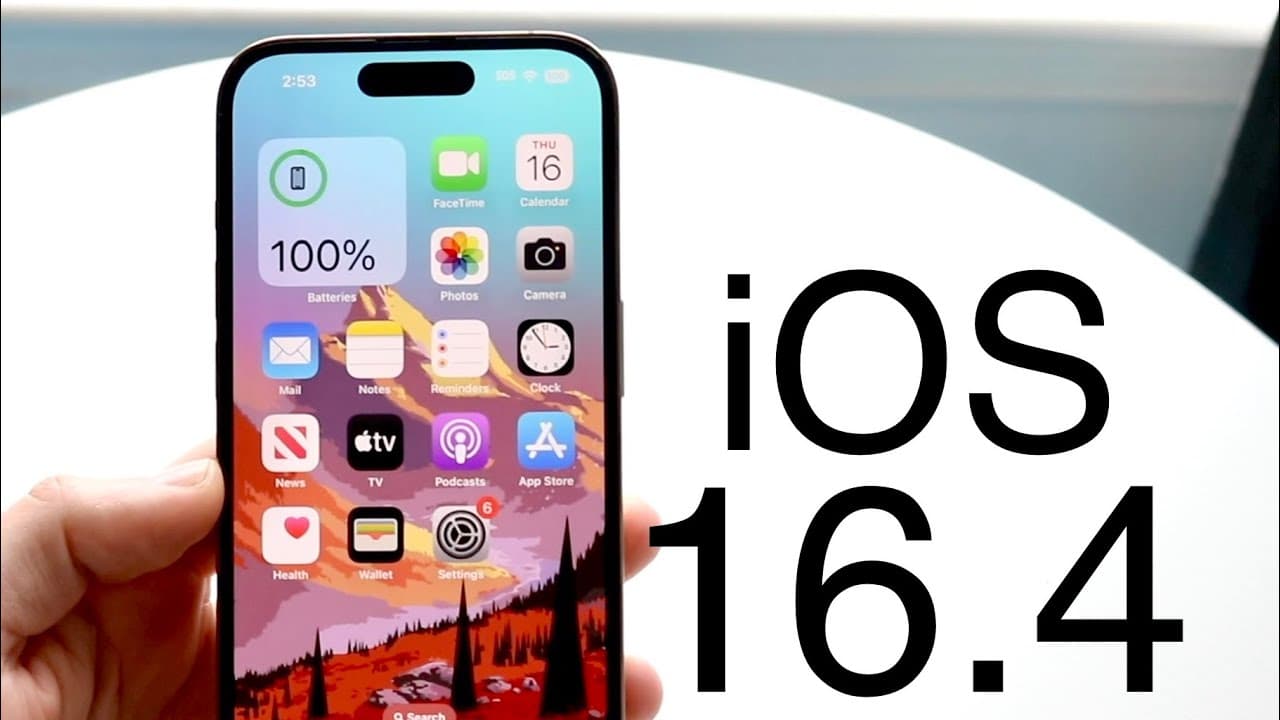
hello everyone iOS 16.4 has just came out in a beta format so let's go and take a look at it I did install it on my iPhone 14 pro now the size of this update wasn't super big in fact I couldn't really see it I think it was like a 1.7 gigabytes you know coming from IOS 16.3 but that's kind of where we were at now this does say the beta version of iO... Read More
Key Insights
- 👤 The iOS 16.4 beta offers new emojis that enhance user communication options, indicating Apple's commitment to user expression.
- 🕸️ Introducing push notifications for web apps indicates a shift in how Apple supports web-based applications, aligning with modern user and developer needs.
- 🎮 The update's strategic enhancements may be a response to ongoing antitrust challenges, reflecting Apple's efforts to retain control over its software ecosystem while providing more options.
- 👶 With the new features, Apple is encouraging developers to innovate outside of the conventional App Store model, potentially diversifying the applications available to iOS users.
- 🛩️ The relatively small size of the update suggests a focus on incremental improvements rather than major overhauls, adhering to Apple's release strategy.
- 🖐️ User feedback will likely play a vital role in shaping future iOS developments as Apple continues to refine its features based on community reactions.
- 👶 All new features highlight Apple's adaptability and responsiveness to both user demand and external pressures within the tech industry.
Install to Summarize YouTube Videos and Get Transcripts
Explore YouTube Video Summarizer or Get YouTube Transcript Extractor
Questions & Answers
Q: What are some new emojis introduced in iOS 16.4 beta?
The iOS 16.4 beta introduces several new emojis, including a donkey, jellyfish, pink heart, goose, and a shaking face. This is notable as it marks the first major addition of new emojis by Apple in more than a year. Users can access these emojis by typing related terms in their messaging apps.
Q: How does the new push notification feature for web apps work?
With iOS 16.4 beta, users can now receive push notifications from web applications that are added to the home screen. This means if you use a web-based app instead of a native app, you can still get alerts similar to those from platform-installed apps, enhancing usability and bridging the gap between web and native applications.
Q: Why has Apple introduced these new capabilities for web apps?
Apple seems to be responding to antitrust scrutiny by adding functionalities that allow web applications to operate more like traditional apps. By enhancing the capabilities of web-based apps, Apple aims to maintain developer interest and prevent users from solely depending on third-party applications from the App Store, thereby controlling its ecosystem.
Q: Is it recommended to install the iOS 16.4 beta?
While the speaker mentions the excitement around the new features, it's not recommended for all users to install the beta, as beta versions can have bugs and are not as stable as the finalized releases. Caution is advised, especially for users who rely on their devices for critical tasks.
Q: How big was the iOS 16.4 beta update in size?
The iOS 16.4 beta update size was approximately 1.7 gigabytes when updating from iOS 16.3. This size indicates that while the update contains significant improvements and new features, it is not unusually large compared to typical iOS updates.
Q: What is the significance of the developers being encouraged to create web apps?
Developers are urged to build web apps compatible with the add to home screen feature because it offers an alternative to the traditional App Store route, potentially easing development processes and allowing more innovative applications to reach users without dealing with App Store regulations.
Summary & Key Takeaways
-
iOS 16.4 beta is now available for installation, bringing a range of improvements and bug fixes to enhance user experience on devices like the iPhone 14 Pro.
-
The update introduces new emojis including a jellyfish, goose, pink heart, and a shaking face, marking Apple's first emoji addition in over a year.
-
A significant enhancement is the ability to receive push notifications from web applications added to the home screen, fostering app development outside of the App Store.
Read in Other Languages (beta)
Share This Summary 📚
Summarize YouTube Videos and Get Video Transcripts with 1-Click
Try YouTube Summary with ChatGPT & Claude or YouTube Transcript Generator
Explore More Summaries from Simple Alpaca 📚






Summarize YouTube Videos and Get Video Transcripts with 1-Click
Try YouTube Summary with ChatGPT & Claude or YouTube Transcript Generator