Command Line Application: The Ultimate Tool You Need To Know
TL;DR
Learn how to create a basic programming application using Swift language through command line tools in Xcode.
Transcript
hello friends I'm songket our today's topic is are introducing a common line application so now first of the what is common line application and how to use command line application using Xcode so now first is common line application is used to create a basic programming with a swift language so now at that time how to use this option so now let's t... Read More
Key Insights
- 🈸 Command line applications are used for creating basic programming applications using Swift.
- 😚 Xcode provides the option to create command line tools within the Mac OS category.
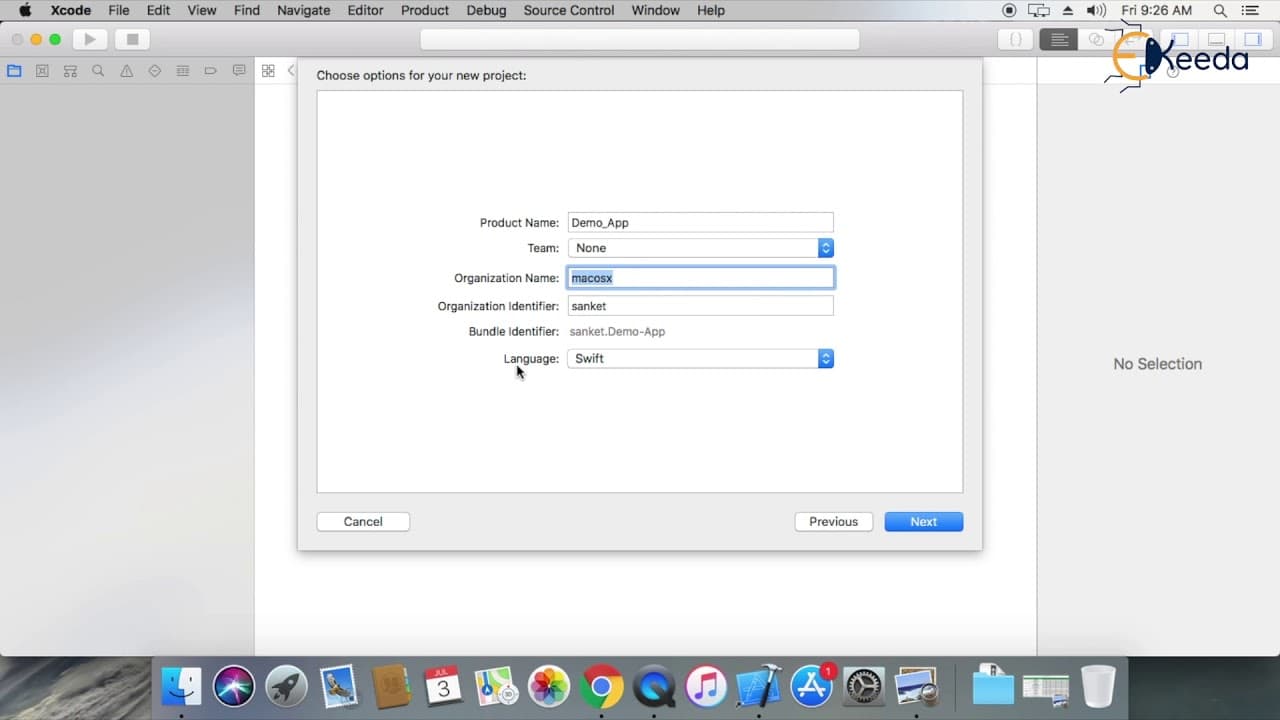
- 📽️ Customization options include modifying the project name, organization details, bundle identifier, and programming language.
- 🎅 Swift is the default programming language for command line tools, but options for C, C++, and Objective C are available.
- 🫵 Output can be viewed in the console window of Xcode.
- 🫥 Command line tools are useful for Swift beginners to practice programming.
- 🫥 Command line applications are specifically designed for Mac OS.
Install to Summarize YouTube Videos and Get Transcripts
Explore YouTube Video Summarizer or Get YouTube Transcript Extractor
Questions & Answers
Q: What is a command line application and how is it created with Swift?
A command line application is a basic programming application created using the Swift language. In Xcode, you can create it by selecting the Mac OS option and choosing the command line tool category.
Q: Can a command line application be created only for Mac OS?
Yes, command line applications created using Xcode are specifically designed for Mac OS.
Q: Is it possible to change the default settings of a command line application project?
Yes, you can modify various settings such as the product name, organization details, bundle identifier, and language to customize your command line application project.
Q: What is the main file extension used for command line tools in Swift?
The main file extension for command line tools in Swift is ".swift".
Summary & Key Takeaways
-
Command line applications are used to create basic programming applications using the Swift language.
-
To create a command line application, select the Mac OS option in Xcode and choose the command line tool category.
-
Customize the project settings, including the product name, organization details, bundle identifier, and language, which supports options such as C, C++, and Objective C.
Read in Other Languages (beta)
Share This Summary 📚
Summarize YouTube Videos and Get Video Transcripts with 1-Click
Try YouTube Summary with ChatGPT & Claude or YouTube Transcript Generator
Explore More Summaries from Ekeeda 📚






Summarize YouTube Videos and Get Video Transcripts with 1-Click
Try YouTube Summary with ChatGPT & Claude or YouTube Transcript Generator