Which Is Better: Google Photos or Samsung Gallery?
TL;DR
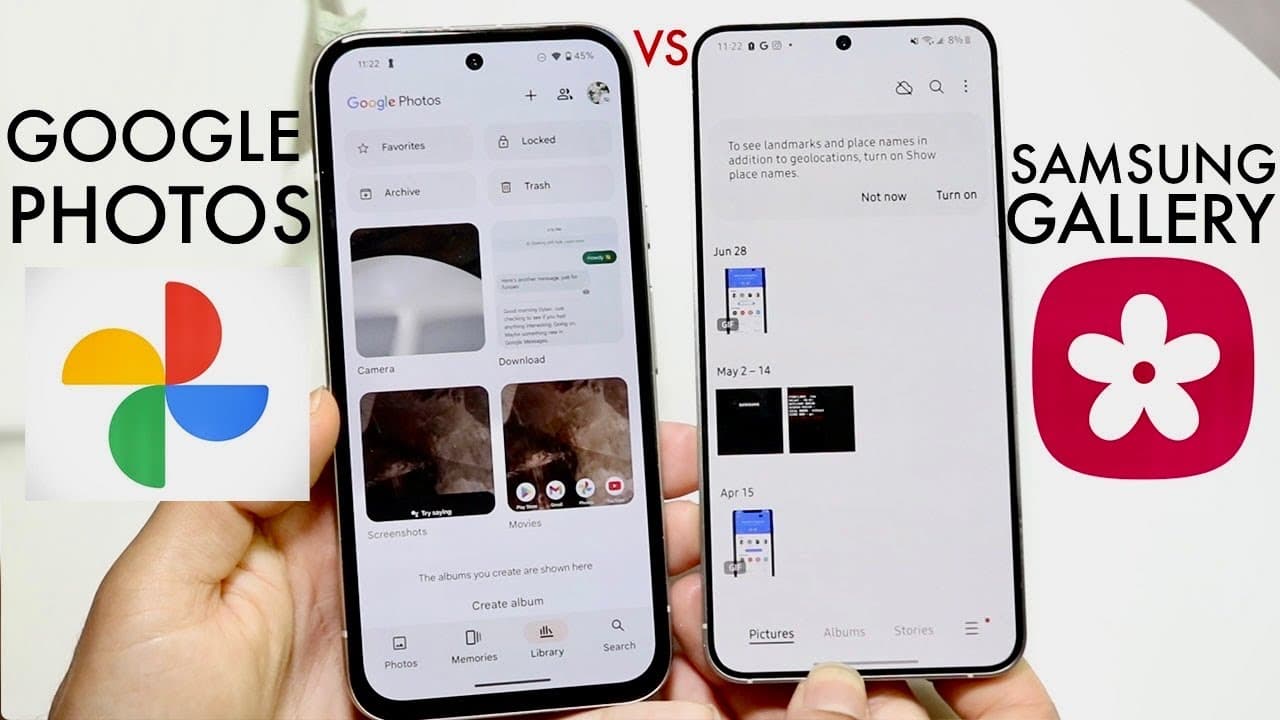
Google Photos is the superior choice for users needing cross-platform accessibility, as it works on various devices like Android, iPhone, and web browsers. However, Samsung Gallery excels in photo editing features, making it ideal for users focused on advanced customization. For general use, Google Photos is recommended for its versatility.
Transcript
everyone it's time for us to go and take a look at Google photos and compare it against the Samsung gallery application and see which one is a better application for you to use for your particular photos now both are great I would probably say as of this point Google photos is kind of nice to have because it's so crossplatform you can get it on And... Read More
Key Insights
- 😵 Google Photos is highly regarded for its cross-platform accessibility, making it versatile for users across different devices.
- 📷 The structural layout of both Google Photos and Samsung Gallery is intuitive, enabling easy navigation and photo management.
- 👤 Samsung Gallery is recognized for its superior editing capabilities, catering to users who require advanced photo manipulation tools.
- 👤 Even with its strengths, Google Photos is deemed the better option for users who do not require extensive editing and value accessibility.
- 👻 Both applications allow for seamless sharing of photos through various messaging platforms, ensuring users can easily share memories.
- 😀 The simplicity and user-friendly design found in both apps are appealing to those looking for straightforward photo management solutions.
- 😵 While Samsung Gallery has a strong performance for editing purposes, it may not attract users who primarily want a cross-platform experience.
Install to Summarize YouTube Videos and Get Transcripts
Explore YouTube Video Summarizer or Get YouTube Transcript Extractor
Questions & Answers
Q: What makes Google Photos more versatile than Samsung Gallery?
Google Photos stands out for its cross-platform compatibility, allowing users to access their photos from multiple devices, including Android, iOS, and web browsers. This universality is particularly beneficial for users who switch between different devices or share photos across platforms, whereas Samsung Gallery is limited primarily to Samsung devices.
Q: How do the editing features compare in both applications?
Samsung Gallery offers more advanced editing capabilities compared to Google Photos. Users can utilize tools like Magic Eraser, advanced cropping, adjustments in exposure and brightness, and various filters. Google Photos provides basic editing tools but lacks the extensive options that Samsung users may find in their native app.
Q: Are the user interfaces similar in both applications?
Yes, the user interfaces of both Google Photos and Samsung Gallery are structurally similar. Both apps allow users to navigate their photo libraries easily and have comparable functionalities such as viewing, sharing, and basic editing. However, Google Photos might offer slightly more detailed customization in viewing options.
Q: Is there a specific type of user who would prefer Samsung Gallery over Google Photos?
Users who prioritize editing capabilities and greater customization in their photo management would likely prefer Samsung Gallery. It is ideal for individuals who frequently edit their photos, as it offers more tools and features to enhance images compared to Google Photos.
Summary & Key Takeaways
-
Google Photos is praised for its extensive cross-platform accessibility, allowing users to access their photos from various devices like Android phones, iPhones, and web browsers, making it more versatile than Samsung Gallery.
-
Both applications have similar structural layouts and functionalities, enabling users to view and share photos easily; however, the editing tools available in Samsung Gallery provide users with greater customization options.
-
Ultimately, while both apps are effective, Google Photos is recommended for general use due to its accessibility, while Samsung Gallery is suited for users needing advanced editing capabilities.
Read in Other Languages (beta)
Share This Summary 📚
Summarize YouTube Videos and Get Video Transcripts with 1-Click
Try YouTube Summary with ChatGPT & Claude or YouTube Transcript Generator
Explore More Summaries from Simple Alpaca 📚






Summarize YouTube Videos and Get Video Transcripts with 1-Click
Try YouTube Summary with ChatGPT & Claude or YouTube Transcript Generator