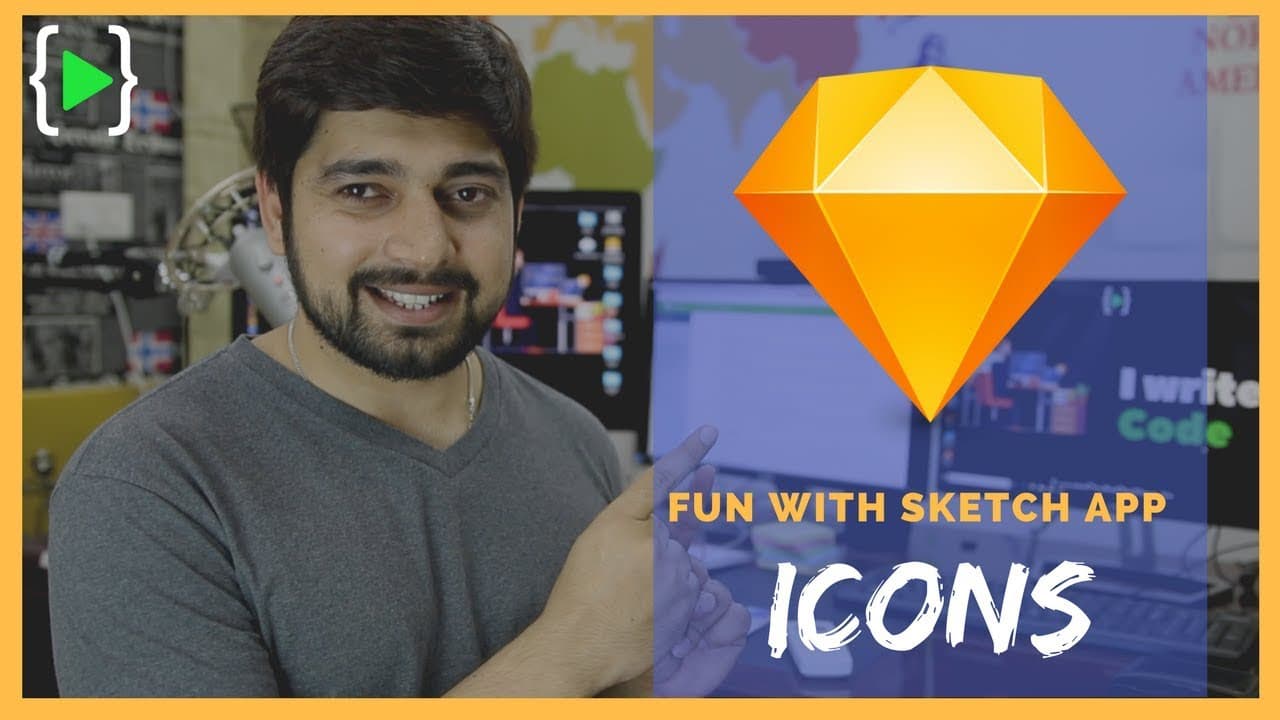
Tricky Notification icon in #sketchapp 💎
TL;DR
Learn to design a Bell icon using vectors efficiently.
Transcript
hey did everyone have this year back again with another video and in this video we're gonna be designing just one icon and that I can can get you in a little bit of trouble so let me just first show you what we will be designing so rest of our icons were pretty simple now we're gonna move on to this Bell icon the reason why I have chosen this Bell ... Read More
Key Insights
- 🎨 Understanding vector manipulation is essential for designing complex icons.
- 💠 Symmetry and precision are crucial in creating visually appealing vector shapes.
- 🎨 Creativity can enhance and personalize icon designs, making them more unique.
- 💠 Proper adjustment of handlebars in vectors can prevent distortions and improve shape quality.
- 😥 Maintaining symmetry in anchor points ensures a balanced and harmonious design.
- 😃 Eye-balling and tweaking vector shapes can add a personal touch to the design process.
- 🍵 Efficiency in handling vectors can streamline the icon design workflow.
Install to Summarize YouTube Videos and Get Transcripts
Explore YouTube Video Summarizer or Get YouTube Transcript Extractor
Questions & Answers
Q: What makes designing a Bell icon using vectors challenging?
Designing a Bell icon with vectors can be challenging for beginners due to the complexities of handling anchor points and curves effectively.
Q: How can handlebars in vector shapes impact the overall design?
Proper adjustment of handlebars in vector shapes is crucial for achieving the desired curvy shapes and avoiding distortions in the design.
Q: Why is it important to maintain symmetry in the anchor points of vector shapes?
Maintaining symmetry in anchor points ensures a balanced and visually appealing design, especially in icons where precision is key.
Q: How can creativity play a role in tweaking vector shapes like the Bell icon?
Creativity allows designers to personalize and enhance vector shapes, adding unique touches to the design process and creating more engaging icons.
Summary & Key Takeaways
-
Tutorial on designing a Bell icon using vectors efficiently.
-
Tips on handling vectors for beginners transitioning from other design tools.
-
Demonstrates the process of creating a Bell icon step by step.
Read in Other Languages (beta)
Share This Summary 📚
Summarize YouTube Videos and Get Video Transcripts with 1-Click
Try YouTube Summary with ChatGPT & Claude or YouTube Transcript Generator
Explore More Summaries from Hitesh Choudhary 📚




Summarize YouTube Videos and Get Video Transcripts with 1-Click
Try YouTube Summary with ChatGPT & Claude or YouTube Transcript Generator