How the progress bar keeps you sane | Small Thing Big Idea, a TED series
TL;DR
In this content, the author explores the psychological impact of progress bars on user experience and suggests ways to enhance their effectiveness.
Transcript
Translator: Camille Martínez Reviewer: Krystian Aparta How many people are bored at their desk for how many hours every day and how many days a week and how many weeks a year for how many years in their life? [Small thing. Big idea.] [Daniel Engber on the Progress Bar] The progress bar is just an indicator on a computer that something's happening i... Read More
Key Insights
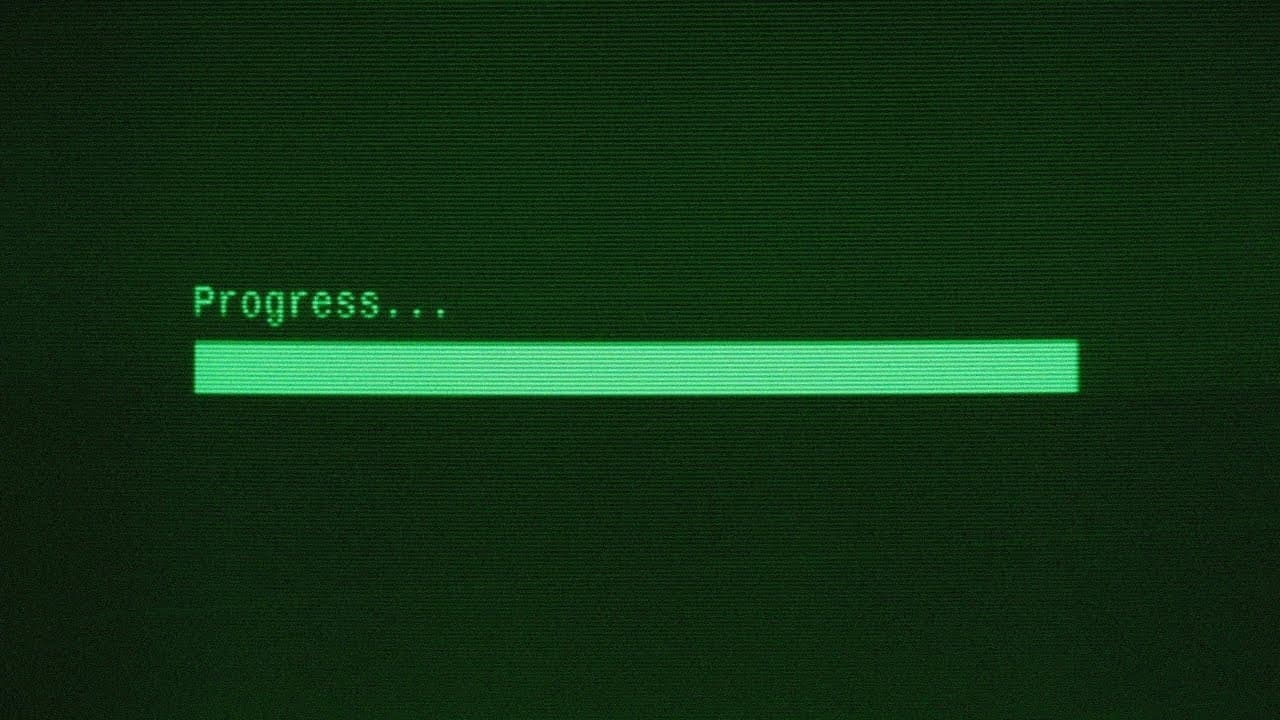
- 📊 The progress bar has been used as an indicator on computers for years and has roots in pre-computer versions on ledgers. It emerged during the "software crisis" in the 70s when computers became more complex.
- 💡 A study by Brad Myers in 1985 found that the accuracy of the percent-done indicator didn't matter as much as its mere presence. Just seeing the progress bar made people feel better. ⏳ The progress bar creates an exciting narrative and locks the user's attention, transforming the experience of waiting into something more engaging.
- 💻 To lessen the pain of waiting, the psychology of the progress bar can be manipulated. A constant rate can be enhanced to appear faster, creating excitement and a sense of progress.
- ️ The progress bar provides a sense of beginning and end, and helps users feel like they are working towards a goal, mitigating the fear of death.
- 📈 The design of the progress bar can be more naturalistic, starting with a burst of speed and then slowing down, to sustain user engagement and prevent boredom.
- 🧠 The progress bar could potentially allow users to allocate time efficiently by providing an indication of duration for completing other tasks.
- 🕰️ The progress bar is a small thing that has a big impact on the user's experience, making waiting less boring, less painful, and less frustrating on computers.
Install to Summarize YouTube Videos and Get Transcripts
Explore YouTube Video Summarizer or Get YouTube Transcript Extractor
Questions & Answers
Q: How many people are bored at their desk for how many hours every day and how many days a week and how many weeks a year for how many years in their life?
The video does not provide specific data on the number of people or the exact amount of time they spend bored at their desks. However, it discusses the concept of the progress bar on computers and how it affects users' experience of waiting. It suggests that the progress bar can make waiting less boring and frustrating, potentially alleviating the boredom people may experience while sitting at their desks.
Q: What is the history of the progress bar?
The progress bar has been used as an indicator of completion on computers for many years. It originated from pre-computer versions where horizontal bars were used on ledgers to show the progress of tasks in factories. In the 70s, during the software crisis, computers started becoming more complex, and different types of percent-done indicators were used. This led to a graduate student, Brad Myers, studying the psychological effects of these indicators in 1985.
Q: What did Brad Myers discover about the effect of percent-done indicators?
Brad Myers found that the accuracy of the percent-done indicator was not as important as its mere presence. Just having a progress bar, regardless of its accuracy, made people feel better. This was a surprising finding, as it showed that the experience of sitting at a computer was positively influenced simply by seeing a progress bar.
Q: How does the progress bar change the experience of waiting?
According to the video, the progress bar transforms the experience of waiting from a frustrating time to an exciting narrative. It captures the user's attention and creates a sense of progress and anticipation. Instead of feeling frustrated while waiting for the computer to complete a task, users perceive their time as filled with progress and exciting events unfolding before them.
Q: How can the psychology of the progress bar be manipulated?
The video suggests that the psychology of the progress bar can be altered to make waiting less boring and frustrating. For example, instead of a constant rate, the progress bar can be designed to appear to move faster at the beginning, creating a burst of excitement. This manipulation aims to mitigate the boredom and pain associated with waiting, making the overall experience more enjoyable.
Q: How does the progress bar alleviate the fear of death?
The video briefly mentions that the progress bar, in a way, mitigates the fear of death. While this statement might be a stretch, it suggests that the progress bar, by providing a sense of a beginning and an end, and the feeling of working towards a goal, offers a distraction from existential fears. However, this statement is presented with a touch of skepticism and humor, indicating that it might not be a serious claim.
Summary & Key Takeaways
-
The progress bar on a computer is an indicator that something is happening inside the device, and it was initially used to show task completion in factories.
-
Research has shown that the presence of a percent-done indicator, such as a progress bar, can make people feel better while waiting, regardless of its accuracy.
-
By manipulating the psychology behind the progress bar, it can be enhanced to make the waiting experience less boring and frustrating, providing a sense of progress and working towards a goal.
Read in Other Languages (beta)
Share This Summary 📚
Summarize YouTube Videos and Get Video Transcripts with 1-Click
Try YouTube Summary with ChatGPT & Claude or YouTube Transcript Generator
Explore More Summaries from TED 📚





Summarize YouTube Videos and Get Video Transcripts with 1-Click
Try YouTube Summary with ChatGPT & Claude or YouTube Transcript Generator