Photoshop Actions Tutorial: Learn to Create an Abstract Background or Pattern
TL;DR
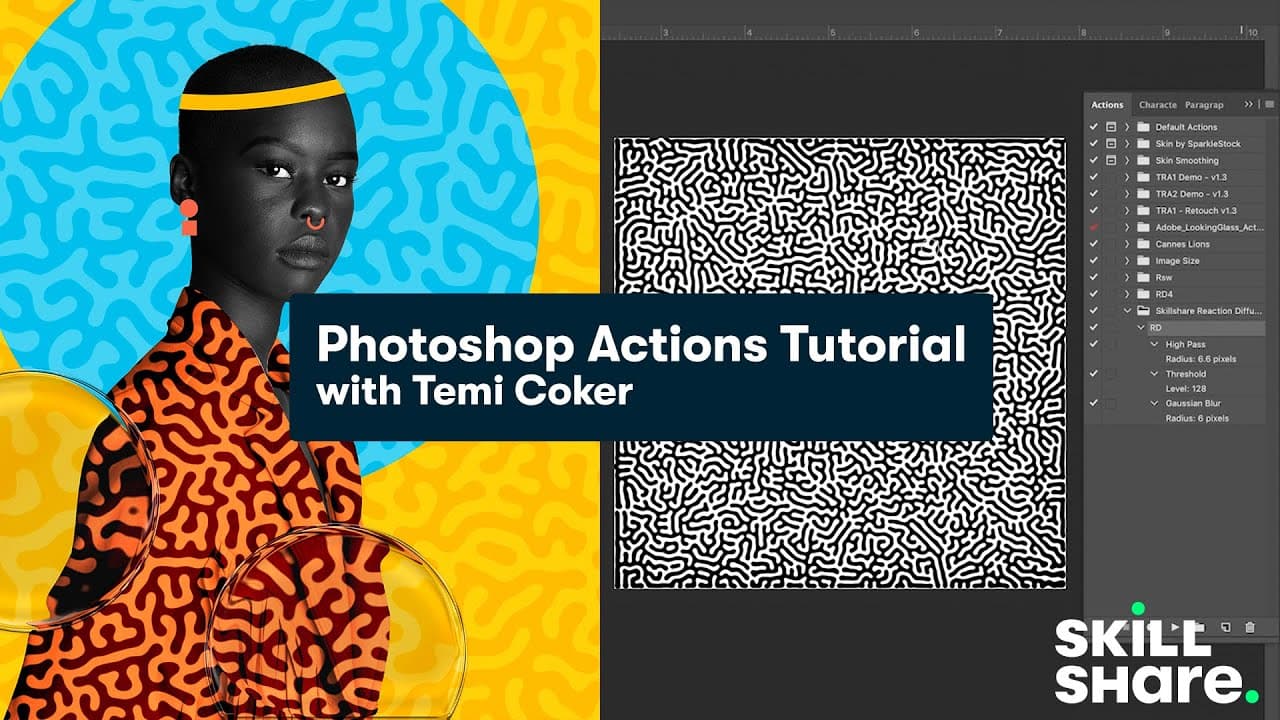
Learn to create subtle and rich reaction diffusion effects in Photoshop using simple actions.
Transcript
now i'm going to teach you something called a reaction diffusion i'm going to teach you how to make it in photoshop so reaction diffusion is something that i have recently been using a lot of my work and it's very cool because it has this very subtle effect that just makes the image just more richer so rather than having a plain background i make t... Read More
Key Insights
- ❓ Reaction diffusion creates subtle patterns in backgrounds, enhancing images.
- ❓ Photoshop actions automate the process of applying reaction diffusion effects.
- 🥠 Adjusting opacity and blending modes can fine-tune the visual impact of reaction diffusion.
- ✋ Recording actions for filters like high pass, threshold, and Gaussian blur streamlines the creation process.
- 😷 Sharp mask filter can enhance the clarity of reaction diffusion patterns.
- 😶🌫️ Creative cloud libraries offer convenient storage and access to reaction diffusion patterns.
- 💨 Reaction diffusion can be applied in a way that complements the subject of the image.
Install to Summarize YouTube Videos and Get Transcripts
Explore YouTube Video Summarizer or Get YouTube Transcript Extractor
Questions & Answers
Q: What is reaction diffusion and how does it enhance images?
Reaction diffusion is a technique that adds subtle patterns to backgrounds, enriching images by creating visual interest without overpowering the subject.
Q: How do Photoshop actions simplify the process of creating reaction diffusion effects?
Photoshop actions record and automate the steps needed to create reaction diffusion, saving time and effort by repeating the necessary actions with a single click.
Q: What are the key steps involved in creating reaction diffusion in Photoshop?
The key steps include using the paint bucket tool to create a black background, adding white dots with a brush tool, recording actions for high pass, threshold, and Gaussian blur filters, and applying sharpening for clarity.
Q: How can the opacity and blending modes be adjusted to achieve the desired effect in reaction diffusion?
By adjusting the opacity of the reaction diffusion layer and experimenting with blending modes like Screen, the subtle yet visually pleasing effect of reaction diffusion can be achieved.
Summary & Key Takeaways
-
Reaction diffusion adds richness to images by creating subtle patterns in the background using white dots.
-
Photoshop actions streamline the process by recording and automating the steps needed for reaction diffusion.
-
Adding reaction diffusion to designs enhances visuals while maintaining focus on the subject.
Read in Other Languages (beta)
Share This Summary 📚
Summarize YouTube Videos and Get Video Transcripts with 1-Click
Try YouTube Summary with ChatGPT & Claude or YouTube Transcript Generator
Explore More Summaries from Skillshare 📚






Summarize YouTube Videos and Get Video Transcripts with 1-Click
Try YouTube Summary with ChatGPT & Claude or YouTube Transcript Generator