Windows Defender Hardening and Test vs Malware
TL;DR
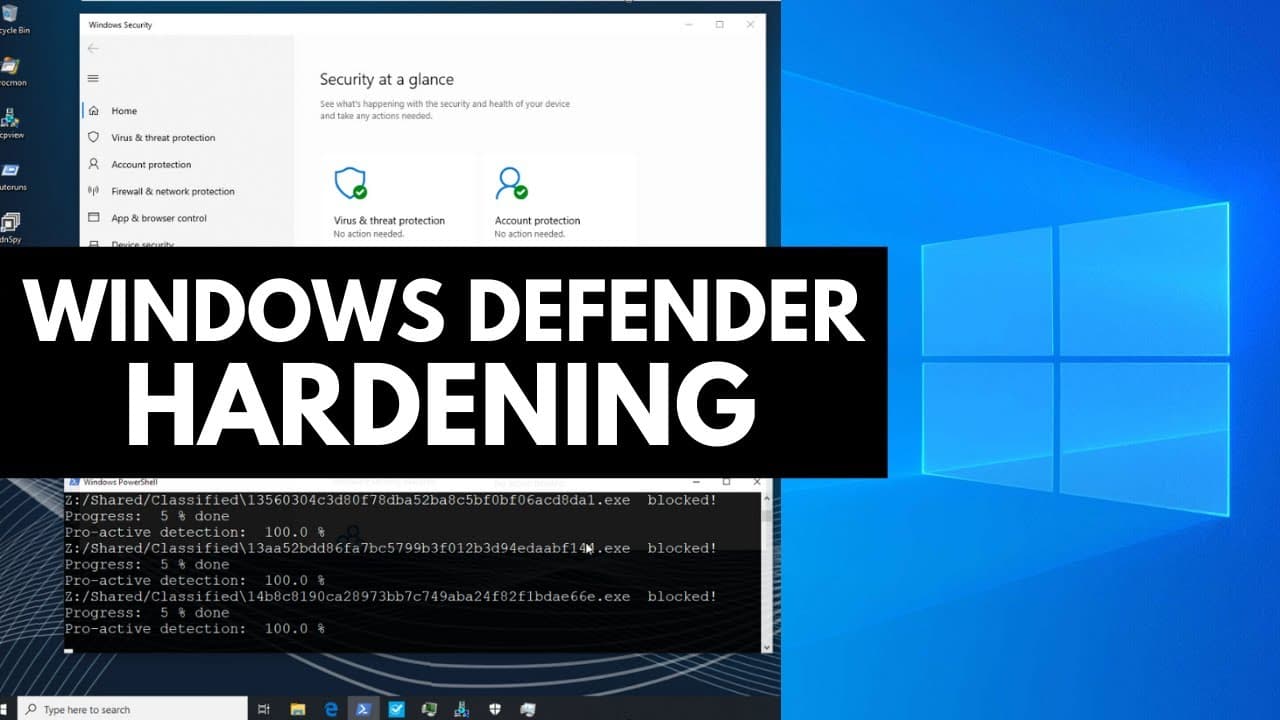
Learn how to optimize Windows Defender with advanced security settings and put it to the test against 860 new malware samples for strong protection.
Transcript
ever since Windows Defender has been released I've been exploring its utility as a security solution uh-oh we have cascading io errors mostly without success as with most things Microsoft makes it's not great but it's better than nothing if for whatever reason you feel compelled to use Windows Defender in this video we're going to go through how yo... Read More
Key Insights
- 🍧 Windows Defender serves as a baseline security measure, providing better protection than having no antivirus solution.
- 🔐 Enabling key settings such as real-time protection, tamper protection, and controlled folder access can enhance Windows Defender's security capabilities.
- 😶🌫️ Group policy settings allow for fine-tuning Windows Defender's behavior and enabling advanced cloud protection features.
- 🔒 Maximizing Windows Defender's security settings may negatively impact performance and usability, but it can be necessary in environments where security is a top priority.
- 🔒 Windows Defender still has some vulnerabilities, particularly in relation to ransomware, highlighting the importance of additional security measures and regular backups.
- ☠️ The test against 860 new malware samples demonstrated a high proactive detection rate, indicating the effectiveness of the optimized Windows Defender configuration.
- 🕵️ Second opinion scanners confirmed the cleanliness of the system, with no malware detected.
- 👋 It is important to stay informed about cybersecurity best practices and consider additional security measures beyond Windows Defender.
Install to Summarize YouTube Videos and Get Transcripts
Explore YouTube Video Summarizer or Get YouTube Transcript Extractor
Questions & Answers
Q: What are some of the key settings to enable in Windows Defender for maximum security?
Some important settings to enable include real-time protection, cloud-delivered protection, tamper protection, controlled folder access, and ransomware data recovery. It is also recommended to turn on the firewall and app and browser control.
Q: How can group policy settings enhance Windows Defender's security capabilities?
Group policy settings allow for enabling Microsoft's advanced cloud protection, configuring extended cloud check, selecting a high level of cloud protection, and enabling detection of potentially unwanted applications.
Q: What is the proactive detection rate achieved in the test against 860 new malware samples?
The test achieved a proactive detection rate of 99.53%, indicating strong protection against the tested malware samples.
Q: Are there any performance implications of maximizing Windows Defender's security settings?
Yes, maximizing security settings may negatively affect performance and usability, as indicated by the high CPU usage observed during the test. It is important to consider the trade-off between security and performance.
Summary & Key Takeaways
-
Windows Defender is explored as a security solution, acknowledging its limitations but emphasizing its importance as a baseline security measure.
-
Various settings and features of Windows Defender are discussed, including real-time protection, cloud-delivered protection, tamper protection, controlled folder access, ransomware data recovery, firewall settings, and app and browser control.
-
Group policy settings are highlighted, such as enabling Microsoft's advanced cloud protection, configuring extended cloud check, selecting a high level of cloud protection, and enabling detection of potentially unwanted applications.
Read in Other Languages (beta)
Share This Summary 📚
Summarize YouTube Videos and Get Video Transcripts with 1-Click
Try YouTube Summary with ChatGPT & Claude or YouTube Transcript Generator
Explore More Summaries from The PC Security Channel 📚






Summarize YouTube Videos and Get Video Transcripts with 1-Click
Try YouTube Summary with ChatGPT & Claude or YouTube Transcript Generator