How To Collaborate With Other Video Creators
TL;DR
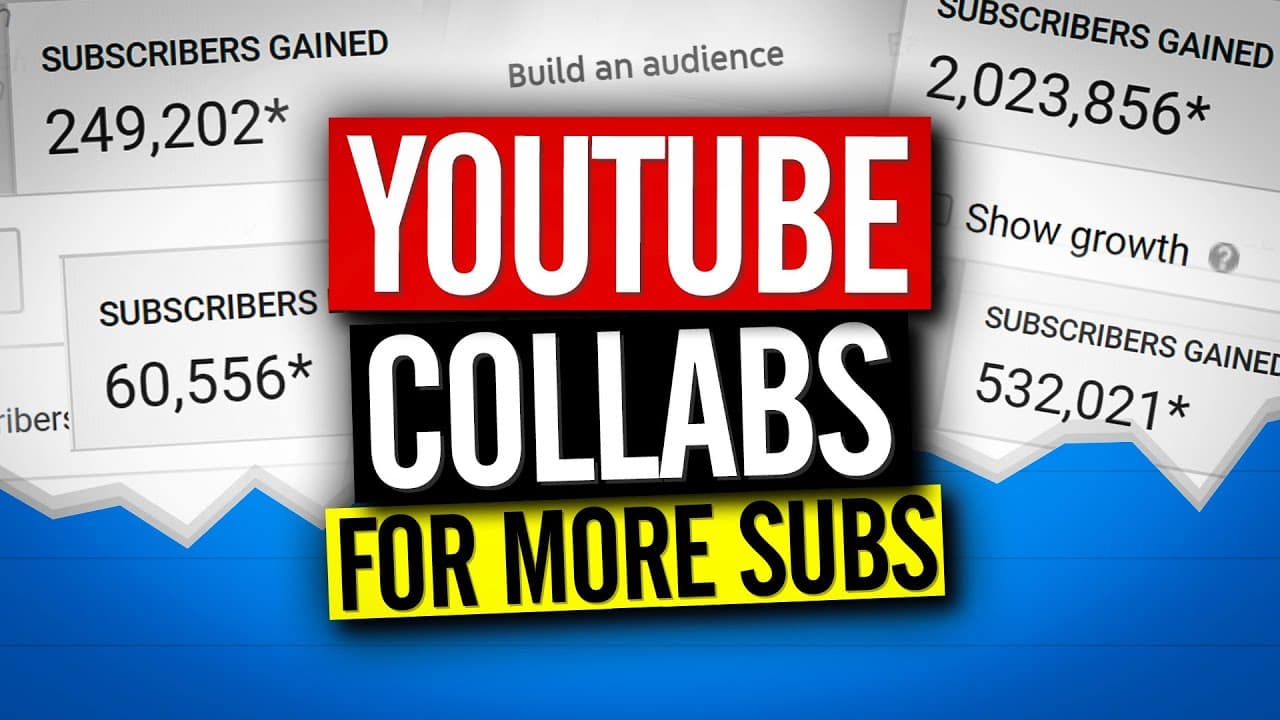
Learn different ways to collaborate on YouTube, including video collaborations, video exchanges, shout outs, collaborative playlists, interviews, and community tab collaborations.
Transcript
- It doesn't matter if you have a big YouTube channel or if you're just getting started. These different ways to collaborate are going to help you. I'm gonna tell you what they are and we're starting right now. - (rap music) - What is going on? My name is Nick. Welcome to another video. If this is your first time here and you want to learn how to g... Read More
Key Insights
- 🎮 Collaborating on YouTube can be done through video collaborations, video exchanges, shout outs, collaborative playlists, interviews, and community tab collaborations.
- 🎮 Using a Google Doc can help keep collaborations organized by exchanging ideas and planning videos.
- 💦 Collaborations work best when there is alignment in content topics or themes.
- 😵 Cross-promotion through shout outs can help both creators gain exposure and new subscribers.
- 💨 Collaborative playlists are an excellent way to bring attention to a group of creators with similar content.
- 🍻 Including links to podcasts or website collaborations in video descriptions can help drive traffic across different platforms.
- 💨 Utilizing the community tab on YouTube can be an effective way to collaborate and bring exposure to other creators.
Install to Summarize YouTube Videos and Get Transcripts
Explore YouTube Video Summarizer or Get YouTube Transcript Extractor
Questions & Answers
Q: How can I collaborate in the same video with someone in a different location?
If you're not in the same location, you can exchange footage with the other person. Each of you records your parts separately and then combines them during editing.
Q: How can I keep collaborations organized and brainstorm ideas effectively?
Create a Google Doc where you can exchange ideas, jot down video titles and topics, and plan the collaboration. Using different colors to identify who said what can help with organization.
Q: What should I do once both videos are edited and ready to be shared?
Create a shared folder on Google Drive, upload the final videos, and include links to them in the Google Doc. This helps keep everything organized and accessible for both creators.
Q: Why should I consider shout outs in my videos?
Shout outs can be an effective way to cross-promote each other's channels and introduce new subscribers. It's best to collaborate with creators who make similar content.
Summary & Key Takeaways
-
Video collaborations: Collaborate with another person in the same video, without exchanging footage.
-
Video exchanges: Exchange footage with someone in a different location, allowing for collaboration.
-
Collaborative playlists: Create playlists with a specific topic and invite others to add videos that align with the topic.
-
Shout outs: Continually mention and promote each other's channels in videos to drive exposure.
-
Interviews and website collaborations: Give shout outs and links to podcasts or websites in exchange for interview or article features.
-
Community tab collaborations: Share other creators' videos in your community tab to bring more exposure to their content.
Read in Other Languages (beta)
Share This Summary 📚
Summarize YouTube Videos and Get Video Transcripts with 1-Click
Try YouTube Summary with ChatGPT & Claude or YouTube Transcript Generator
Explore More Summaries from Nick Nimmin 📚



Summarize YouTube Videos and Get Video Transcripts with 1-Click
Try YouTube Summary with ChatGPT & Claude or YouTube Transcript Generator