Iris data k-means Cluster Analysis in Excel with Python
TL;DR
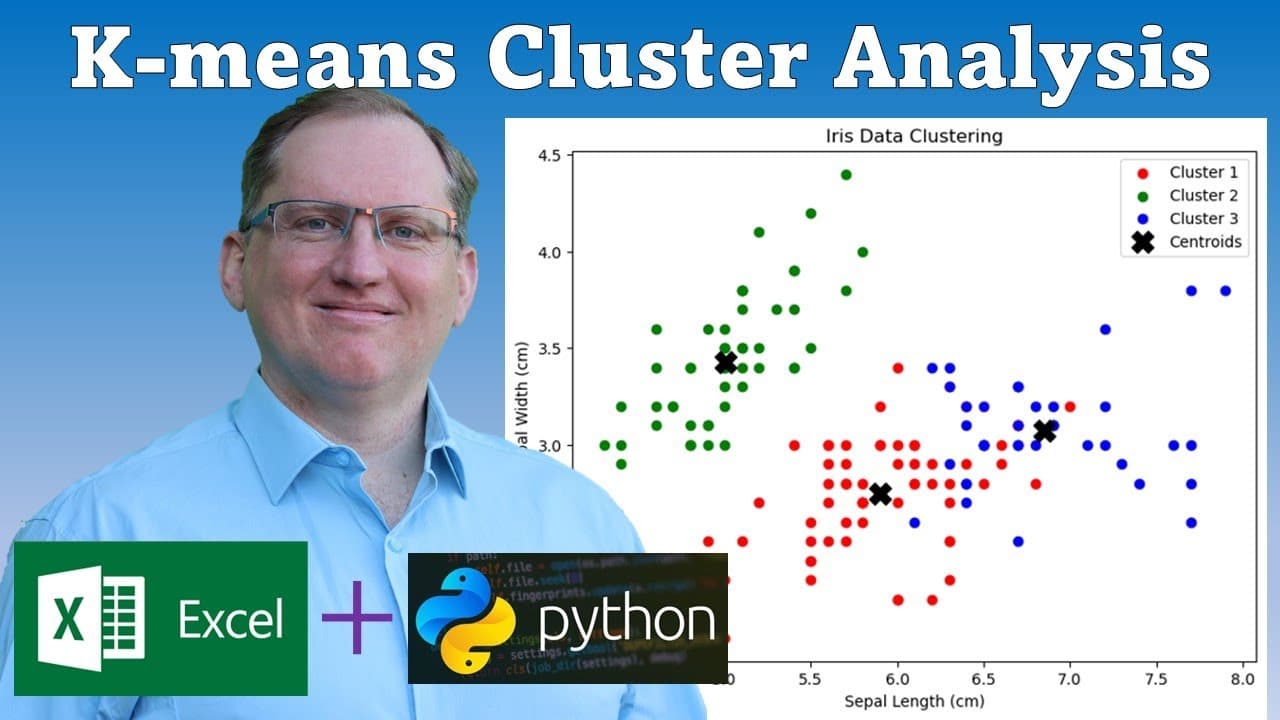
This video explores using Python for advanced data analysis in Excel, focusing on K-means clustering.
Transcript
hi friends welcome back to the channel today we are going to have another visit of using python within EXL if you haven't already set up python with an EXL you can check out this video that I'm linking here and see how to set it up currently it's only for beta users but I'm sure it is going to be something that gets rolled out pretty soon to everyo... Read More
Key Insights
- 👻 Python's integration into Excel allows for powerful data analysis tools that enhance Excel's existing capabilities, particularly beneficial for data scientists.
- 🏛️ The Iris dataset is a classic example used for clustering analysis, providing recognizable patterns and making it popular in statistical learning.
- 👶 Different data handling techniques in Python, such as array versus data frame referencing, can be challenging for users new to the language.
- 😉 The visual aids and plotted data resulting from K-means clustering in Excel can significantly facilitate understanding complex data relationships.
- 💦 The importance of correctly indexing data and adjusting coding practices when working in Python versus R is crucial for successful analyses.
- 👶 Excel's new features reflect a movement toward making data science tools more accessible to users, democratizing advanced analytical techniques.
- 👤 Users should familiarize themselves with Excel's unique implementation of Python for seamless integration and use in data analysis tasks.
Install to Summarize YouTube Videos and Get Transcripts
Explore YouTube Video Summarizer or Get YouTube Transcript Extractor
Questions & Answers
Q: What is K-means clustering, and why is it useful?
K-means clustering is a popular machine learning algorithm used to partition data into distinct groups (clusters) based on similarity. It's useful for identifying patterns within data and can be applied in various fields like marketing, biology, and data mining to help understand relationships among data points.
Q: How can users set up Python within Excel?
Users can set up Python in Excel by accessing the beta features available in Excel and following instructions available in tutorial videos. Initial setups are crucial, as they enable the use of Python libraries within Excel for advanced data analysis.
Q: What are some challenges when transitioning from R to Python for data analysis?
Transitioning from R to Python can present challenges such as differing indexing systems, as Python uses zero-based indexing compared to R's one-based indexing. Additionally, data handling and referencing within Python might require different approaches, which can be confusing for R users.
Q: How does one handle dataset differences when using built-in Python datasets compared to traditional Excel data?
When using built-in datasets, users should ensure that the code reflects the structure of those datasets. For spreadsheet data, adjustments must be made to column orders or headers to ensure compatibility, as demonstrated in the video with the Iris dataset.
Summary & Key Takeaways
-
The video demonstrates how to use Python within Excel, specifically for performing K-means clustering on the Iris dataset, enhancing Excel's capabilities beyond standard features.
-
The presenter walks through setting up Python in Excel, highlighting differences when using built-in datasets versus data from an Excel spreadsheet, providing key insights for beginners.
-
Key Python concepts such as data indexing from data frames and essential coding details are explained, facilitating a smoother transition for users familiar with R or other programming languages.
Read in Other Languages (beta)
Share This Summary 📚
Summarize YouTube Videos and Get Video Transcripts with 1-Click
Try YouTube Summary with ChatGPT & Claude or YouTube Transcript Generator
Explore More Summaries from Dr Lyndon Walker 📚






Summarize YouTube Videos and Get Video Transcripts with 1-Click
Try YouTube Summary with ChatGPT & Claude or YouTube Transcript Generator