What's in my product design toolkit?
TL;DR
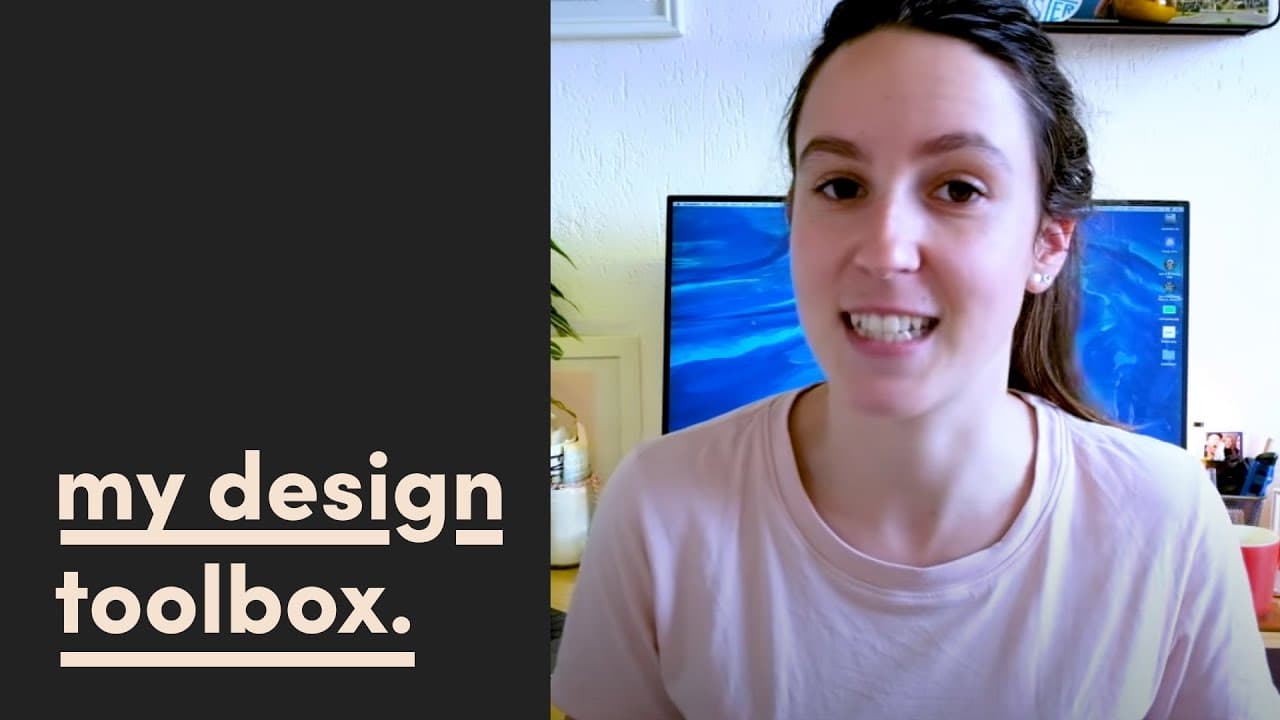
A designer shares their preferred hardware, software, and additional tools that enhance their workflow.
Transcript
hey friends today I want to take you through it my design tools and hardware that I use within my design process as a designer I don't use all of these every day but a lot of them I do have specific use cases for and I'm gonna show you a little bit about what I use and how I use it I'm gonna start with hardware first and then I'll move on to some o... Read More
Key Insights
- 👤 The designer primarily relies on a 2017 MacBook for its user-friendly interface and familiarity, streamlining their design process.
- 👻 Figma is central to their workflow, allowing for real-time collaboration and a range of design tasks without needing extensive coding knowledge.
- 😒 The designer uses an iPad Pro not only for sketching but also for creating video graphics and thumbnails, reflecting a blend of digital and traditional methods.
- 🦻 The inclusion of tools like Google Slides aids in sharing design documentation, making it accessible for teamwork.
- 🎨 Managing color palettes effectively is essential, with the designer recommending Sip to simplify this task.
- 🛟 Google Fonts and Designers Foundry serve as primary resources for sourcing typography, ensuring they have diverse options for projects.
- 💦 Analog tools are incorporated into the design process, demonstrating the value of traditional methods in a digital work environment.
Install to Summarize YouTube Videos and Get Transcripts
Explore YouTube Video Summarizer or Get YouTube Transcript Extractor
Questions & Answers
Q: Why does the designer prefer using a Mac over Windows?
The designer prefers using a Mac because they have been familiar with the Mac ecosystem for over a decade. This long-term usage has allowed them to optimize their workflow specifically for Mac capabilities. Additionally, while design software has become more versatile in recent years, the designer finds that their MacBook's specs fit their design needs efficiently, enabling fast and effective work.
Q: What are the key features of Figma that the designer finds beneficial?
Figma is favored by the designer for its performance and collaborative features. With Figma being cloud-based, multiple colleagues can work on the same design files simultaneously, which greatly enhances teamwork. The designer also appreciates Figma's ability to handle complex design tasks, from wireframing and user journey mapping to high-fidelity screen design and prototyping, making it an essential part of their daily work.
Q: How does the designer utilize their iPad Pro in the design process?
The designer leverages their iPad Pro mainly for sketching, brainstorming, and creating graphics for YouTube thumbnails. Although they don't typically perform heavy design work on the iPad, it serves as a versatile tool for initial concept development and graphic creation, complementing their work on the MacBook.
Q: What additional tools does the designer recommend for improving workflow?
In addition to software like Figma and Webflow, the designer suggests using color management apps like Sip for organizing color palettes and resource websites like Google Fonts for a broad selection of typefaces. They also highlight the value of physical tools like sketchpads for brainstorming and the potential of apps with infinite canvas features for larger brainstorming sessions.
Summary & Key Takeaways
-
The speaker discusses their hardware choices, primarily using a 2017 MacBook for design work due to its efficiency within their established workflow.
-
Their software toolkit includes Figma for collaborative design, Webflow for website creation, and Procreate for sketching and graphic creation on an iPad Pro.
-
Various additional tools such as Google Slides for documentation, a color management app called Sip, and resources for fonts like Google Fonts and Designers Foundry support their design process.
Read in Other Languages (beta)
Share This Summary 📚
Summarize YouTube Videos and Get Video Transcripts with 1-Click
Try YouTube Summary with ChatGPT & Claude or YouTube Transcript Generator
Explore More Summaries from femke.design 📚


Summarize YouTube Videos and Get Video Transcripts with 1-Click
Try YouTube Summary with ChatGPT & Claude or YouTube Transcript Generator