How To Create Help Desk on Shopify Store? || EComposer Landing Page Builder
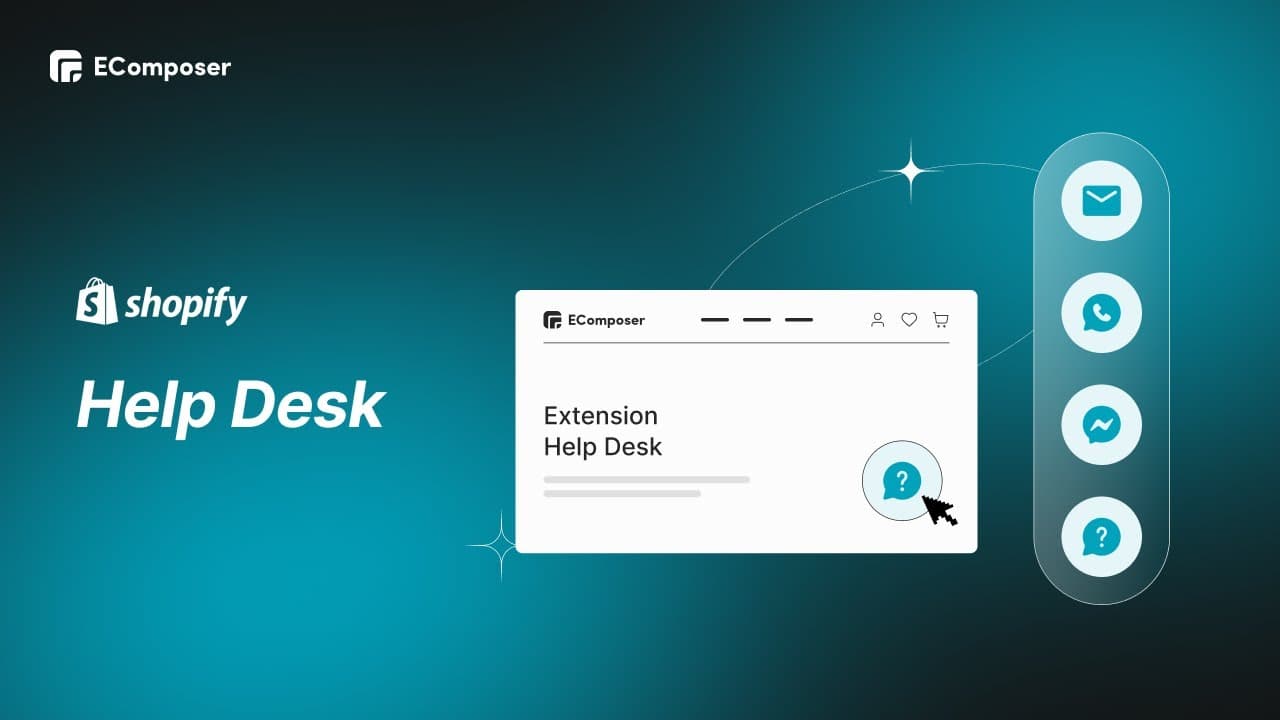
TL;DR
Unite customer services into one place and improve the customer service system with the EComposer Help Desk extension for Shopify Pages.
Transcript
Do you want to unite of your customer services into one place, then improve the customer service system especially when a business has higher volumes and multiple Channel? With the EComposer help desk extension, this stuff is just a piece of cake. Hi, I'm Rose from you EComposer Shopify Page Builder and this is the EComposer extension tutorial... Read More
Key Insights
- 🥇 The EComposer Help Desk extension streamlines customer service by consolidating all inquiries into one place.
- 🔊 Businesses with higher volumes and multiple channels can benefit from using the extension to improve their customer service system.
- 🆘 The extension allows for customization of the help desk's overall display and button system.
- 🆘 Sub buttons can be added to provide additional options and functionality within the help desk.
- ✈️ The EComposer Help Desk extension is available for all pages on Shopify and can be used with paid plans.
- 🌇 The tutorial provides step-by-step instructions on selecting a page, installing the extension, and setting up the help desk's display.
- 🆘 The help desk's position, button size, gap, padding, tooltip colors, background, and typography can be customized.
Install to Summarize YouTube Videos and Get Transcripts
Explore YouTube Video Summarizer or Get YouTube Transcript Extractor
Questions & Answers
Q: How does the EComposer Help Desk extension benefit businesses with higher volumes and multiple channels?
The EComposer Help Desk extension allows businesses to unite their customer services into one place, making it easier to manage customer inquiries across multiple channels and handle higher volumes of support requests. It improves efficiency and customer satisfaction.
Q: How do I install the EComposer Help Desk extension?
To install the EComposer Help Desk extension, open the EComposer extension library, find the help desk extension, and install it. The video tutorial provides step-by-step instructions on accessing the library and installing the extension.
Q: Can I customize the display of the help desk?
Yes, the EComposer Help Desk extension provides various options for customizing the overall display. You can set up the position of the help desk, change the button size, gap, padding, and customize the tooltip's color, background, and typography.
Q: Can I create sub buttons in the help desk?
Yes, you can create sub buttons in the help desk. The tutorial shows how to set up sub buttons by enabling the function and customizing the icon, color, link, and tooltip for each sub button. You can also choose to have a single-button help desk.
Key Insights:
- The EComposer Help Desk extension streamlines customer service by consolidating all inquiries into one place.
- Businesses with higher volumes and multiple channels can benefit from using the extension to improve their customer service system.
- The extension allows for customization of the help desk's overall display and button system.
- Sub buttons can be added to provide additional options and functionality within the help desk.
- The EComposer Help Desk extension is available for all pages on Shopify and can be used with paid plans.
- The tutorial provides step-by-step instructions on selecting a page, installing the extension, and setting up the help desk's display.
- The help desk's position, button size, gap, padding, tooltip colors, background, and typography can be customized.
- The video tutorial demonstrates the functionality of sub buttons and highlights the flexibility of the EComposer Help Desk extension.
Summary & Key Takeaways
-
The video tutorial demonstrates how to create a consolidated support system on a Shopify Page using the EComposer Help Desk extension.
-
The tutorial covers selecting a page, installing the extension, and setting up the overall display and button system for the help desk.
-
The EComposer Help Desk extension is an ideal tool for creating a centralized and flexible support system, available for all pages on Shopify.
Read in Other Languages (beta)
Share This Summary 📚
Summarize YouTube Videos and Get Video Transcripts with 1-Click
Try YouTube Summary with ChatGPT & Claude or YouTube Transcript Generator