Should You Use An Unsupported iPhone?
TL;DR
It's generally safe to use iPhones one version behind, but issues arise with older models.
Transcript
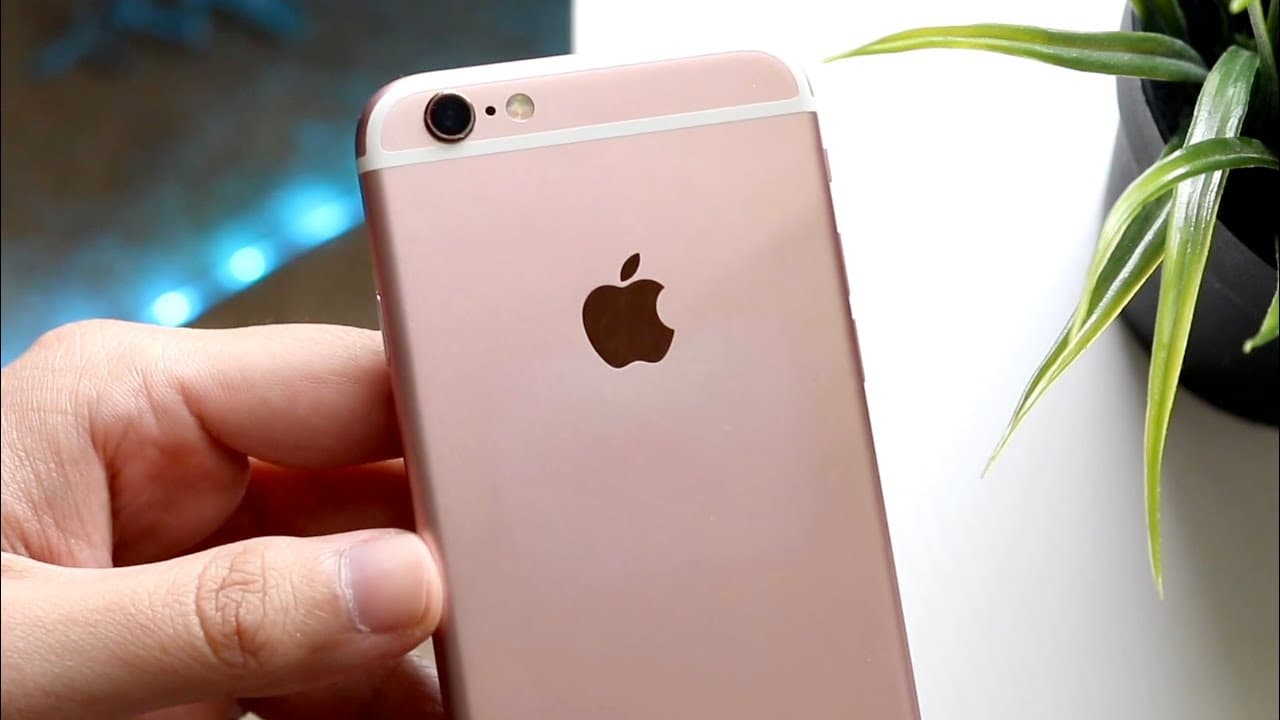
another common question that I see all the time presented is should you use an iPhone that is now unsupported now basically what that means is if we take a look at an iPhone 6s that iPhone did not end up getting the next major version of software support the same exact thing can be said but the iPhone 7 7 plus and iPhone 6s plus and really every iP... Read More
Key Insights
- 🥶 Older iPhones, like the 6s and 7, may safely run iOS 15 while still receiving essential security updates.
- 🎁 Being just one version behind on iOS typically presents fewer risks compared to being two or more versions behind.
- 🈸 Users should consider potential app incompatibilities when using unsupported iPhones, as modern applications may require newer software versions.
- 👤 Devices two or more versions behind may expose users to security vulnerabilities and degrade the overall smartphone experience.
- 👶 The decision to upgrade should factor in the expected stability of new iOS releases and the device’s compatibility with newer hardware and software.
- 🥺 Waiting for a more stable version of iOS can lead to an improved user experience and less frustration with bugs.
- 🥶 Users must evaluate their specific needs; for many, an older iPhone can adequately serve basic phone functionalities.
Install to Summarize YouTube Videos and Get Transcripts
Explore YouTube Video Summarizer or Get YouTube Transcript Extractor
Questions & Answers
Q: What does it mean for an iPhone to be unsupported?
An unsupported iPhone typically refers to a device that no longer receives major software updates from Apple. This means it has not upgraded to the latest iOS version and could potentially miss out on security fixes and new features that are available to updated models.
Q: Is it safe to use an iPhone on iOS 15 when iOS 16 is available?
Yes, using an iPhone on iOS 15 while iOS 16 is available is generally considered safe. Apple continues to push major security updates to the previous version for a time, meaning as long as you're just one version behind, the risk remains manageable.
Q: What problems can occur when using an iPhone that is two or more versions behind?
Using an iPhone that is two or more versions behind may lead to security vulnerabilities, app incompatibility, and missing out on new features or improvements. Many applications may require a newer version of iOS, limiting functionality and posing risks to user data security.
Q: How can being on an older iOS version affect app performance?
Being on an older version of iOS can significantly impact app performance. Developers often design apps to run optimally on the latest platforms, and older versions may lack necessary updates, resulting in bugs, crashes, or failure to install entirely due to incompatibility.
Q: Should I wait to upgrade my iPhone until the new iOS is more stable?
It can be wise to wait for new iOS versions to stabilize before upgrading. Early releases may have bugs that impact performance, so waiting for subsequent updates can ensure a smoother experience once you do decide to upgrade.
Q: Are there any benefits to using an older iPhone model?
Using an older iPhone model can have benefits like lower costs, simplicity, and adequate functionality for basic tasks. If users primarily need phone features without requiring the latest apps and security, older models can still serve their purpose effectively.
Summary & Key Takeaways
-
Using an unsupported iPhone, like the 6s or 7, is manageable if it's only one version behind on iOS. Apple usually provides security updates for prior versions, ensuring some level of safety.
-
Issues arise when using devices that are two versions or more behind. Security vulnerabilities and app compatibility problems may develop, making it increasingly difficult to access newer software functionalities.
-
Upgrading to a newer iPhone model or the latest iOS can enhance performance and access new features, especially if the device is outdated or unsupported.
Read in Other Languages (beta)
Share This Summary 📚
Summarize YouTube Videos and Get Video Transcripts with 1-Click
Try YouTube Summary with ChatGPT & Claude or YouTube Transcript Generator
Explore More Summaries from Simple Alpaca 📚






Summarize YouTube Videos and Get Video Transcripts with 1-Click
Try YouTube Summary with ChatGPT & Claude or YouTube Transcript Generator