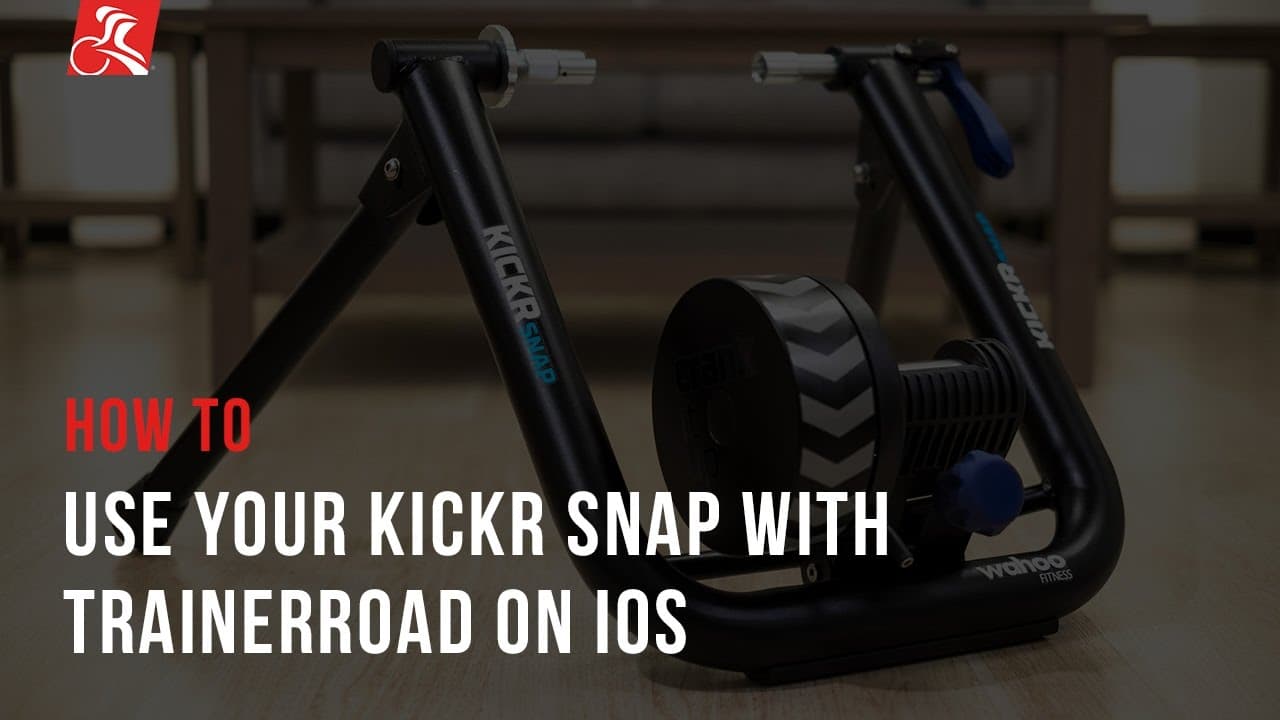
How To: Use Your KICKR SNAP with TrainerRoad on iOS
TL;DR
Pair, calibrate, and use Wahoo KICKR SNAP with TrainerRoad on iOS for accurate power training.
Transcript
trainerroad works at the wahoo kicker snapped to automatically control the resistance of your trainer in order to use the kicker snap with bluetooth smart on iOS you'll need a Bluetooth smart enabled device every iOS device that has been released since the iPhone 4s iPad 2 and iPad Mini comes with this built-in before pairing your kicker snap to tr... Read More
Key Insights
- ❓ Pairing KICKR SNAP with TrainerRoad on iOS requires Bluetooth Smart support.
- ✊ Calibration is essential for accurate power readings on electronic trainers.
- 👾 ERG mode on TrainerRoad automatically controls resistance for power match.
- 👰♀️ Standard and Resistance modes on KICKR SNAP offer varying ride experiences.
- ✊ Adjusting gear and cadence is necessary to change power output in different modes.
- 👊 TrainerRoad's live chat support can assist with any pairing issues.
- 😒 iOS devices since iPhone 4S are compatible with KICKR SNAP for convenient use.
Install to Summarize YouTube Videos and Get Transcripts
Explore YouTube Video Summarizer or Get YouTube Transcript Extractor
Questions & Answers
Q: How do you pair Wahoo KICKR SNAP with TrainerRoad on iOS?
To pair, ensure the trainer is plugged in, mount your bike, open TrainerRoad app, tap KICKR SNAP, and calibrate for accurate power readings.
Q: What are the three modes for electronic trainers like KICKR SNAP on TrainerRoad?
The three modes are ERG mode for power match, Standard mode for grade simulation, and Resistance mode for manual resistance control.
Q: How can you adjust resistance on KICKR SNAP during training intervals?
Shift gears and adjust cadence to change power output when using Standard or Resistance mode on KICKR SNAP with TrainerRoad.
Q: What should you do if KICKR SNAP isn't pairing with TrainerRoad on iOS?
Visit TrainerRoad's website for live chat support or email support for assistance with pairing issues.
Summary & Key Takeaways
-
TrainerRoad works with Wahoo KICKR SNAP for automated resistance control.
-
iOS devices since iPhone 4S support Bluetooth Smart for KICKR SNAP pairing.
-
Calibration and mode selection are key for accurate power readings during training.
Read in Other Languages (beta)
Share This Summary 📚
Summarize YouTube Videos and Get Video Transcripts with 1-Click
Try YouTube Summary with ChatGPT & Claude or YouTube Transcript Generator
Explore More Summaries from TrainerRoad 📚






Summarize YouTube Videos and Get Video Transcripts with 1-Click
Try YouTube Summary with ChatGPT & Claude or YouTube Transcript Generator