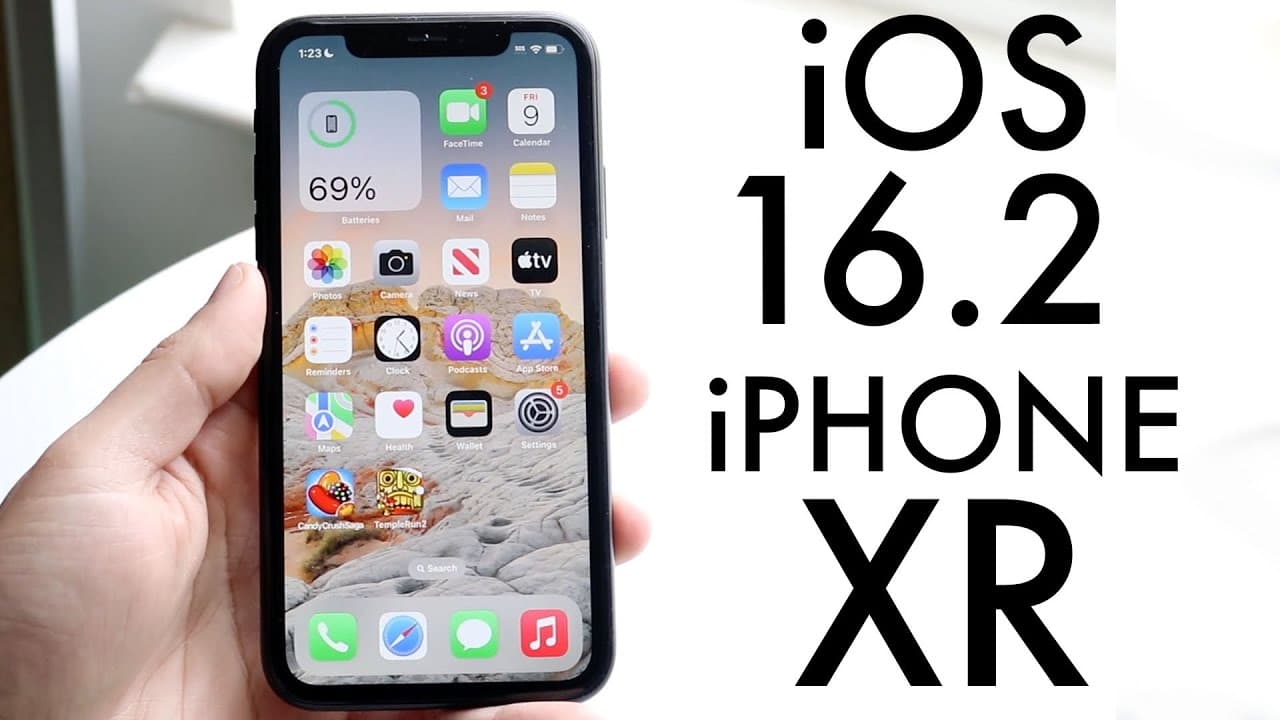
iOS 16.2 On iPhone XR! (Review)
TL;DR
iOS 16.2 introduces significant updates including new apps, enhanced security, and widgets.
Transcript
everyone that iOS 16.2 has officially came out today so let's go and take a look at it on the iPhone 10r now what I'll tell you is is that this update is a pretty big update and I'm really glad Apple went in this direction finally because now we're starting to see some big improvements and some weird things too now first of all this update did come... Read More
Key Insights
- 👤 iOS 16.2 introduces significant user-friendly applications such as the Freeform app for collaborative tasks, catering to both casual and professional users.
- 👤 Increased security measures with Advanced Data Protection make iOS 16.2 a safer platform for personal data, appealing to privacy-conscious users.
- ⏰ The addition of lock screen widgets enhances user customization, enabling better management of health and wellness tasks directly from the lock screen.
- 👶 New features for iPhone 14 Pro users offer enhanced display capabilities while other iPhone models, like the iPhone 10R, still gain valuable updates.
- 👤 The AirDrop change to "everyone for 10 minutes" reflects Apple's attention to user experience and security, even though it has received mixed reactions from users.
- ✋ The smooth transition from beta to official release indicates high stability and performance consistency in the iOS 16.2 update.
- 👶 The update encourages users to stay current with iOS versions by integrating new functionalities that enhance daily digital interactions.
Install to Summarize YouTube Videos and Get Transcripts
Explore YouTube Video Summarizer or Get YouTube Transcript Extractor
Questions & Answers
Q: What is the Freeform application introduced in iOS 16.2?
The Freeform application is a new collaborative tool included in the iOS 16.2 update. It allows users to create and share whiteboards for brainstorming or planning sessions. This app enables live collaboration with others, making it useful for both personal and professional projects where teams need to visualize ideas collectively.
Q: How does Advanced Data Protection improve security in iOS 16.2?
Advanced Data Protection enhances security with end-to-end encryption for various services such as iMessage, notes, and reminders. This means that data is only accessible to the user and no other third parties, including Apple, can decrypt this information. It significantly increases privacy and helps protect sensitive information from unauthorized access.
Q: What new lock screen widgets are available in iOS 16.2?
iOS 16.2 introduces two new lock screen widgets: one for tracking sleep patterns and another for managing medication schedules. These widgets provide users with quick access to important health-related information directly from their lock screens, making it easier to monitor wellness and medication adherence.
Q: Should users on older iOS versions consider upgrading to iOS 16.2?
Yes, users on older versions like iOS 15 are recommended to upgrade to iOS 16.2. This update not only brings stability and performance improvements but also includes enhanced features and security updates that benefit users. Upgrading ensures access to the latest functionalities and a better overall experience.
Summary & Key Takeaways
-
The iOS 16.2 update introduces the Freeform collaborative app, allowing users to share and work on virtual whiteboards in real-time, enhancing teamwork and creativity.
-
Enhanced security features include Advanced Data Protection that offers end-to-end encryption for services like iMessage, notes, and voice memos, improving user privacy and data security.
-
The update adds new lock screen widgets for tracking sleep and medications, as well as new features for iPhone 14 Pro users and adjustments to AirDrop settings, making the iOS experience more customizable and user-friendly.
Read in Other Languages (beta)
Share This Summary 📚
Summarize YouTube Videos and Get Video Transcripts with 1-Click
Try YouTube Summary with ChatGPT & Claude or YouTube Transcript Generator
Explore More Summaries from Simple Alpaca 📚






Summarize YouTube Videos and Get Video Transcripts with 1-Click
Try YouTube Summary with ChatGPT & Claude or YouTube Transcript Generator